
Xox_Symphony - Minecraft Skins & Skin History
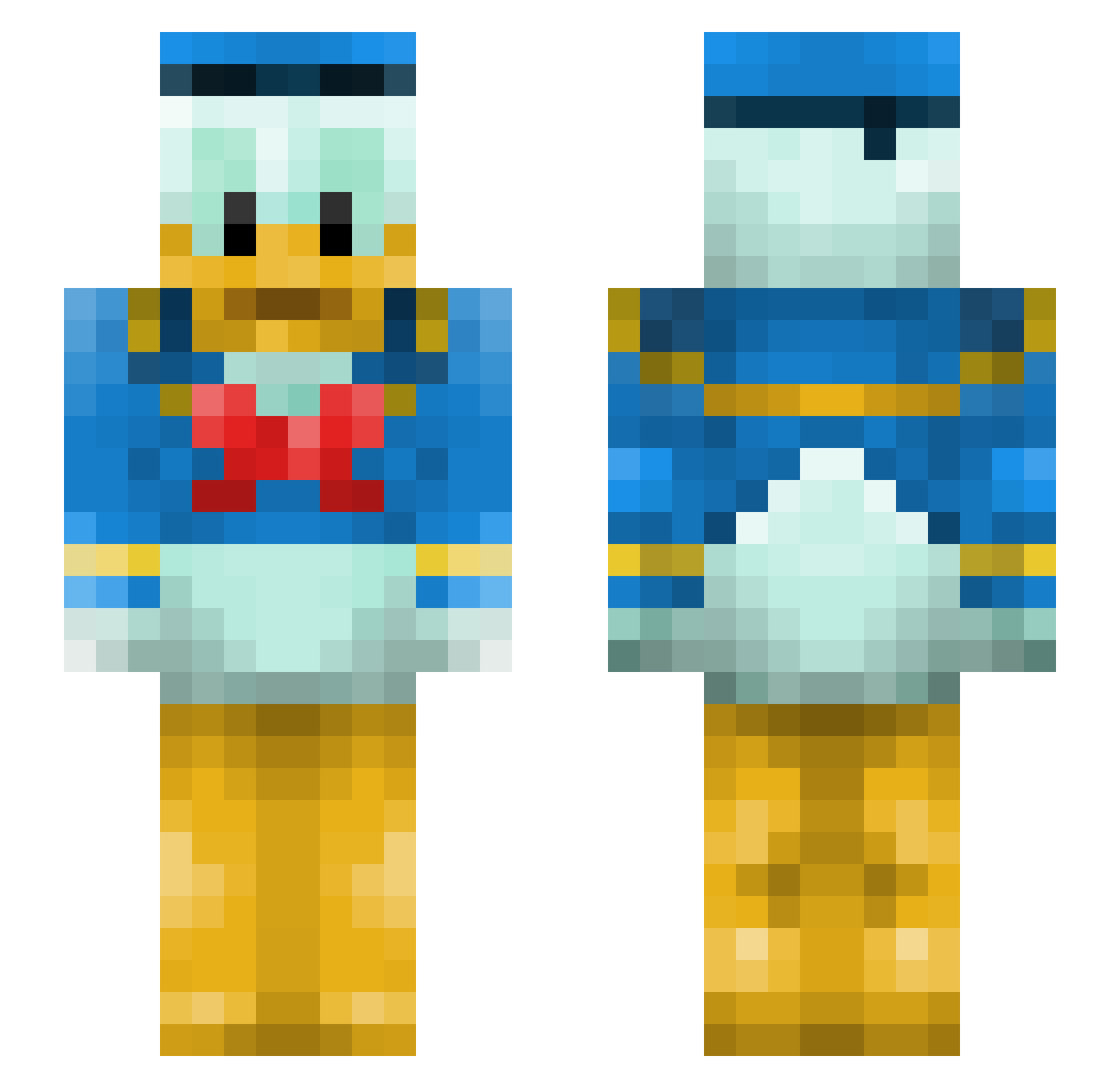
Current Minecraft skin of the player Xox_Symphony, loaded from the official Mojang API. Rotate the 3D model with your mouse or finger, then download the skin as a PNG file and use it in Minecraft: Bedrock Edition or Java Edition for free. When Xox_Symphony changes their skin, this page updates automatically and the old skin stays in the history below.
Other players with this skin (144)
Xox_Symphony was the 94th player we have seen with this skin, first spotted on 26.09.2026. The same skin was seen on these players. Open a nickname to see their current skin and skin history.
 13ironsea Aria1082 emoducko z00mby UnBreto Zezerraa RLarson19 DaQuill crocodilemilk Jassemz Takapalaka DrSpiegle GhostDog327 Suzuq RickzinKingx k4loryfer SvanteVonAnka k0ngkruse Ziinzed cloud005 dreemaal PressB2Blaze D4mpzz Kresja123 dh0127 DuckStruct1on BenjaBoy3110 zahib505 HaveYouMetTed_ layts1903 1molNaCl ritu_2 bradrob5 _Mat7 lipton_aloe RepperPepper TheBigJao Debroy Cc8753 KingAndrew1 Bulblator _LeMagicien_ FijianMade m3ssion jmil0 tjocka_bulle Gammel_Gubbe Nenaal EKELUNDJENS Martynekk m1l0s1 MarasGZ KillerheatGaming Kooooorwwwaaaaa Pengooo kossu_uv Roxarem1 Wolfeness TripVision Stormnight
More Donald Duck Minecraft skins
How to install the Xox_Symphony skin
- Press the Download button above to save the skin as a PNG file.
- Minecraft: Bedrock Edition (PE): open the Dressing Room from the main menu (or tap your character → Edit Character), go to Classic Skins → Owned, press the + (new skin) button, choose the downloaded PNG and pick the Slim (Alex) model. Works on PC and mobile; consoles cannot import custom skins.
- Minecraft: Java Edition: open the Minecraft Launcher, go to the Skins tab, click New Skin, load the PNG, pick the Slim (Alex) model and press Save & Use. You can also upload it at minecraft.net → Profile → Change Skin.
The skin does not show up after import - what should I do?
Restart Minecraft and open the Dressing Room again - imported skins sometimes appear only after a restart. Also make sure you selected the imported skin and picked the Slim (Alex) model.
Which model should I choose, Classic or Slim?
This skin is designed for the Slim (Alex) model. If you pick the wrong model, the arms of the skin will look stretched or squeezed.
Is the skin of Xox_Symphony free to download?
Yes. Press Download, save the PNG file and use it in Minecraft: Bedrock Edition or Java Edition - no payment or registration needed. The skin also works on multiplayer servers and Realms.
More skins
Looking for more? Go back to all Minecraft skins and check the top skins of the week, month and all time, or find any player's skin by nickname.