
XonicNT - Minecraft Skins & Skin History
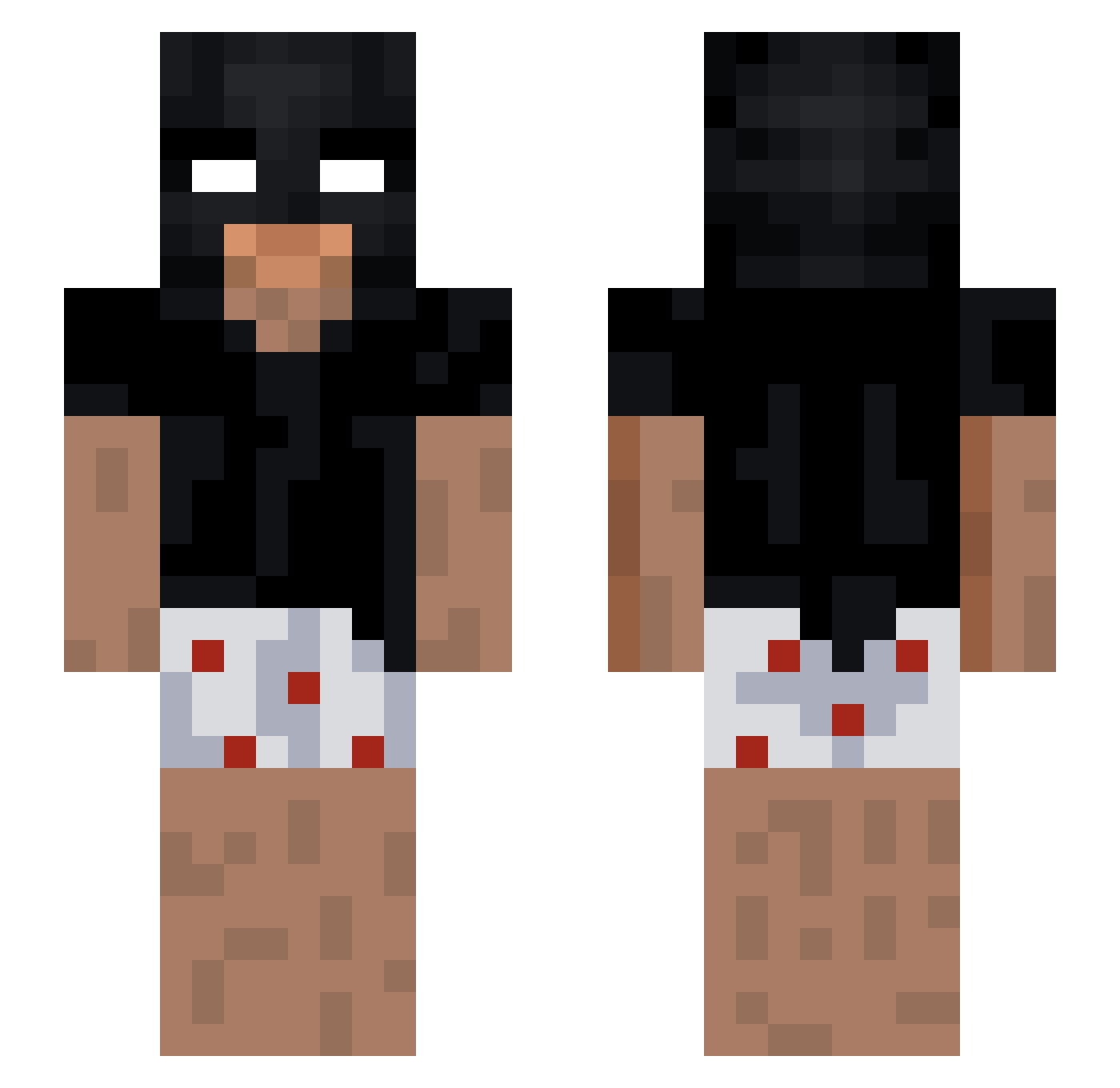
Current Minecraft skin of the player XonicNT, loaded from the official Mojang API. Rotate the 3D model with your mouse or finger, then download the skin as a PNG file and use it in Minecraft: Bedrock Edition or Java Edition for free. When XonicNT changes their skin, this page updates automatically and the old skin stays in the history below.
Other players with this skin (254)
XonicNT was the 239th player we have seen with this skin, first spotted on 13.11.2026. The same skin was seen on these players. Open a nickname to see their current skin and skin history.
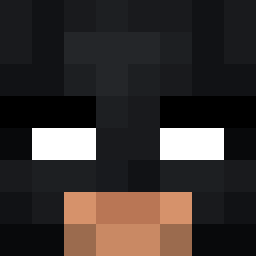 Biltas tr1pl_ _Toops _rxz _Yes_king_ KONING_OVERSPEL salto7__ lesbianfootgag Haicel Toastiest Finothy Mat1018 Nikkoz_12 GERBIE_BERBIE Pan_con_mayo666 s11lk naibell bolkva007 TsVanish Rheijsdt Fzk1 marcuuusss31 reyquan Preemium BalbusMC wtfMario ez305 IVMINMAN Bagliii kingdefault316 rayduru Xedo5 burgos983 Ludan0119 OIII777IIIO dissyman boicoppa RY0528 Roshi_0436 YGYG1101 Yungvaras akadavizaoo skaiwater0 Keedorah BBbatu matheuzzrick gmmt Yuuto4000 GorDoN343 Acasti qhucbua0fficial Peodeez derrick2real xTadziox Dispite00 Eytan458 KydrA4 s8ma alexkant05 mossyyyy
More Batman Minecraft skins
How to install the XonicNT skin
- Press the Download button above to save the skin as a PNG file.
- Minecraft: Bedrock Edition (PE): open the Dressing Room from the main menu (or tap your character → Edit Character), go to Classic Skins → Owned, press the + (new skin) button, choose the downloaded PNG and pick the Slim (Alex) model. Works on PC and mobile; consoles cannot import custom skins.
- Minecraft: Java Edition: open the Minecraft Launcher, go to the Skins tab, click New Skin, load the PNG, pick the Slim (Alex) model and press Save & Use. You can also upload it at minecraft.net → Profile → Change Skin.
The skin does not show up after import - what should I do?
Restart Minecraft and open the Dressing Room again - imported skins sometimes appear only after a restart. Also make sure you selected the imported skin and picked the Slim (Alex) model.
Which model should I choose, Classic or Slim?
This skin is designed for the Slim (Alex) model. If you pick the wrong model, the arms of the skin will look stretched or squeezed.
Is the skin of XonicNT free to download?
Yes. Press Download, save the PNG file and use it in Minecraft: Bedrock Edition or Java Edition - no payment or registration needed. The skin also works on multiplayer servers and Realms.
More skins
Looking for more? Go back to all Minecraft skins and check the top skins of the week, month and all time, or find any player's skin by nickname.