
Xiron__ - Minecraft Skins & Skin History
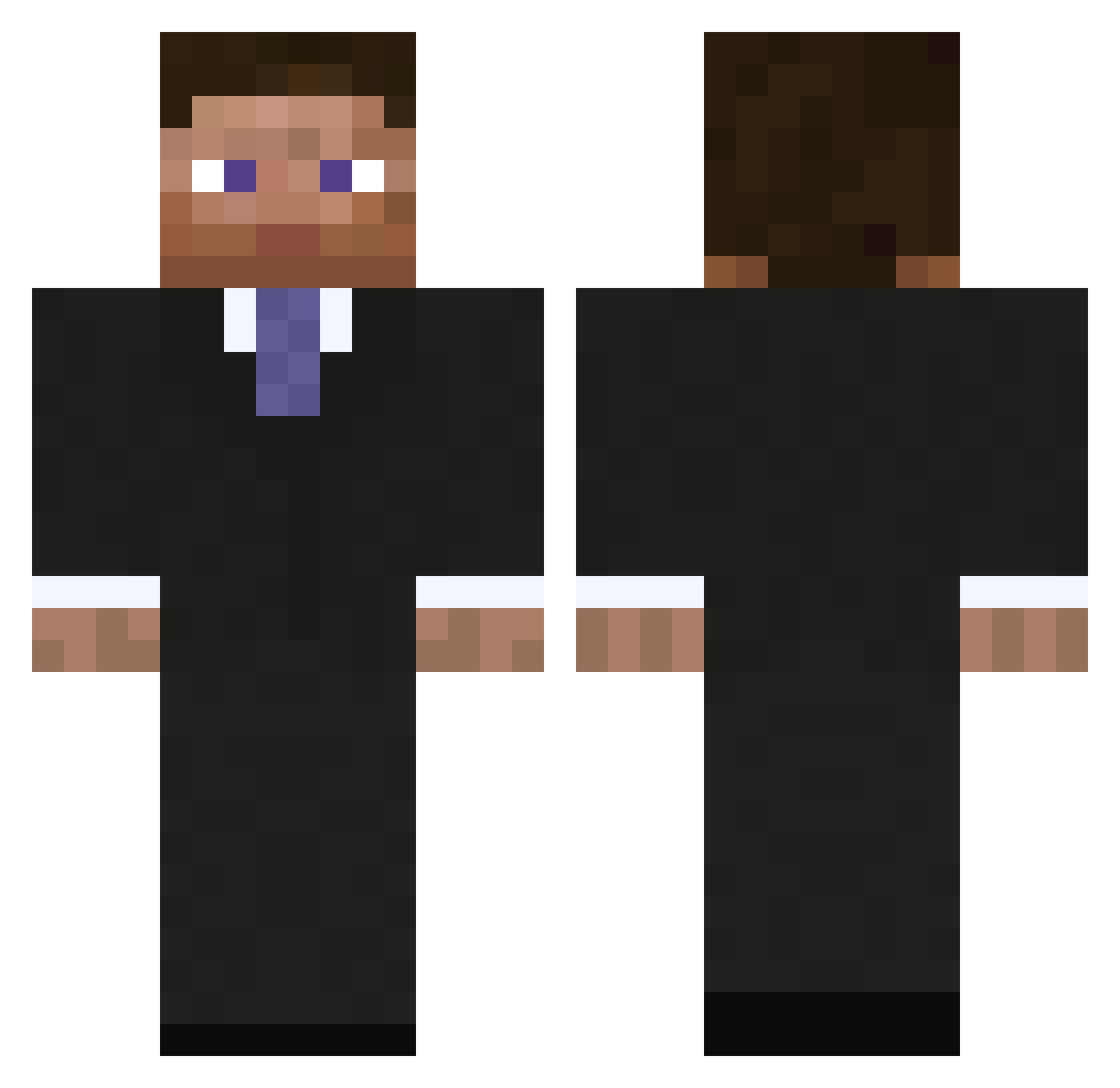
Current Minecraft skin of the player Xiron__, loaded from the official Mojang API. Rotate the 3D model with your mouse or finger, then download the skin as a PNG file and use it in Minecraft: Bedrock Edition or Java Edition for free. When Xiron__ changes their skin, this page updates automatically and the old skin stays in the history below.
Other players with this skin (793)
Xiron__ was the 463rd player we have seen with this skin, first spotted on 19.09.2026. The same skin was seen on these players. Open a nickname to see their current skin and skin history.
 DieKatze19 L4ZY992 the_treemeister MrHornet LittlestObow RUNNER41 mathe935 popn1337 AllstarEdu jonzo187 Sunny_Skies VaskiZ goldounet DaShangsta99 murreb UpLoadd bmg2457 SamSquatch92 MileMan9 Ozannnn Optimistje robmmorse leveath Lord_Htown Drummer1129 TeeArr cRisps511 Jordangillies12 IrvingMorning xXdrop_deadXx DGAzr ts3996 juliank117 ScubaE Tim_Andre GeoffRadley God_of_Gambling nsp720 Mitch404 Tanis0322 Zdizzleydazzle P3rfectz crunchytaco4 SuzmA RemyTheRat34 Birdysboy xXRobert_EllisXx Mikazuki Guaneri Nedrath ace5279 THEKING_24 richteaman jonace13 hendrik11123 ludvigx ZombehCat gimlip bocasso Meqown
More Businessman Minecraft skins
See all 5473 Businessman skins
How to install the Xiron__ skin
- Press the Download button above to save the skin as a PNG file.
- Minecraft: Bedrock Edition (PE): open the Dressing Room from the main menu (or tap your character → Edit Character), go to Classic Skins → Owned, press the + (new skin) button, choose the downloaded PNG and pick the Classic (Steve) model. Works on PC and mobile; consoles cannot import custom skins.
- Minecraft: Java Edition: open the Minecraft Launcher, go to the Skins tab, click New Skin, load the PNG, pick the Classic (Steve) model and press Save & Use. You can also upload it at minecraft.net → Profile → Change Skin.
The skin does not show up after import - what should I do?
Restart Minecraft and open the Dressing Room again - imported skins sometimes appear only after a restart. Also make sure you selected the imported skin and picked the Classic (Steve) model.
Which model should I choose, Classic or Slim?
This skin is designed for the Classic (Steve) model. If you pick the wrong model, the arms of the skin will look stretched or squeezed.
Is the skin of Xiron__ free to download?
Yes. Press Download, save the PNG file and use it in Minecraft: Bedrock Edition or Java Edition - no payment or registration needed. The skin also works on multiplayer servers and Realms.
More skins
Looking for more? Go back to all Minecraft skins and check the top skins of the week, month and all time, or find any player's skin by nickname.