
XYLL777 - Minecraft Skins & Skin History
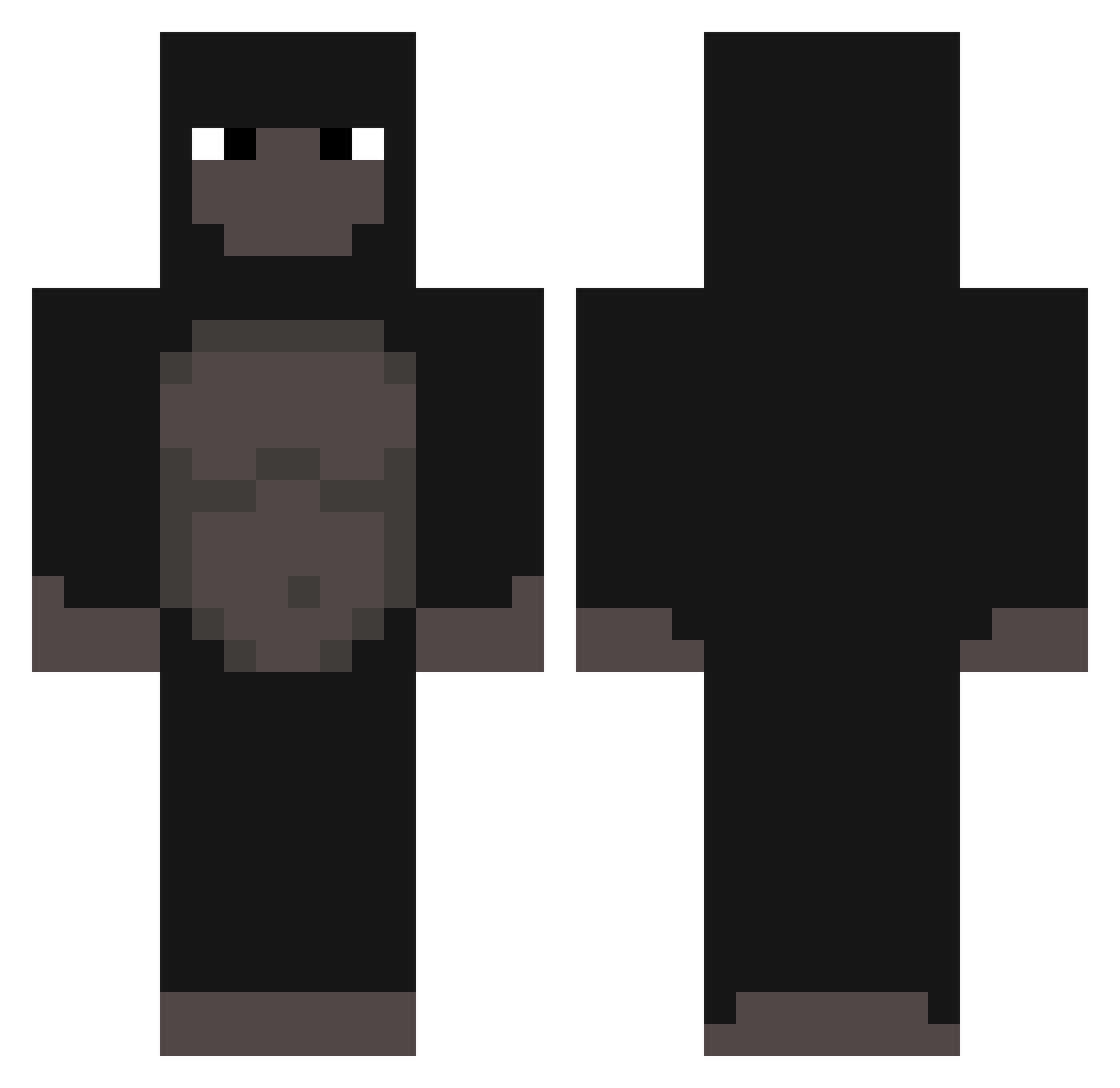
Current Minecraft skin of the player XYLL777, loaded from the official Mojang API. Rotate the 3D model with your mouse or finger, then download the skin as a PNG file and use it in Minecraft: Bedrock Edition or Java Edition for free. When XYLL777 changes their skin, this page updates automatically and the old skin stays in the history below.
Other players with this skin (303)
XYLL777 was the 26th player we have seen with this skin, first spotted on 04.08.2026. The same skin was seen on these players. Open a nickname to see their current skin and skin history.
 molodoyyyy_ _JessasaurusRex_ PokerFace2 Frank_Azar Ikerrrrrrrrrrrrr GetNaeNaed MikaszPL evceu minseok0811 rimxs Marceloiii Sianidis 1mamaco DaNcE_M0nKeY SpammingMonkey8 Gorilla23 Monklin ContractMonkey
 xfun Hibm AH4MDXD 6IX3R Vaidx rilsy_ robotnik_Mienta hurk811 MrNuri ElGordo98 Zebralol Squarealbero3 Fets_Luck07 Im_Kandy bbystain invadedplayer monkeyinme kkinqs Dezy9II blady21 rado217 henry0204 Kennet777 Natak69 Decolors ISR4EL Jschlime Bowha possu_banaan1 Beziasty DebbyBOO bxndxx__ 9573 Gugadark Korffi Falaciass GlocksyV2 Swuel grabme SapitoS2 Kiemon44 GoldenPants1911
More Gorilla Minecraft skins
How to install the XYLL777 skin
- Press the Download button above to save the skin as a PNG file.
- Minecraft: Bedrock Edition (PE): open the Dressing Room from the main menu (or tap your character → Edit Character), go to Classic Skins → Owned, press the + (new skin) button, choose the downloaded PNG and pick the Classic (Steve) model. Works on PC and mobile; consoles cannot import custom skins.
- Minecraft: Java Edition: open the Minecraft Launcher, go to the Skins tab, click New Skin, load the PNG, pick the Classic (Steve) model and press Save & Use. You can also upload it at minecraft.net → Profile → Change Skin.
The skin does not show up after import - what should I do?
Restart Minecraft and open the Dressing Room again - imported skins sometimes appear only after a restart. Also make sure you selected the imported skin and picked the Classic (Steve) model.
Which model should I choose, Classic or Slim?
This skin is designed for the Classic (Steve) model. If you pick the wrong model, the arms of the skin will look stretched or squeezed.
Is the skin of XYLL777 free to download?
Yes. Press Download, save the PNG file and use it in Minecraft: Bedrock Edition or Java Edition - no payment or registration needed. The skin also works on multiplayer servers and Realms.
More skins
Looking for more? Go back to all Minecraft skins and check the top skins of the week, month and all time, or find any player's skin by nickname.