
Wollys1 - Minecraft Skins & Skin History
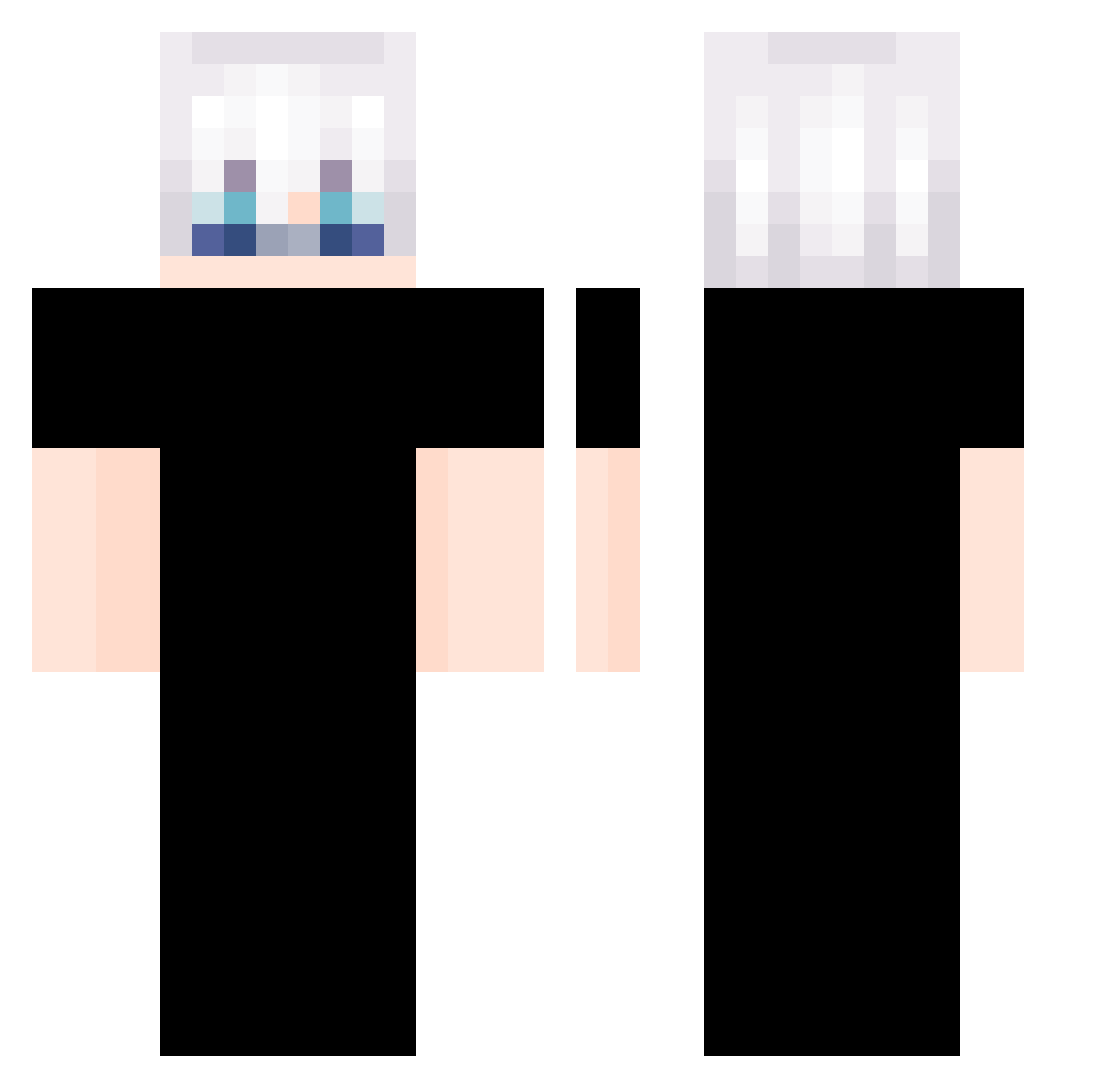
Current Minecraft skin of the player Wollys1, loaded from the official Mojang API. Rotate the 3D model with your mouse or finger, then download the skin as a PNG file and use it in Minecraft: Bedrock Edition or Java Edition for free. When Wollys1 changes their skin, this page updates automatically and the old skin stays in the history below.
Other players with this skin (339)
Wollys1 was the 210th player we have seen with this skin, first spotted on 02.10.2026. The same skin was seen on these players. Open a nickname to see their current skin and skin history.
 SASIBakaA Misterttas Balvin8 EduG24 masaaaaa0103 Eundoya akvmu damaxon Ohhgaab 1HOvO LucasFPS Abraasz Bunnyswtch XUHSU BlueEnderNon ADREESKHALID BlackSketo Masztor R4NlZ Zaiwaa kimchaewon01 KTRNIVEK PL5M3 JVMES___ Patojuan3 Linko_00 sigma_wolf123 Jottaneves1234 seonu_khun Megu_Mentas yerin12345 Radokunn imMikey04 hanhaes0o Hasoman WheeVen jiqing0615 Shadoo147 owenxmns sseo02 Maru_desu39 Taka0898 god_beomjun123 KazuOrDiee oa_0301 aTumble M_hobbang peopleoe Caiosin xSnockz deam360 mekuurito FerLi Bellthiel _R4v7n_ rampart0219 XXSAAD_T Egg_Man666 perryzudo owow
More Satoru Gojo Minecraft skins
See all 1317 Satoru Gojo skins
How to install the Wollys1 skin
- Press the Download button above to save the skin as a PNG file.
- Minecraft: Bedrock Edition (PE): open the Dressing Room from the main menu (or tap your character → Edit Character), go to Classic Skins → Owned, press the + (new skin) button, choose the downloaded PNG and pick the Classic (Steve) model. Works on PC and mobile; consoles cannot import custom skins.
- Minecraft: Java Edition: open the Minecraft Launcher, go to the Skins tab, click New Skin, load the PNG, pick the Classic (Steve) model and press Save & Use. You can also upload it at minecraft.net → Profile → Change Skin.
The skin does not show up after import - what should I do?
Restart Minecraft and open the Dressing Room again - imported skins sometimes appear only after a restart. Also make sure you selected the imported skin and picked the Classic (Steve) model.
Which model should I choose, Classic or Slim?
This skin is designed for the Classic (Steve) model. If you pick the wrong model, the arms of the skin will look stretched or squeezed.
Is the skin of Wollys1 free to download?
Yes. Press Download, save the PNG file and use it in Minecraft: Bedrock Edition or Java Edition - no payment or registration needed. The skin also works on multiplayer servers and Realms.
More skins
Looking for more? Go back to all Minecraft skins and check the top skins of the week, month and all time, or find any player's skin by nickname.