
Weedox - Minecraft Skins & Skin History
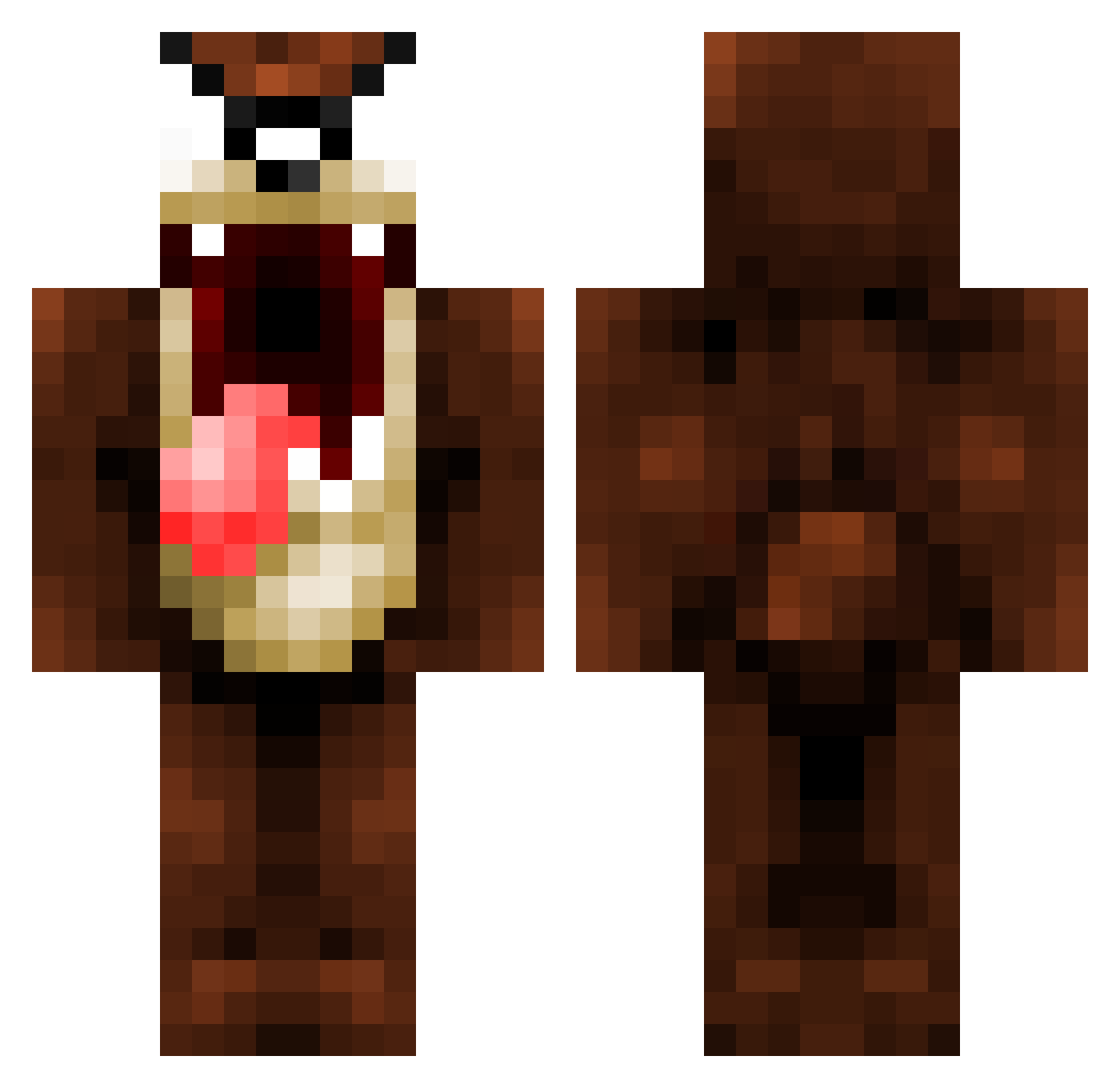
Current Minecraft skin of the player Weedox, loaded from the official Mojang API. Rotate the 3D model with your mouse or finger, then download the skin as a PNG file and use it in Minecraft: Bedrock Edition or Java Edition for free. When Weedox changes their skin, this page updates automatically and the old skin stays in the history below.
Other players with this skin (1069)
Weedox was the 222nd player we have seen with this skin, first spotted on 17.08.2026. The same skin was seen on these players. Open a nickname to see their current skin and skin history.
 alankline pencilface11 RazzzooR97 inigocanedo Tactical_Fatboy triplebo1 Mefist0o13 Magic_Seal PottyMonkey ElectricalSkull DarckGamer24 LMarran zambersx jw4039 Night0wls TheOneMammoth UGAShogun Big_Nig46 96Jones96 qweenofthestars iluigii41 DevilDoctor99 jacobzoe cookieeater10 xHeaDLineRx Arran199 chs13 _Velsha_ Jonnycar39 HE0924 doudbondues Aarrton NiggasForSale james_budden Grimreaper23476 masterker2 DBm0bst3r iGoatz oisinmccann Eramses2 Winnitoo bigfoot78 Juliansheto TFG_SINISTER GranitHammer djhamy iCammy01 Predator11222 Nnanek95 NYRANGERFAN12 imHRVZY t0000026 HashLasse SunDuck TheCrackPablo R0kus_ FlameArcher23 volkp iFeeling dtig
More Taz Minecraft skins
How to install the Weedox skin
- Press the Download button above to save the skin as a PNG file.
- Minecraft: Bedrock Edition (PE): open the Dressing Room from the main menu (or tap your character → Edit Character), go to Classic Skins → Owned, press the + (new skin) button, choose the downloaded PNG and pick the Classic (Steve) model. Works on PC and mobile; consoles cannot import custom skins.
- Minecraft: Java Edition: open the Minecraft Launcher, go to the Skins tab, click New Skin, load the PNG, pick the Classic (Steve) model and press Save & Use. You can also upload it at minecraft.net → Profile → Change Skin.
The skin does not show up after import - what should I do?
Restart Minecraft and open the Dressing Room again - imported skins sometimes appear only after a restart. Also make sure you selected the imported skin and picked the Classic (Steve) model.
Which model should I choose, Classic or Slim?
This skin is designed for the Classic (Steve) model. If you pick the wrong model, the arms of the skin will look stretched or squeezed.
Is the skin of Weedox free to download?
Yes. Press Download, save the PNG file and use it in Minecraft: Bedrock Edition or Java Edition - no payment or registration needed. The skin also works on multiplayer servers and Realms.
More skins
Looking for more? Go back to all Minecraft skins and check the top skins of the week, month and all time, or find any player's skin by nickname.