
Vocql - Minecraft Skins & Skin History
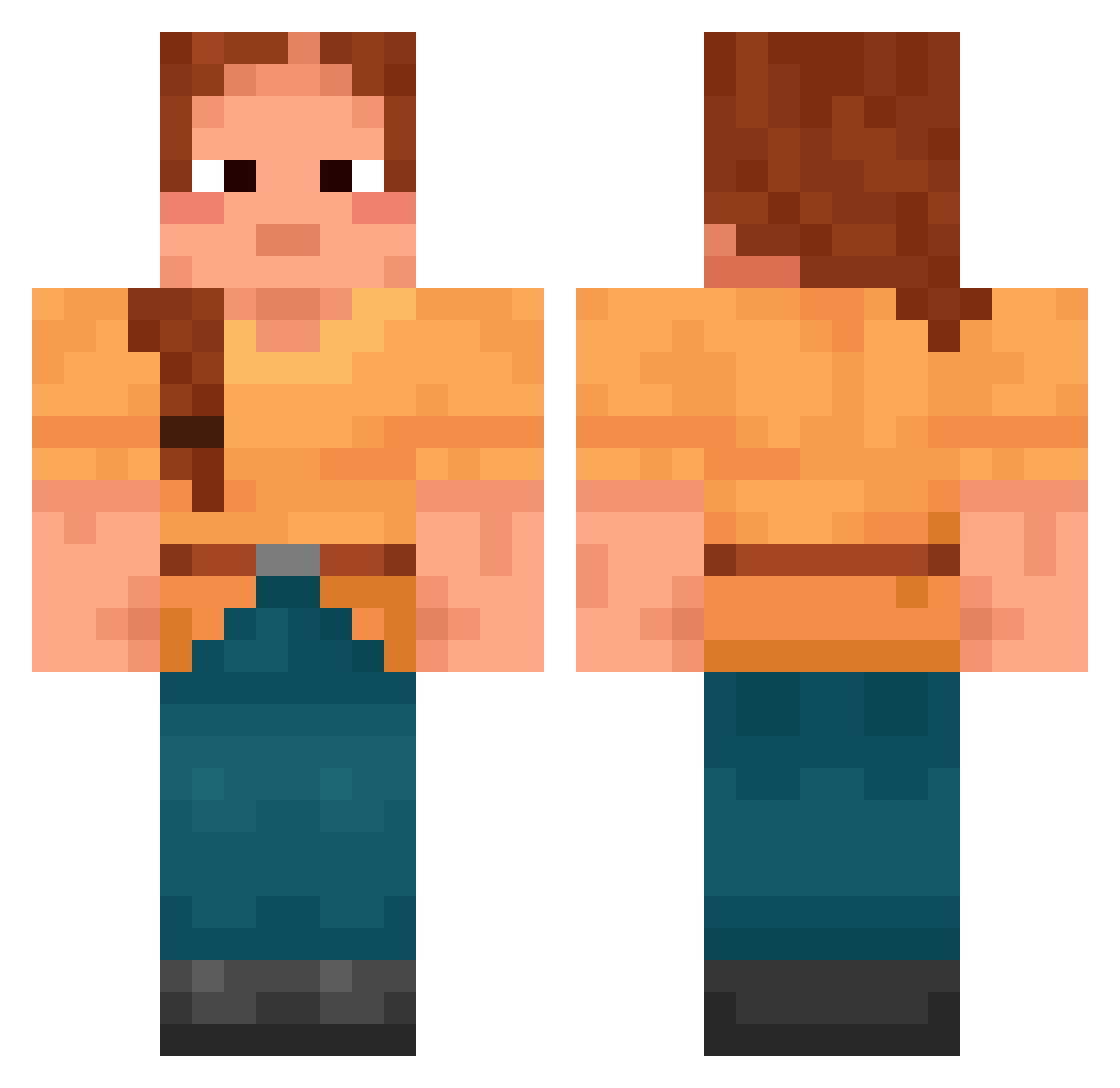
Current Minecraft skin of the player Vocql, loaded from the official Mojang API. Rotate the 3D model with your mouse or finger, then download the skin as a PNG file and use it in Minecraft: Bedrock Edition or Java Edition for free. When Vocql changes their skin, this page updates automatically and the old skin stays in the history below.
Other players with this skin (1783)
Vocql was the 360th player we have seen with this skin, first spotted on 16.08.2026. The same skin was seen on these players. Open a nickname to see their current skin and skin history.
 AzuGleam Qu3nt1nL yshujji_ NUri3l Unsafer Chick92 maksimpalinski 11olivia22 AutoScript TotesMcScotes Fxcn Dropo2 SirSebie Akmane Nesyikes Infident Goldish Asmog_YT Unoverruled jacquelacke Izdubar StromReik Laches laurenwalsh01 Cornucopias Marly 8anno Eipsteinfn32 Stroller lorenfrannn ahagy8720 Baby_Drake Doblons PanzerHAnz
 Shakuhachi Excoriation 1156oop Zhenya_V ootmc Fissility togt Covetousness Nuke_jr TJB04 RedAme MyssCandy Tagada669 Gawysa Ol3y chnwbarti reubenbb Samplers acetylation intendant Fuehrer_perry ernesto007
 Draggonix 777snowball PolskaKadra TimS
More Cottagecore Minecraft skins
See all 6814 Cottagecore skins
How to install the Vocql skin
- Press the Download button above to save the skin as a PNG file.
- Minecraft: Bedrock Edition (PE): open the Dressing Room from the main menu (or tap your character → Edit Character), go to Classic Skins → Owned, press the + (new skin) button, choose the downloaded PNG and pick the Classic (Steve) model. Works on PC and mobile; consoles cannot import custom skins.
- Minecraft: Java Edition: open the Minecraft Launcher, go to the Skins tab, click New Skin, load the PNG, pick the Classic (Steve) model and press Save & Use. You can also upload it at minecraft.net → Profile → Change Skin.
The skin does not show up after import - what should I do?
Restart Minecraft and open the Dressing Room again - imported skins sometimes appear only after a restart. Also make sure you selected the imported skin and picked the Classic (Steve) model.
Which model should I choose, Classic or Slim?
This skin is designed for the Classic (Steve) model. If you pick the wrong model, the arms of the skin will look stretched or squeezed.
Is the skin of Vocql free to download?
Yes. Press Download, save the PNG file and use it in Minecraft: Bedrock Edition or Java Edition - no payment or registration needed. The skin also works on multiplayer servers and Realms.
More skins
Looking for more? Go back to all Minecraft skins and check the top skins of the week, month and all time, or find any player's skin by nickname.