
Viper626 - Minecraft Skins & Skin History
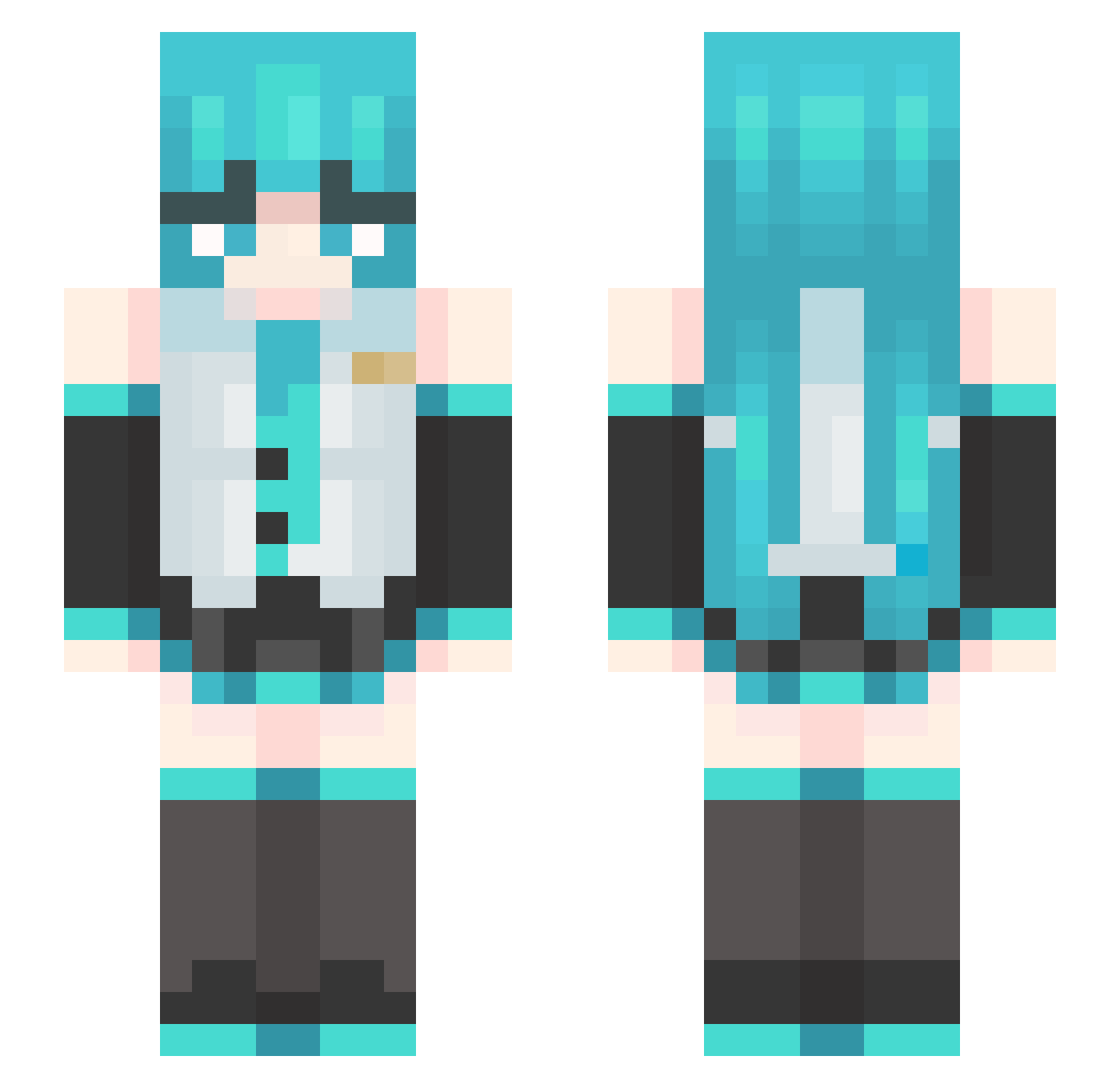
Current Minecraft skin of the player Viper626, loaded from the official Mojang API. Rotate the 3D model with your mouse or finger, then download the skin as a PNG file and use it in Minecraft: Bedrock Edition or Java Edition for free. When Viper626 changes their skin, this page updates automatically and the old skin stays in the history below.
Other players with this skin (455)
Viper626 was the 394th player we have seen with this skin, first spotted on 21.10.2026. The same skin was seen on these players. Open a nickname to see their current skin and skin history.
 friedZY 1_0_0_0_0_0_0_1 tugbardm tonyfangggod Masashimaki Mr_Zamu karoz3 DrezzyDrez518 poobpob cutefemboy19 CAMPOY__ Horagon FFlalala Momo_san_ Dorohe Lunanokutisu UmiJob rune_2h Daffid15 wWHhYy7 spidermarhias15 Arthur_boyle leith409 DEOEEE yNanashi_ kimsiyul1201 TheShyGuyyyyyyyy EclipsuneMiku GQR72 QUALOUP dannyenm Lavxzz rooof89 ChoomBooster Zirius29 Kirukato54 Exalior1 Imsdeep powerpointkotik JYIJ loveinso math3600 LlamaXYZ Hxx1234 seravatt Lunnay__ CronosXNXN FabianHatsune __Ciel____ MtnDroo sbdw liuxing11 DeezSolraC _loxymus GuYe06 xhs_xj RodrielRot TheCastorice hwowhu Ducisrealmc
More Hatsune Miku Minecraft skins
See all 859 Hatsune Miku skins
How to install the Viper626 skin
- Press the Download button above to save the skin as a PNG file.
- Minecraft: Bedrock Edition (PE): open the Dressing Room from the main menu (or tap your character → Edit Character), go to Classic Skins → Owned, press the + (new skin) button, choose the downloaded PNG and pick the Slim (Alex) model. Works on PC and mobile; consoles cannot import custom skins.
- Minecraft: Java Edition: open the Minecraft Launcher, go to the Skins tab, click New Skin, load the PNG, pick the Slim (Alex) model and press Save & Use. You can also upload it at minecraft.net → Profile → Change Skin.
The skin does not show up after import - what should I do?
Restart Minecraft and open the Dressing Room again - imported skins sometimes appear only after a restart. Also make sure you selected the imported skin and picked the Slim (Alex) model.
Which model should I choose, Classic or Slim?
This skin is designed for the Slim (Alex) model. If you pick the wrong model, the arms of the skin will look stretched or squeezed.
Is the skin of Viper626 free to download?
Yes. Press Download, save the PNG file and use it in Minecraft: Bedrock Edition or Java Edition - no payment or registration needed. The skin also works on multiplayer servers and Realms.
More skins
Looking for more? Go back to all Minecraft skins and check the top skins of the week, month and all time, or find any player's skin by nickname.