
Verlayne - Minecraft Skins & Skin History
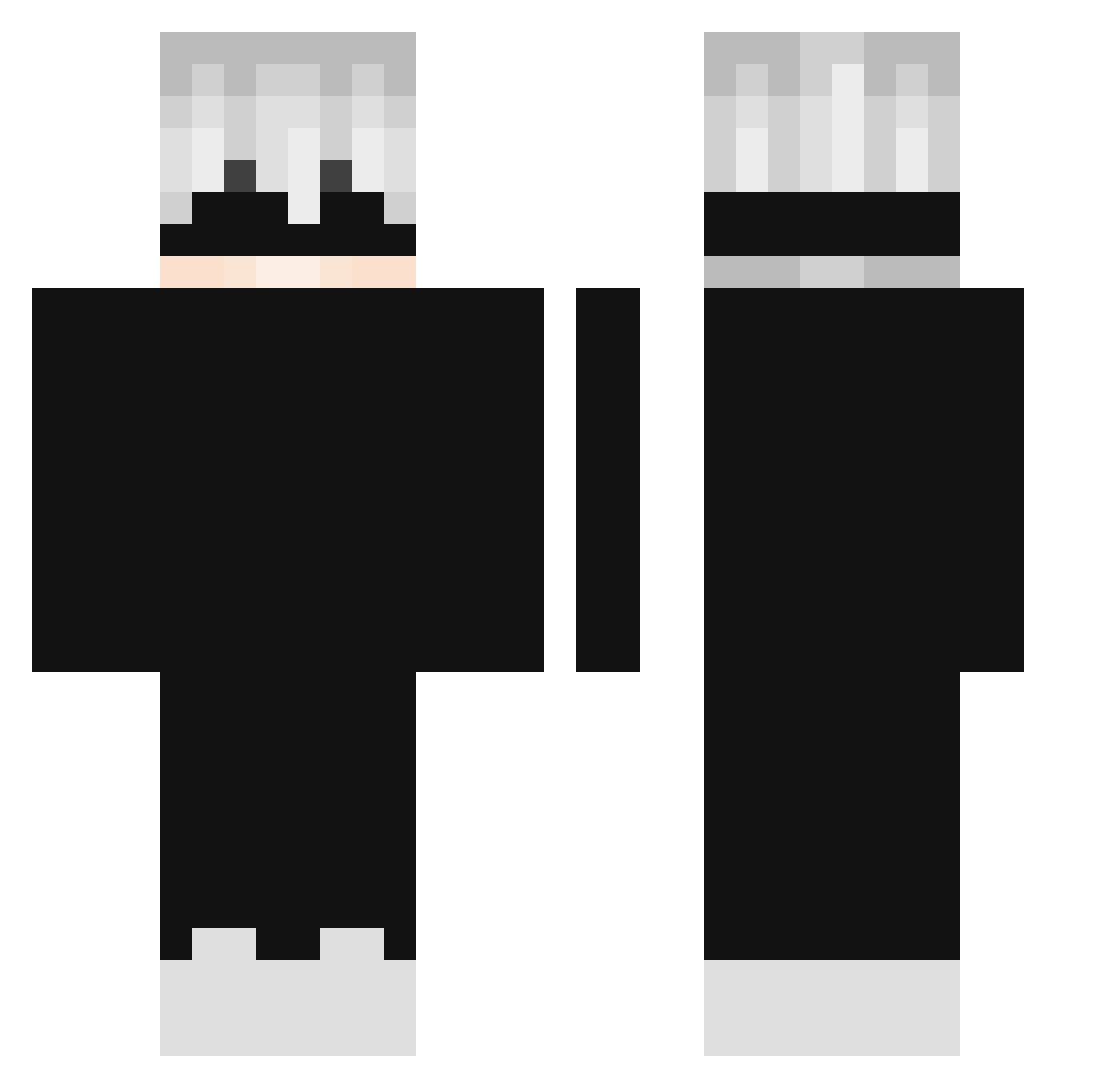
Current Minecraft skin of the player Verlayne, loaded from the official Mojang API. Rotate the 3D model with your mouse or finger, then download the skin as a PNG file and use it in Minecraft: Bedrock Edition or Java Edition for free. When Verlayne changes their skin, this page updates automatically and the old skin stays in the history below.
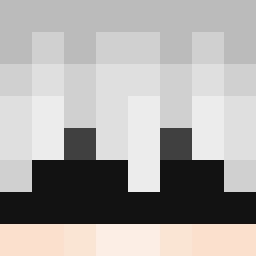
Other players with this skin (299)
Verlayne was the 110th player we have seen with this skin, first spotted on 08.09.2026. The same skin was seen on these players. Open a nickname to see their current skin and skin history.
 Meister_txxly nforcerr lowkArix Nifujin FlyzinGod MastoxUltra F_5_M TojiMenace FreeFromYou narwhalnipps D4RK1LL3R YousefDiab92 4na4 Riv3rWa22io2 TormentilBloom DrizztDo_Urden Mzhfr KAIKAIKAI0119 StoeptegelxD BenDa0909 HongJaeGwon12 DELAY444 Nestea29 Nitrii binbing666 KyloReen 7kevin_ CursedEnergy mxtt777 yy0b2g TrulyGolden1 BaranMastroianni Levi_Ackerman064 LzTom ByTomatt vixow K3nt98 JosphysDad midoGG DJC1200 avision Rylee1717 Kadu_PVP_BR MeineLeige Gero2018 Zalamanie_ steakspide UPONE SavZ__ yWooxzera GenIsABot muyaho3 miclame1 zixian47 KadiSTO A1d3nl ItsAloneGuy xDEVIOUSx brodeliciouz samfay02
More Satoru Gojo Minecraft skins
See all 1375 Satoru Gojo skins
How to install the Verlayne skin
- Press the Download button above to save the skin as a PNG file.
- Minecraft: Bedrock Edition (PE): open the Dressing Room from the main menu (or tap your character → Edit Character), go to Classic Skins → Owned, press the + (new skin) button, choose the downloaded PNG and pick the Classic (Steve) model. Works on PC and mobile; consoles cannot import custom skins.
- Minecraft: Java Edition: open the Minecraft Launcher, go to the Skins tab, click New Skin, load the PNG, pick the Classic (Steve) model and press Save & Use. You can also upload it at minecraft.net → Profile → Change Skin.
The skin does not show up after import - what should I do?
Restart Minecraft and open the Dressing Room again - imported skins sometimes appear only after a restart. Also make sure you selected the imported skin and picked the Classic (Steve) model.
Which model should I choose, Classic or Slim?
This skin is designed for the Classic (Steve) model. If you pick the wrong model, the arms of the skin will look stretched or squeezed.
Is the skin of Verlayne free to download?
Yes. Press Download, save the PNG file and use it in Minecraft: Bedrock Edition or Java Edition - no payment or registration needed. The skin also works on multiplayer servers and Realms.
More skins
Looking for more? Go back to all Minecraft skins and check the top skins of the week, month and all time, or find any player's skin by nickname.