
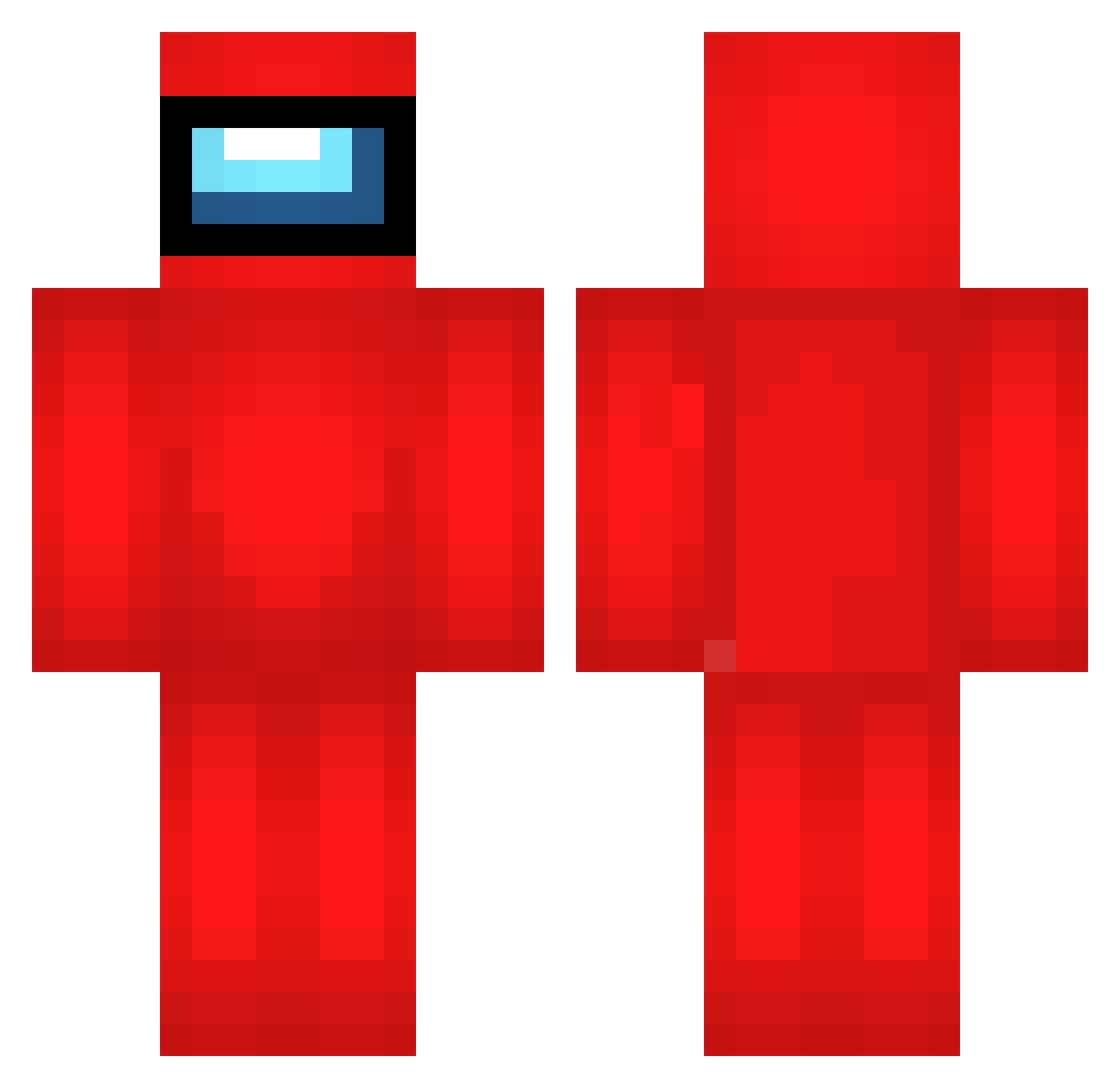
Current Minecraft skin of the player UFN537, loaded from the official Mojang API. Rotate the 3D model with your mouse or finger, then download the skin as a PNG file and use it in Minecraft: Bedrock Edition or Java Edition for free. When UFN537 changes their skin, this page updates automatically and the old skin stays in the history below.
Other players with this skin (536)
UFN537 was the 20th player we have seen with this skin, first spotted on 25.07.2026. The same skin was seen on these players. Open a nickname to see their current skin and skin history.
 TXi296 ZOg705 xWn429 mxn991 wvp734 tVA490 dvS432 tfP886 bengrid eqxue darius202 Souda_31 Zuu42 suw513 arika423 ykw163 kNm962 ZwV189 RightsRefused dos108 uHZ837 Flb73 Jbq121 frandpp qym997 ZrF956 Elite_Floppers ChM319 tCo353 MUX723 ZfQ413 Mqk992 meF799 pyo479 eGg478 gQw142 mpw538 suX976 jLL250 DAK205 npI114 NIl891 qcS177 Zqh196 Veven_off cmj0314 oox51 uvr550 Diesel_DS2 wBl797 DJA96 GONK2_BONK WYI716 sensejsan dUT967 fXA327 iBz907 SavageDoggo2182 NZC763 ewt110
More Crewmate Minecraft skins
How to install the UFN537 skin
- Press the Download button above to save the skin as a PNG file.
- Minecraft: Bedrock Edition (PE): open the Dressing Room from the main menu (or tap your character → Edit Character), go to Classic Skins → Owned, press the + (new skin) button, choose the downloaded PNG and pick the Classic (Steve) model. Works on PC and mobile; consoles cannot import custom skins.
- Minecraft: Java Edition: open the Minecraft Launcher, go to the Skins tab, click New Skin, load the PNG, pick the Classic (Steve) model and press Save & Use. You can also upload it at minecraft.net → Profile → Change Skin.
The skin does not show up after import - what should I do?
Restart Minecraft and open the Dressing Room again - imported skins sometimes appear only after a restart. Also make sure you selected the imported skin and picked the Classic (Steve) model.
Which model should I choose, Classic or Slim?
This skin is designed for the Classic (Steve) model. If you pick the wrong model, the arms of the skin will look stretched or squeezed.
Is the skin of UFN537 free to download?
Yes. Press Download, save the PNG file and use it in Minecraft: Bedrock Edition or Java Edition - no payment or registration needed. The skin also works on multiplayer servers and Realms.
More skins
Looking for more? Go back to all Minecraft skins and check the top skins of the week, month and all time, or find any player's skin by nickname.