
TrapstarJJ - Minecraft Skins & Skin History
Current Minecraft skin of the player TrapstarJJ, loaded from the official Mojang API. Rotate the 3D model with your mouse or finger, then download the skin as a PNG file and use it in Minecraft: Bedrock Edition or Java Edition for free. When TrapstarJJ changes their skin, this page updates automatically and the old skin stays in the history below.
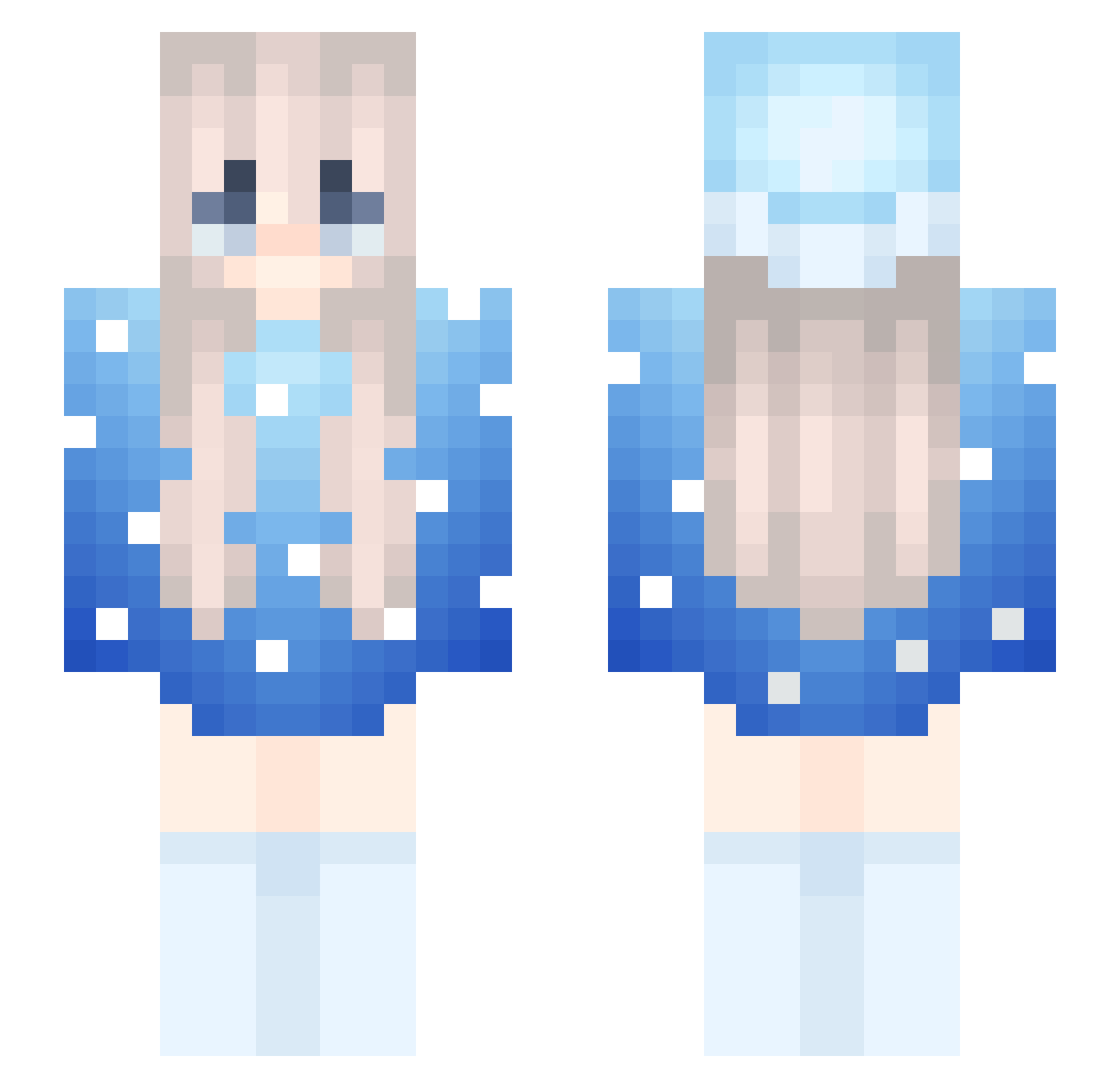
Other players with this skin (264)
TrapstarJJ was the 106th player we have seen with this skin, first spotted on 03.09.2026. The same skin was seen on these players. Open a nickname to see their current skin and skin history.
 Destiny073
 Marlowww Luna20150405
 Hotpotatopvper KING1122333
 Svante007 jimmyBannane cabohydratetofu
 LBJ_XxHachixX Kawallwarr Alexeyjmitico XXC2333 brody6710 snarkkk SKNVAMP
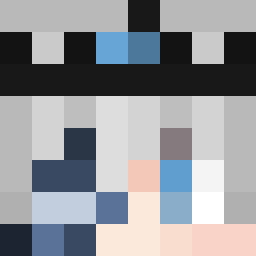 Xylaaz Faezz ItzRealMarlo banshee121 JuliaQuerino zFaing skibidi67fortnit Beluga_2424 Farfar1216 MarlowwwT1 Scyber2000 odored Nere03 MiaoHe zz_qrIwK_12_21 theyloveKira oneandonlymarek Twenty_04 Wysoki_Majowka
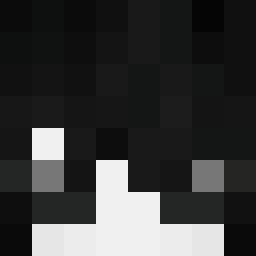 emotionlessFREAK
 TheMasterAang13 dilena1 SteliosMars pj3421 oilupdiddy anchorcheater67 XItzUltraX cesar777 mzale67 Conk_Egg Efebn xMarlowww titasdebilas Irtiking 98762 Franxs_001 AlmostSpring LazzyTime Bennycpvp WEEkysik gugi09 Kacpi15_xd IsnotMarlowww chorapramimtheo
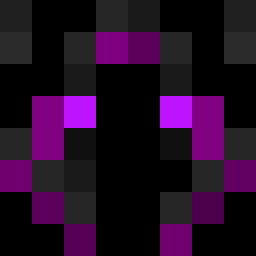 Flofi_Flow
Previous skins of TrapstarJJ
Skins that TrapstarJJ wore before, newest first. Click a skin to open its page and download it.
More Snow Minecraft skins
How to install the TrapstarJJ skin
- Press the Download button above to save the skin as a PNG file.
- Minecraft: Bedrock Edition (PE): open the Dressing Room from the main menu (or tap your character → Edit Character), go to Classic Skins → Owned, press the + (new skin) button, choose the downloaded PNG and pick the Slim (Alex) model. Works on PC and mobile; consoles cannot import custom skins.
- Minecraft: Java Edition: open the Minecraft Launcher, go to the Skins tab, click New Skin, load the PNG, pick the Slim (Alex) model and press Save & Use. You can also upload it at minecraft.net → Profile → Change Skin.
The skin does not show up after import - what should I do?
Restart Minecraft and open the Dressing Room again - imported skins sometimes appear only after a restart. Also make sure you selected the imported skin and picked the Slim (Alex) model.
Which model should I choose, Classic or Slim?
This skin is designed for the Slim (Alex) model. If you pick the wrong model, the arms of the skin will look stretched or squeezed.
Is the skin of TrapstarJJ free to download?
Yes. Press Download, save the PNG file and use it in Minecraft: Bedrock Edition or Java Edition - no payment or registration needed. The skin also works on multiplayer servers and Realms.
More skins
Looking for more? Go back to all Minecraft skins and check the top skins of the week, month and all time, or find any player's skin by nickname.