
Tranele - Minecraft Skins & Skin History
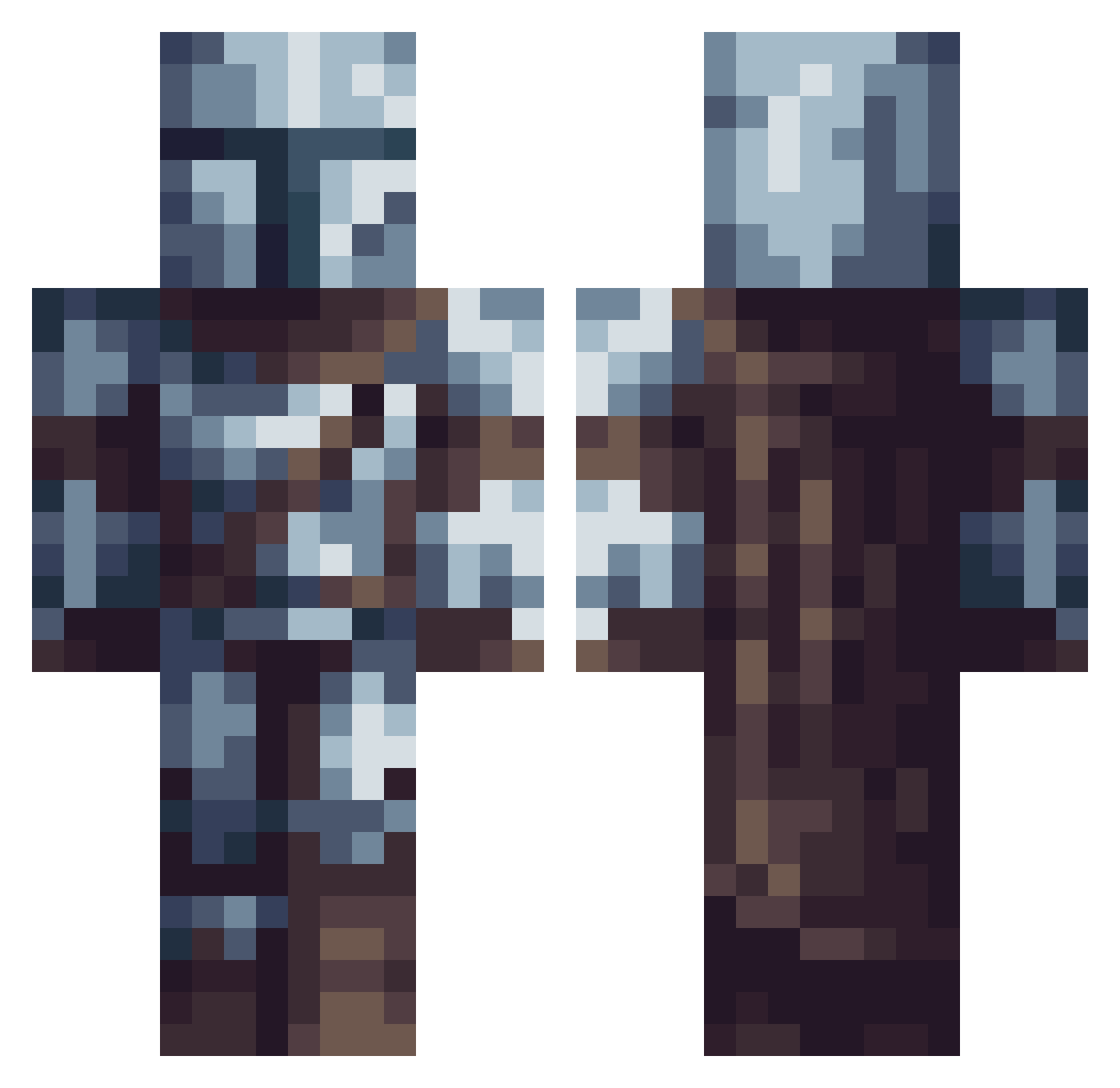
Current Minecraft skin of the player Tranele, loaded from the official Mojang API. Rotate the 3D model with your mouse or finger, then download the skin as a PNG file and use it in Minecraft: Bedrock Edition or Java Edition for free. When Tranele changes their skin, this page updates automatically and the old skin stays in the history below.
Other players with this skin (614)
Tranele was the 575th player we have seen with this skin, first spotted on 26.10.2026. The same skin was seen on these players. Open a nickname to see their current skin and skin history.
 L3eoX _EM7RA_ Luke2711 Drakspirit NixionTR ThuskedHelli UnicornTheLegend Breuton_ mrwaffle7546 Goldensmash Vlixxx BlockyBoxyBoi uzidzem notaqill ZumoDeCebada lightrunner30 BenFinns SaFLeM NikiXO skatoula16 arturocampi squidoodelly RaIxGaMer02 theroadisnarrow Nemesis_of_Melon Ugomct1 cannon40 YitanFran afcBAILEY CptinNemo LilBoiBando Bunkers1 ZeinSpelarYT Buckethunter GabyDam BountyHunter621 TheGR0ne Maric224 Sloth99_ TreeSolaris DrefarGraykiym Sucska Magical_Toucan leonhatake Paburo_Senpai BRANXHO Daemon0911 ElpanaMiquel Hiro__official_ Darko444 speakable4015 Hyperdogz theunknown124 AmericanKid80 Raynsha valendo BubbaBearGamer MasterVasquez GecKoala_ Boosicle
More The Mandalorian Minecraft skins
See all 591 The Mandalorian skins
How to install the Tranele skin
- Press the Download button above to save the skin as a PNG file.
- Minecraft: Bedrock Edition (PE): open the Dressing Room from the main menu (or tap your character → Edit Character), go to Classic Skins → Owned, press the + (new skin) button, choose the downloaded PNG and pick the Classic (Steve) model. Works on PC and mobile; consoles cannot import custom skins.
- Minecraft: Java Edition: open the Minecraft Launcher, go to the Skins tab, click New Skin, load the PNG, pick the Classic (Steve) model and press Save & Use. You can also upload it at minecraft.net → Profile → Change Skin.
The skin does not show up after import - what should I do?
Restart Minecraft and open the Dressing Room again - imported skins sometimes appear only after a restart. Also make sure you selected the imported skin and picked the Classic (Steve) model.
Which model should I choose, Classic or Slim?
This skin is designed for the Classic (Steve) model. If you pick the wrong model, the arms of the skin will look stretched or squeezed.
Is the skin of Tranele free to download?
Yes. Press Download, save the PNG file and use it in Minecraft: Bedrock Edition or Java Edition - no payment or registration needed. The skin also works on multiplayer servers and Realms.
More skins
Looking for more? Go back to all Minecraft skins and check the top skins of the week, month and all time, or find any player's skin by nickname.