
TotoNine31 - Minecraft Skins & Skin History
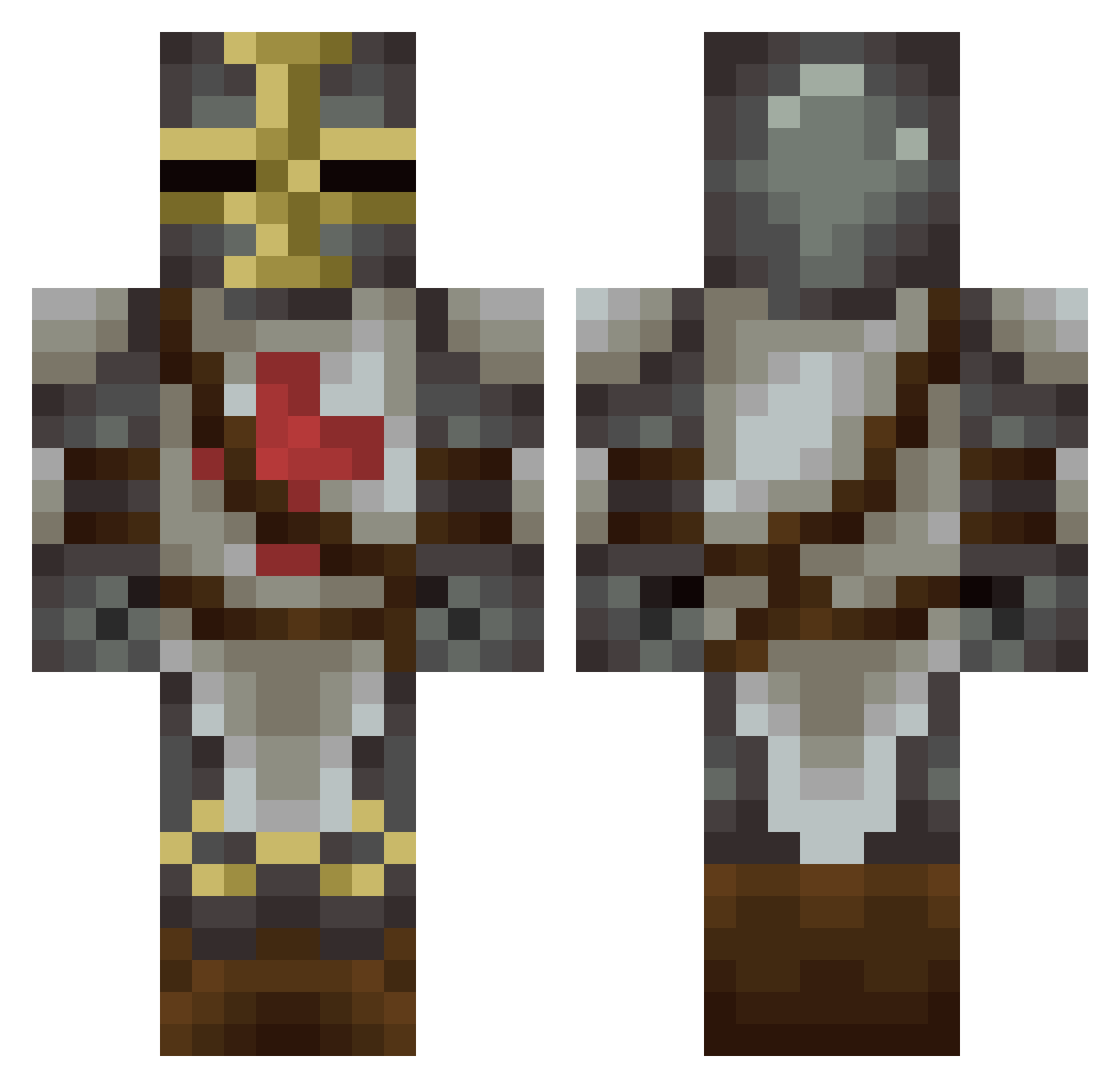
Current Minecraft skin of the player TotoNine31, loaded from the official Mojang API. Rotate the 3D model with your mouse or finger, then download the skin as a PNG file and use it in Minecraft: Bedrock Edition or Java Edition for free. When TotoNine31 changes their skin, this page updates automatically and the old skin stays in the history below.
Other players with this skin (297)
TotoNine31 was the 294th player we have seen with this skin, first spotted on 18.11.2026. The same skin was seen on these players. Open a nickname to see their current skin and skin history.
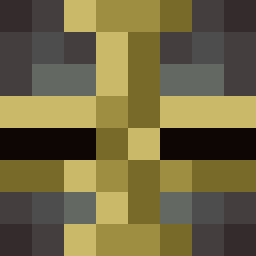 57Simon TokenShop dukeofdalk Joffrey08 TiWisti NeuronGaming fakersjakers ApeManvestite __Nick wolfwarrior38 darcknycos tahiti78 Tmoney15122 Kevan89 GradualOwnage D3LT4_Moody Zovakim exgdghf Crilancelo Macadamiam BLOODSKUL DerBurgerKing Hero_16er Dd_tresor Goliaph Lichtgott CriminalALEXB Sirseb_Knight Tobho RED_STONE_DUST alex91800 TheThibeau Kryten69 TanJovi Yddge markrobbins xoxniklas Blind60 AcideNitrique hofmann890 Fragthekitten c4ligul4 zarp8813 lecreateure TooMuchOP shorrkan Uncle_Pro Yoruiichii goodlooser Xinjid Wokikiller kage666 zombied407 theripper378 Panipanik AutismLife TekChupper Koryandr kupakaching Morus1111
More Crusader Minecraft skins
How to install the TotoNine31 skin
- Press the Download button above to save the skin as a PNG file.
- Minecraft: Bedrock Edition (PE): open the Dressing Room from the main menu (or tap your character → Edit Character), go to Classic Skins → Owned, press the + (new skin) button, choose the downloaded PNG and pick the Classic (Steve) model. Works on PC and mobile; consoles cannot import custom skins.
- Minecraft: Java Edition: open the Minecraft Launcher, go to the Skins tab, click New Skin, load the PNG, pick the Classic (Steve) model and press Save & Use. You can also upload it at minecraft.net → Profile → Change Skin.
The skin does not show up after import - what should I do?
Restart Minecraft and open the Dressing Room again - imported skins sometimes appear only after a restart. Also make sure you selected the imported skin and picked the Classic (Steve) model.
Which model should I choose, Classic or Slim?
This skin is designed for the Classic (Steve) model. If you pick the wrong model, the arms of the skin will look stretched or squeezed.
Is the skin of TotoNine31 free to download?
Yes. Press Download, save the PNG file and use it in Minecraft: Bedrock Edition or Java Edition - no payment or registration needed. The skin also works on multiplayer servers and Realms.
More skins
Looking for more? Go back to all Minecraft skins and check the top skins of the week, month and all time, or find any player's skin by nickname.