
TopBobcat671659 - Minecraft Skins & Skin History
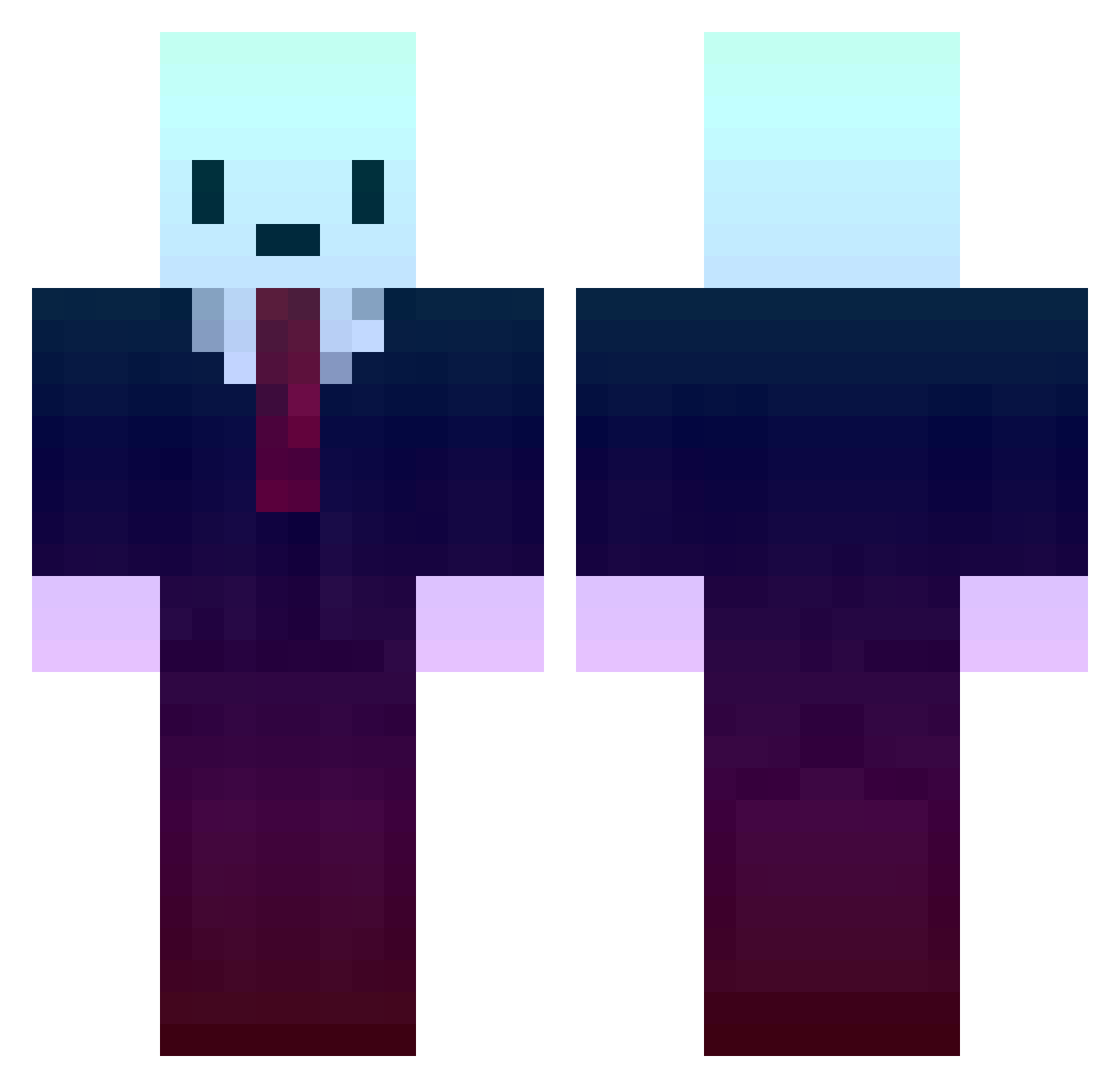
Current Minecraft skin of the player TopBobcat671659, loaded from the official Mojang API. Rotate the 3D model with your mouse or finger, then download the skin as a PNG file and use it in Minecraft: Bedrock Edition or Java Edition for free. When TopBobcat671659 changes their skin, this page updates automatically and the old skin stays in the history below.
Other players with this skin (423)
TopBobcat671659 was the 139th player we have seen with this skin, first spotted on 27.08.2026. The same skin was seen on these players. Open a nickname to see their current skin and skin history.
 AnhPeoNe Frame3003 Rhiwyth No1sry SkibbbityBop Steevia_ _____Icarus_____ Reke_ ImTurk ACE_a94089098 The_Arepa Peach15LFC Amplest YushJet EmiMae02 Bulefacebaby GoofBlock_ Troupote FatBeard TacoOne VerstehtSich whoa_12_ler Donter48 Tatino07 Kappreh quangvan cxrvpted VansKing27 fish_dddx Abdel1039 Yan034811 NIKINGO_beta DJRakeJ ILB2012 PreachedCloth96 kartik999 Tombrin AlanDaSilva4 Nowaciek KromaEC Shake0430 Two_Sun dkswnstj123 MarcelinoRS Cocoaize IIoJIy6u6a HighRiskPlayer HighThumb 1cie_ KelpTM EnYrainy Sakuraiyue Tjzim izoneforever1 v8b Alexsymzz ShadyCudder Kimit_ MemerMan26 Jovany_maia
More Gradient Minecraft skins
How to install the TopBobcat671659 skin
- Press the Download button above to save the skin as a PNG file.
- Minecraft: Bedrock Edition (PE): open the Dressing Room from the main menu (or tap your character → Edit Character), go to Classic Skins → Owned, press the + (new skin) button, choose the downloaded PNG and pick the Classic (Steve) model. Works on PC and mobile; consoles cannot import custom skins.
- Minecraft: Java Edition: open the Minecraft Launcher, go to the Skins tab, click New Skin, load the PNG, pick the Classic (Steve) model and press Save & Use. You can also upload it at minecraft.net → Profile → Change Skin.
The skin does not show up after import - what should I do?
Restart Minecraft and open the Dressing Room again - imported skins sometimes appear only after a restart. Also make sure you selected the imported skin and picked the Classic (Steve) model.
Which model should I choose, Classic or Slim?
This skin is designed for the Classic (Steve) model. If you pick the wrong model, the arms of the skin will look stretched or squeezed.
Is the skin of TopBobcat671659 free to download?
Yes. Press Download, save the PNG file and use it in Minecraft: Bedrock Edition or Java Edition - no payment or registration needed. The skin also works on multiplayer servers and Realms.
More skins
Looking for more? Go back to all Minecraft skins and check the top skins of the week, month and all time, or find any player's skin by nickname.