
Tomas20100 - Minecraft Skins & Skin History
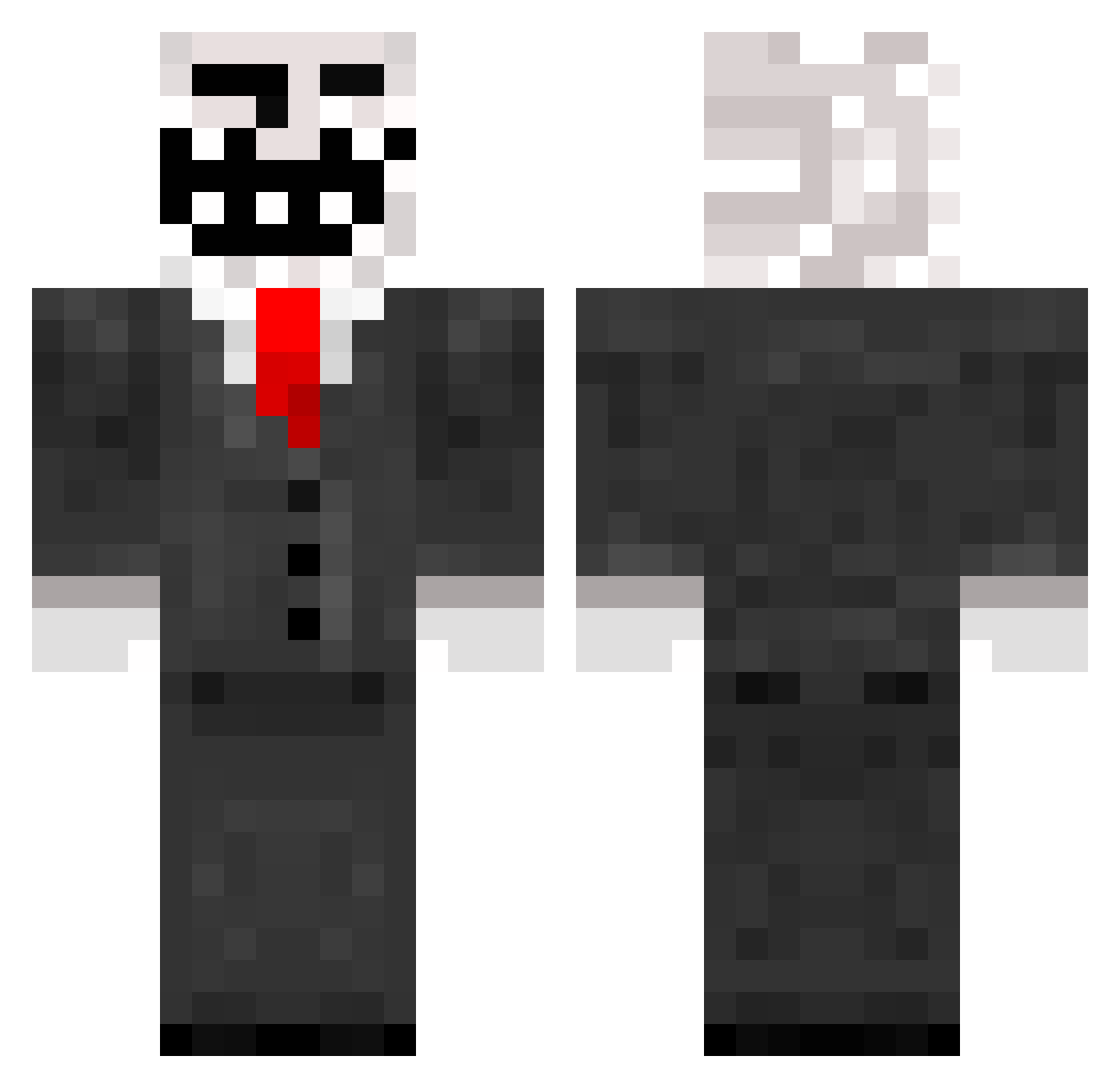
Current Minecraft skin of the player Tomas20100, loaded from the official Mojang API. Rotate the 3D model with your mouse or finger, then download the skin as a PNG file and use it in Minecraft: Bedrock Edition or Java Edition for free. When Tomas20100 changes their skin, this page updates automatically and the old skin stays in the history below.
Other players with this skin (168)
Tomas20100 was the 106th player we have seen with this skin, first spotted on 01.10.2026. The same skin was seen on these players. Open a nickname to see their current skin and skin history.
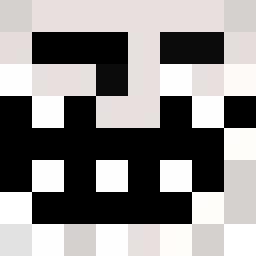 fotisggwp Springbed leonolking123 RodComboed _Parex_ DBJW kingpeti Riverside1994 KreeD69 Schnurri_Pro Josiahhh g0dzg1ft1990 nyx__o Sakul2864 KDBMX320 Catacrusis superluk2807 SarKsm BIGMILFLY UrhoOo armenb03 Pray_of_Death ryandebrie1412 Szturmo OmeTony jozefmadness eXtrEm3z MrHexen JoonasEST Conner2000 ben751 riesenauge48 GlorianAngel masdog62 Thetroll15 Possukari Masivee Memojjj creazyboyyyy HollorLord Ren_1987 xtrollboyx Kalma1987 KrulGimbazy YA100 dienkilla runtoo Meep45682 DY_4EVER Hilla13 Eweioi xXMaxXx Sedlaczko ronen16038 watch_cats69 joegriff2 PDanChannel Dizee221 fonzie_d ItzGalaxyPlayz
More Trollface Minecraft skins
How to install the Tomas20100 skin
- Press the Download button above to save the skin as a PNG file.
- Minecraft: Bedrock Edition (PE): open the Dressing Room from the main menu (or tap your character → Edit Character), go to Classic Skins → Owned, press the + (new skin) button, choose the downloaded PNG and pick the Classic (Steve) model. Works on PC and mobile; consoles cannot import custom skins.
- Minecraft: Java Edition: open the Minecraft Launcher, go to the Skins tab, click New Skin, load the PNG, pick the Classic (Steve) model and press Save & Use. You can also upload it at minecraft.net → Profile → Change Skin.
The skin does not show up after import - what should I do?
Restart Minecraft and open the Dressing Room again - imported skins sometimes appear only after a restart. Also make sure you selected the imported skin and picked the Classic (Steve) model.
Which model should I choose, Classic or Slim?
This skin is designed for the Classic (Steve) model. If you pick the wrong model, the arms of the skin will look stretched or squeezed.
Is the skin of Tomas20100 free to download?
Yes. Press Download, save the PNG file and use it in Minecraft: Bedrock Edition or Java Edition - no payment or registration needed. The skin also works on multiplayer servers and Realms.
More skins
Looking for more? Go back to all Minecraft skins and check the top skins of the week, month and all time, or find any player's skin by nickname.