
 ReyzoMonkey BOSSYPLAYZ Potenscanis JACKATTACK592 jankomark CoXeY FreddyAustin JesseRSC XTrollolololXx Schnurri_Pro DonkeyFromHell ARTLOOZY alibobba qh1405_ TheShadowScream1 tobybacon10 CalicoCat666 Devildeath58 MCLegend1234 berkaysamet02 TrollFaceBlocker Mr_Fistaszek_9 TymekBaG rufus_the_maniac fonzie_d Dizee221 joegriff2 watch_cats69 ronen16038 Sedlaczko xXMaxXx Eweioi DY_4EVER Meep45682 dienkilla YA100 KrulGimbazy Kalma1987 xtrollboyx HollorLord creazyboyyyy Charinel Memojjj Masivee YagoAtanesYT kikinho_999 Thetroll15 LynchyMate Alphagamer2k DerHorsti3040 masdog62 H1N Jburger123 GlorianAngel riesenauge48 ben751 cleadus_fetus JoonasEST Fabix_7 Tj43
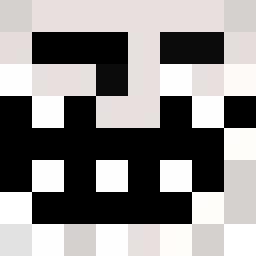
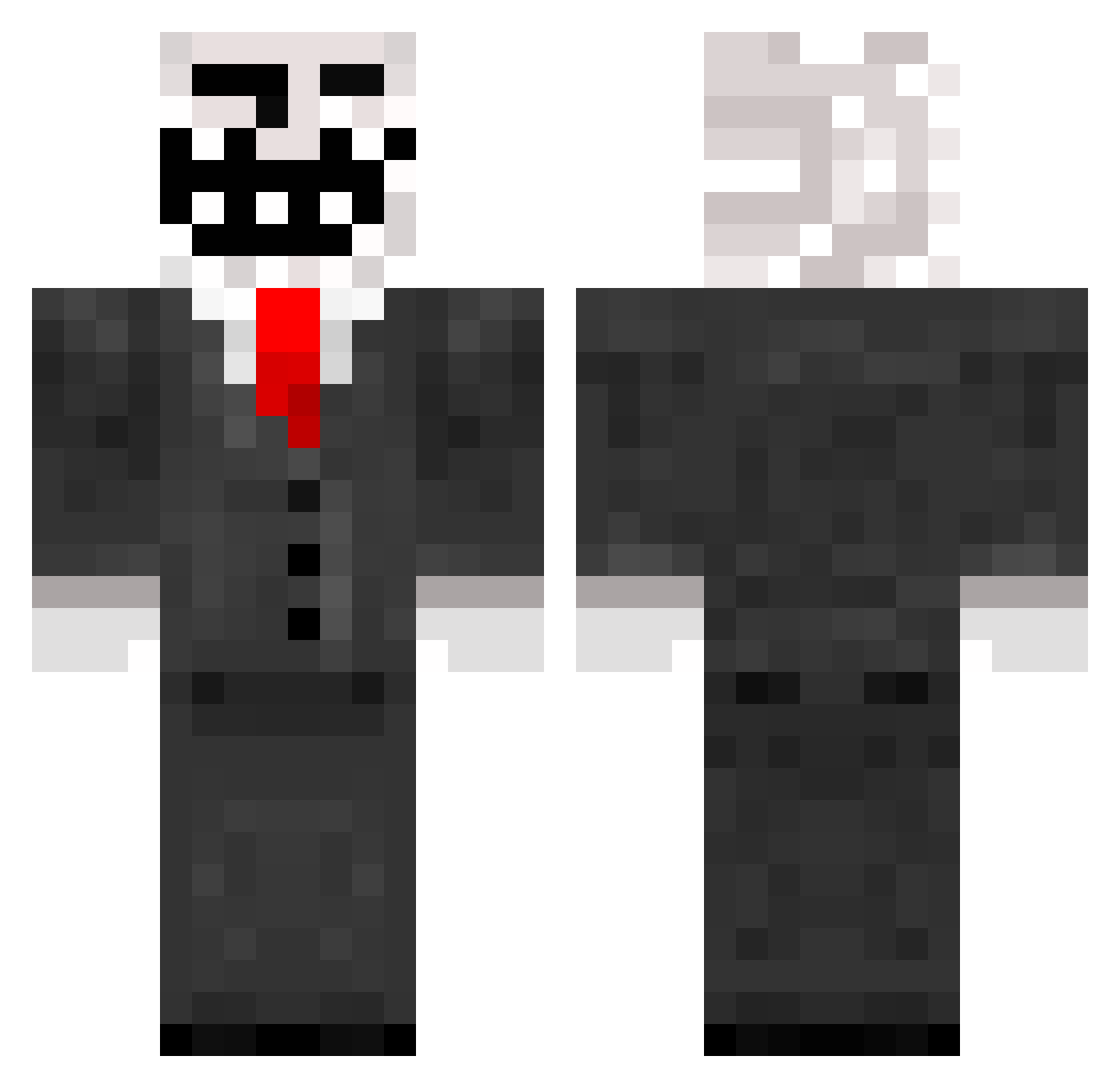
Minecraft skin of Halldamir. Rotate the 3D model with your mouse or finger to view the skin from every angle, then download it as a PNG file and use it in Minecraft: Bedrock Edition or Java Edition for free. Rate the skin with stars to help other players find the best skins in our collection.
How to install the Halldamir skin
- Press the Download button above to save the skin as a PNG file.
- Minecraft: Bedrock Edition (PE): open the Dressing Room from the main menu (or tap your character → Edit Character), go to Classic Skins → Owned, press the + (new skin) button, choose the downloaded PNG and pick the Classic (Steve) model. Works on PC and mobile; consoles cannot import custom skins.
- Minecraft: Java Edition: open the Minecraft Launcher, go to the Skins tab, click New Skin, load the PNG, pick the Classic (Steve) model and press Save & Use. You can also upload it at minecraft.net → Profile → Change Skin.
The skin does not show up after import - what should I do?
Restart Minecraft and open the Dressing Room again - imported skins sometimes appear only after a restart. Also make sure you selected the imported skin and picked the Classic (Steve) model.
Which model should I choose, Classic or Slim?
This skin is designed for the Classic (Steve) model. If you pick the wrong model, the arms of the skin will look stretched or squeezed.
Is this skin free to use?
Yes. Press Download, save the PNG file and use it in Minecraft: Bedrock Edition or Java Edition - no payment or registration needed. The skin also works on multiplayer servers and Realms.
More Trollface Minecraft skins
More skins
Looking for more? Go back to all Minecraft skins and check the top skins of the week, month and all time, or find any player's skin by nickname.