
Tigra958 - Minecraft Skins & Skin History
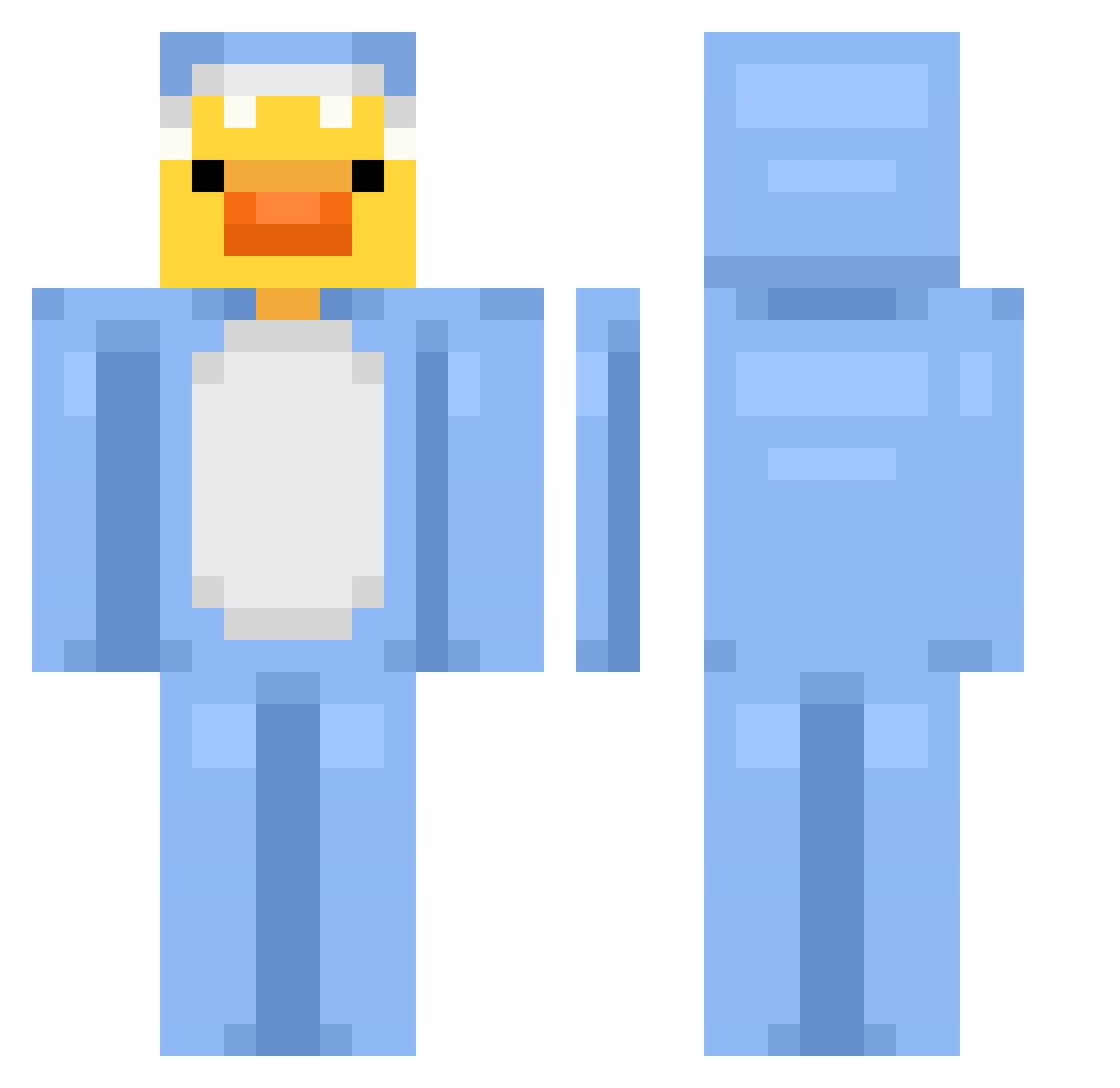
Current Minecraft skin of the player Tigra958, loaded from the official Mojang API. Rotate the 3D model with your mouse or finger, then download the skin as a PNG file and use it in Minecraft: Bedrock Edition or Java Edition for free. When Tigra958 changes their skin, this page updates automatically and the old skin stays in the history below.
Other players with this skin (677)
Tigra958 was the 656th player we have seen with this skin, first spotted on 18.10.2026. The same skin was seen on these players. Open a nickname to see their current skin and skin history.
 Simbron reneepenne Noe590 chxrlxcs SeanCahills mojenogesmrdijo brionybear YookaTV DBG1234 FI__FO Duckshar DonutShopGyatt Minyo_0328 william2937 JoshyWashy02 ItsHolyLuck m3ani57 ThePomato mayonez16 Mariator_025 jacoboneill2000 ximStay ILik3Nuggets EnderPuf KursedBear Keverzas CinderySquid2 violet2024 Candido_22 Jose_Lax TheNinja28 SicklyKnot62471 Anniversum MadMonki nhwoo devinissussyligm Mion33 MEUN1 BigXTooShifty cesco32 xSzyx _SharkyPlayZ_ dryflyjedi Lilimek ThatKoreanSK zyx0n Ru_gyeom03111 crazyllama06 ehSASUKI sanwishdewebito banditalgaib i_bowbow ToastyBuns09 ShaddowStorm123 jabe387 Sp_1_xayz rollo19 ElCajonKid hamdna Kupfer10
More Onesie Minecraft skins
How to install the Tigra958 skin
- Press the Download button above to save the skin as a PNG file.
- Minecraft: Bedrock Edition (PE): open the Dressing Room from the main menu (or tap your character → Edit Character), go to Classic Skins → Owned, press the + (new skin) button, choose the downloaded PNG and pick the Classic (Steve) model. Works on PC and mobile; consoles cannot import custom skins.
- Minecraft: Java Edition: open the Minecraft Launcher, go to the Skins tab, click New Skin, load the PNG, pick the Classic (Steve) model and press Save & Use. You can also upload it at minecraft.net → Profile → Change Skin.
The skin does not show up after import - what should I do?
Restart Minecraft and open the Dressing Room again - imported skins sometimes appear only after a restart. Also make sure you selected the imported skin and picked the Classic (Steve) model.
Which model should I choose, Classic or Slim?
This skin is designed for the Classic (Steve) model. If you pick the wrong model, the arms of the skin will look stretched or squeezed.
Is the skin of Tigra958 free to download?
Yes. Press Download, save the PNG file and use it in Minecraft: Bedrock Edition or Java Edition - no payment or registration needed. The skin also works on multiplayer servers and Realms.
More skins
Looking for more? Go back to all Minecraft skins and check the top skins of the week, month and all time, or find any player's skin by nickname.