
Thicc_Nicholas - Minecraft Skins & Skin History
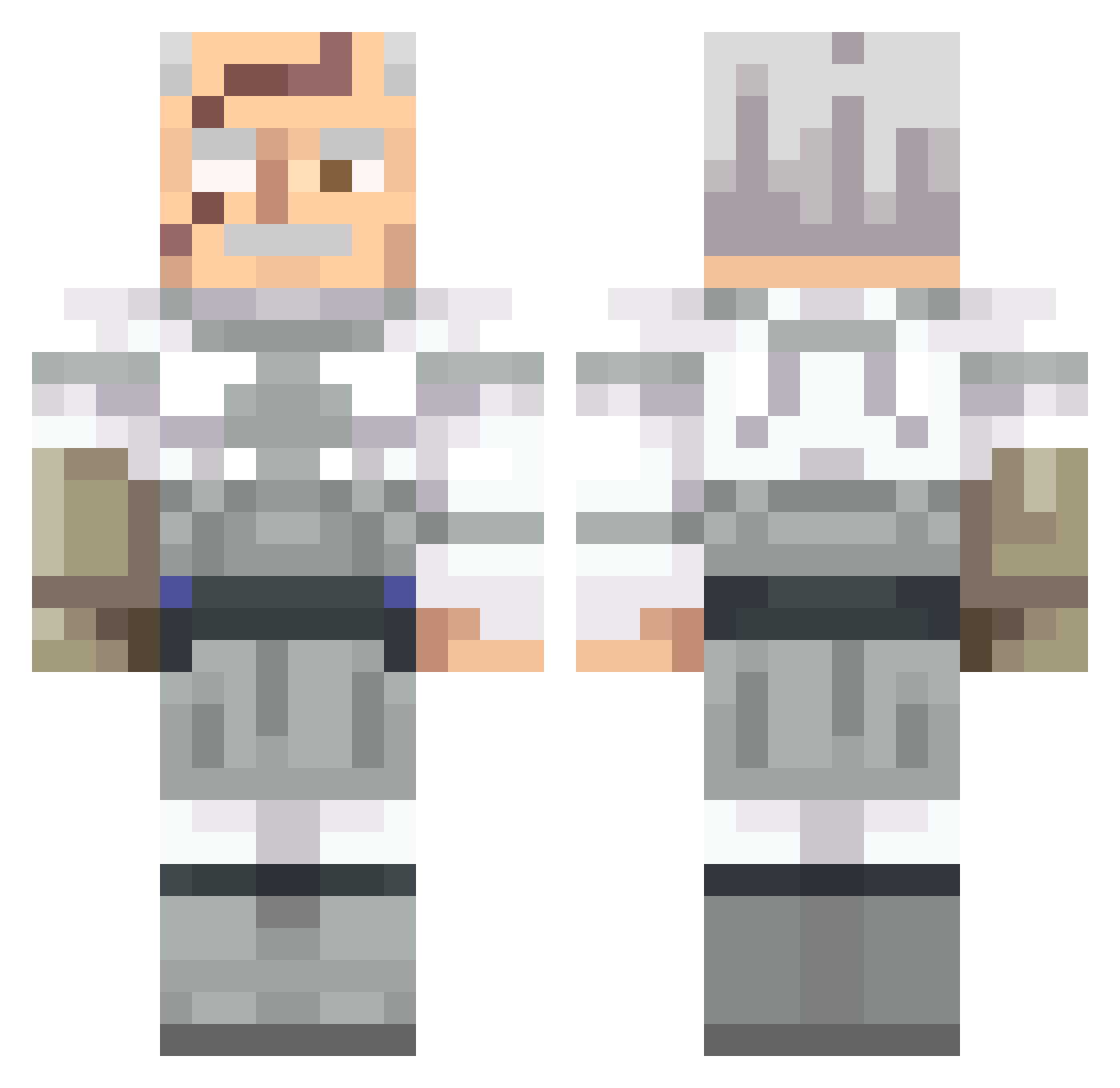
Current Minecraft skin of the player Thicc_Nicholas, loaded from the official Mojang API. Rotate the 3D model with your mouse or finger, then download the skin as a PNG file and use it in Minecraft: Bedrock Edition or Java Edition for free. When Thicc_Nicholas changes their skin, this page updates automatically and the old skin stays in the history below.
Other players with this skin (562)
Thicc_Nicholas was the 175th player we have seen with this skin, first spotted on 24.08.2026. The same skin was seen on these players. Open a nickname to see their current skin and skin history.
 bigraf TxGuitox09 enesayd
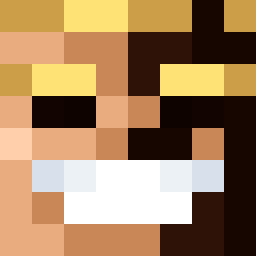 Dill723 mikewazowski11 PedroTreta MZYuji ooooooyyyyyaaaaa ImSuppressor minedigger152 coldone_ bedrockargon _AfterLife54_ BrianGriffin74 CLL_SGN
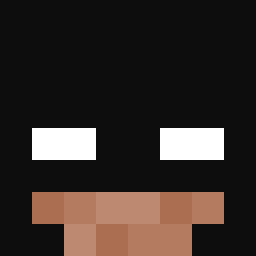 malek112hk TheEilstein FatefulSummer qm14th ChefDido RAYX123 donchiko spinettiboys ScraddyCrocs robertvnn TheMidas1 Shmuncky joecool5 iiqji Staruszek1909 melodid_harry731 nehoraithefish AdmissiveZeus15 Prodigy_XM qpew AsianSoup vlngrela xsbasx blorten69 Sandiemann R0ksiu cb06 VCharge69 osamabinpoopin69 1190901910901019 havocrrrr WarioMain14 Lamasaikai ianis12rt90 zCoridium iSpeedBridge Uniintressted GCVolt ahsoyka Irregular8869 EmptyMemry nhxv_
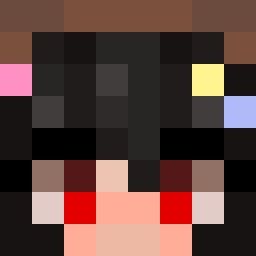 Shrek_Is_Green Foszy_ken Orsel
More Commander Pyxis Minecraft skins
See all 3 Commander Pyxis skins
How to install the Thicc_Nicholas skin
- Press the Download button above to save the skin as a PNG file.
- Minecraft: Bedrock Edition (PE): open the Dressing Room from the main menu (or tap your character → Edit Character), go to Classic Skins → Owned, press the + (new skin) button, choose the downloaded PNG and pick the Classic (Steve) model. Works on PC and mobile; consoles cannot import custom skins.
- Minecraft: Java Edition: open the Minecraft Launcher, go to the Skins tab, click New Skin, load the PNG, pick the Classic (Steve) model and press Save & Use. You can also upload it at minecraft.net → Profile → Change Skin.
The skin does not show up after import - what should I do?
Restart Minecraft and open the Dressing Room again - imported skins sometimes appear only after a restart. Also make sure you selected the imported skin and picked the Classic (Steve) model.
Which model should I choose, Classic or Slim?
This skin is designed for the Classic (Steve) model. If you pick the wrong model, the arms of the skin will look stretched or squeezed.
Is the skin of Thicc_Nicholas free to download?
Yes. Press Download, save the PNG file and use it in Minecraft: Bedrock Edition or Java Edition - no payment or registration needed. The skin also works on multiplayer servers and Realms.
More skins
Looking for more? Go back to all Minecraft skins and check the top skins of the week, month and all time, or find any player's skin by nickname.