
The_killer43 - Minecraft Skins & Skin History
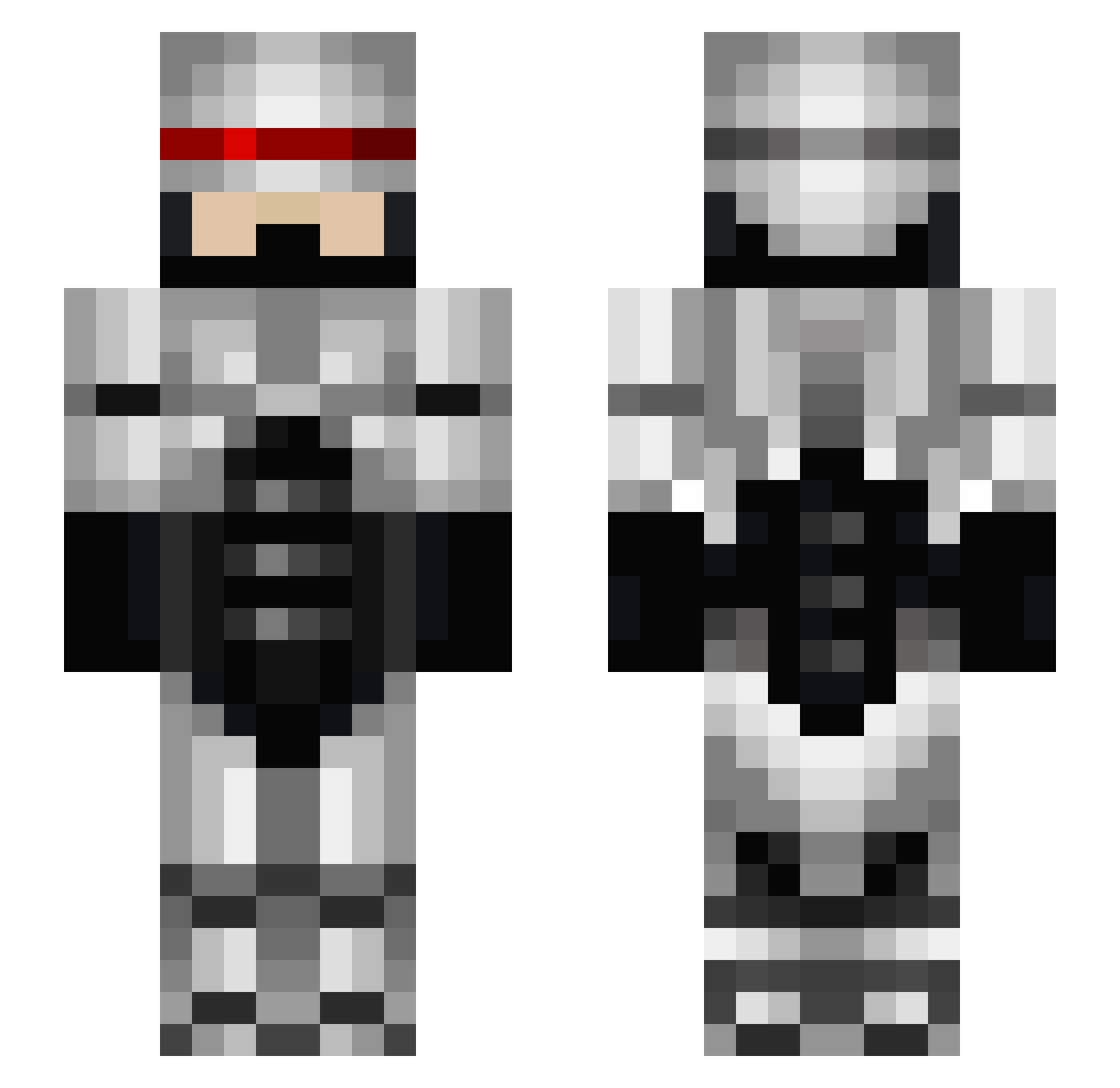
Current Minecraft skin of the player The_killer43, loaded from the official Mojang API. Rotate the 3D model with your mouse or finger, then download the skin as a PNG file and use it in Minecraft: Bedrock Edition or Java Edition for free. When The_killer43 changes their skin, this page updates automatically and the old skin stays in the history below.
Other players with this skin (672)
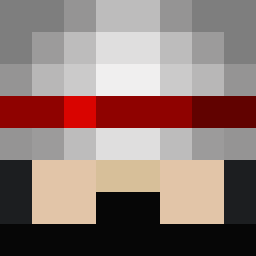
The_killer43 was the 90th player we have seen with this skin, first spotted on 10.08.2026. The same skin was seen on these players. Open a nickname to see their current skin and skin history.
 gust6 minefarizer ninjakiwi10 nillianth duaneo ss53mech doookiepants Amond1 SoccerFanTX ItsHowbrick Killermitch999 Superfighter2604 IlikeTwix2003 maui802 ThePunisher999 Tayck Arieseb karisara 0z3r0 niji_kitsune Jackahlowp Frankpaintbrush soccer_pro1011 Bacco092 marcnu123 creepershere tman170 thre3aces spu7nic81 Coolang MadMysterX Neyrem Karsonato Mathlef0u Jackson717 CHIPROBOT justjustin75 N1tro7602 reyzor13 AfflictedMavrick armchairs 68541 Legendary_Man77 Blightsteel88 Dragaros Cookie_Lord69 Robobrott Annyxia 1MOGO OllyGP HoagieDuck tacopuncher XxShaDoWX_YT native2904 GRANDMASTER_ARRE jlwilhel micebeater ShadzGeeza bunnylord3 killosc
More Robocop Minecraft skins
How to install the The_killer43 skin
- Press the Download button above to save the skin as a PNG file.
- Minecraft: Bedrock Edition (PE): open the Dressing Room from the main menu (or tap your character → Edit Character), go to Classic Skins → Owned, press the + (new skin) button, choose the downloaded PNG and pick the Slim (Alex) model. Works on PC and mobile; consoles cannot import custom skins.
- Minecraft: Java Edition: open the Minecraft Launcher, go to the Skins tab, click New Skin, load the PNG, pick the Slim (Alex) model and press Save & Use. You can also upload it at minecraft.net → Profile → Change Skin.
The skin does not show up after import - what should I do?
Restart Minecraft and open the Dressing Room again - imported skins sometimes appear only after a restart. Also make sure you selected the imported skin and picked the Slim (Alex) model.
Which model should I choose, Classic or Slim?
This skin is designed for the Slim (Alex) model. If you pick the wrong model, the arms of the skin will look stretched or squeezed.
Is the skin of The_killer43 free to download?
Yes. Press Download, save the PNG file and use it in Minecraft: Bedrock Edition or Java Edition - no payment or registration needed. The skin also works on multiplayer servers and Realms.
More skins
Looking for more? Go back to all Minecraft skins and check the top skins of the week, month and all time, or find any player's skin by nickname.