
The_Dark_Player - Minecraft Skins & Skin History
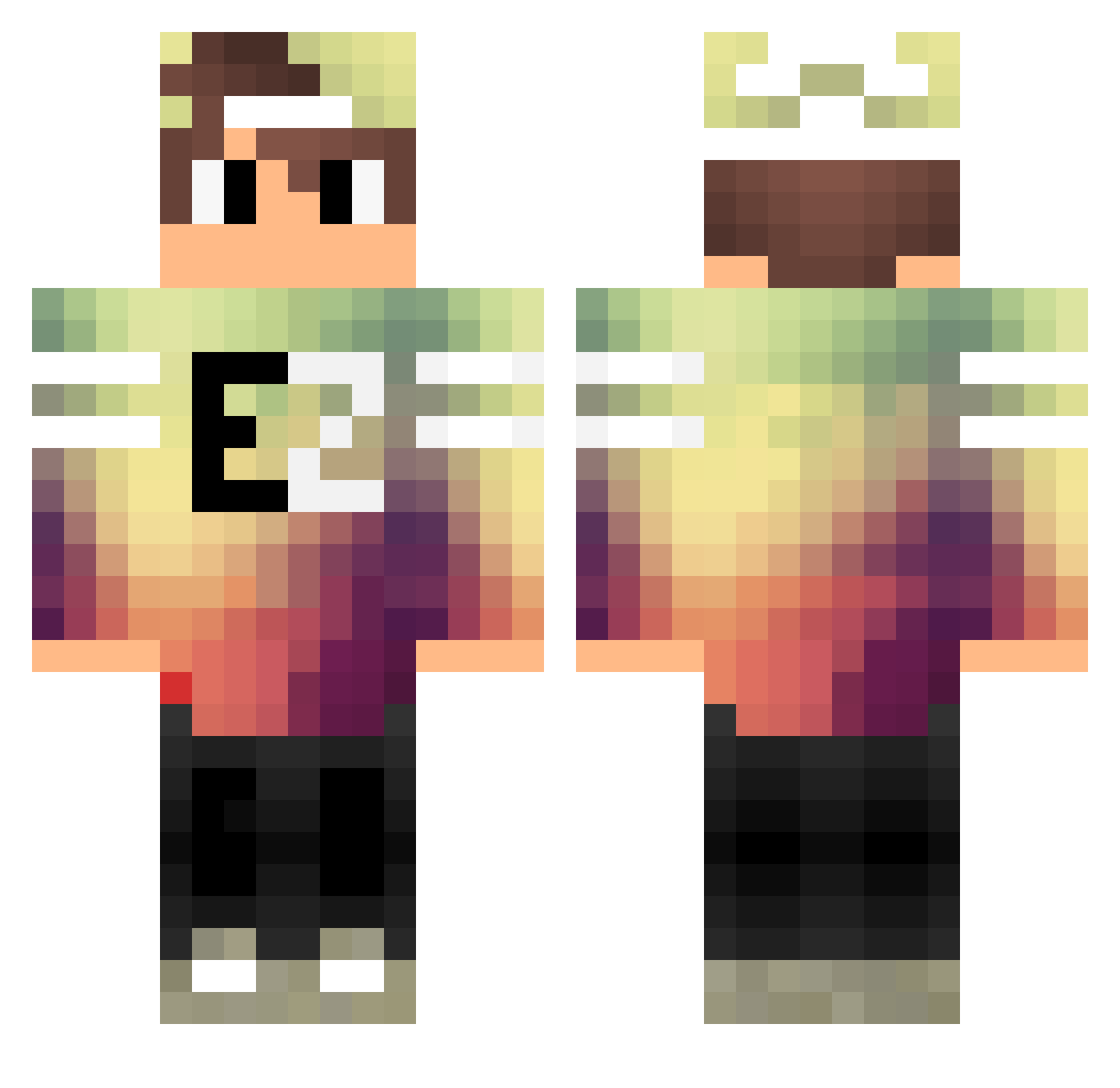
Current Minecraft skin of the player The_Dark_Player, loaded from the official Mojang API. Rotate the 3D model with your mouse or finger, then download the skin as a PNG file and use it in Minecraft: Bedrock Edition or Java Edition for free. When The_Dark_Player changes their skin, this page updates automatically and the old skin stays in the history below.
Other players with this skin (99)
The_Dark_Player was the 35th player we have seen with this skin, first spotted on 06.09.2026. The same skin was seen on these players. Open a nickname to see their current skin and skin history.
 madxtreme Theores 235ferenc Frodolingo ReformedBully horieyui920 wrsmA Ifan525i Mihaita2 Hantaclon Creativeness EasyZockt_HD LielHENTA1 CrazYDuCk_YT Marzbarq Derspeeker Bifi_12 M4THx Miko_23 iTzSergioHD_PvP ThorbixL7 haitexbg Bazoukateur Tudorique PinkAppleMan Sinus_ vensola11 ReS1yt3x Martinator1403 Killem10 sebo2 byGenxckt YTMineWatch DJ_HD007 derNequ Phyromi Speed_2_FighT CLOUD9_RPX GunkFlow Digow_Gamer PizzaCzeGaming AtlantisCitr0 HzSayko Blackened46 TheSnailShow CnbrkOzturkTR Nacho3105 iPolu TCampas ItzChralle Lenjor Syryox HardGamesz MAFISTO DerKakao_ Blackware Glorx RazersPvP Purpleape21 Iron468
More Cap Minecraft skins
How to install the The_Dark_Player skin
- Press the Download button above to save the skin as a PNG file.
- Minecraft: Bedrock Edition (PE): open the Dressing Room from the main menu (or tap your character → Edit Character), go to Classic Skins → Owned, press the + (new skin) button, choose the downloaded PNG and pick the Classic (Steve) model. Works on PC and mobile; consoles cannot import custom skins.
- Minecraft: Java Edition: open the Minecraft Launcher, go to the Skins tab, click New Skin, load the PNG, pick the Classic (Steve) model and press Save & Use. You can also upload it at minecraft.net → Profile → Change Skin.
The skin does not show up after import - what should I do?
Restart Minecraft and open the Dressing Room again - imported skins sometimes appear only after a restart. Also make sure you selected the imported skin and picked the Classic (Steve) model.
Which model should I choose, Classic or Slim?
This skin is designed for the Classic (Steve) model. If you pick the wrong model, the arms of the skin will look stretched or squeezed.
Is the skin of The_Dark_Player free to download?
Yes. Press Download, save the PNG file and use it in Minecraft: Bedrock Edition or Java Edition - no payment or registration needed. The skin also works on multiplayer servers and Realms.
More skins
Looking for more? Go back to all Minecraft skins and check the top skins of the week, month and all time, or find any player's skin by nickname.