
TheRatUnderUrBed - Minecraft Skins & Skin History
Current Minecraft skin of the player TheRatUnderUrBed, loaded from the official Mojang API. Rotate the 3D model with your mouse or finger, then download the skin as a PNG file and use it in Minecraft: Bedrock Edition or Java Edition for free. When TheRatUnderUrBed changes their skin, this page updates automatically and the old skin stays in the history below.
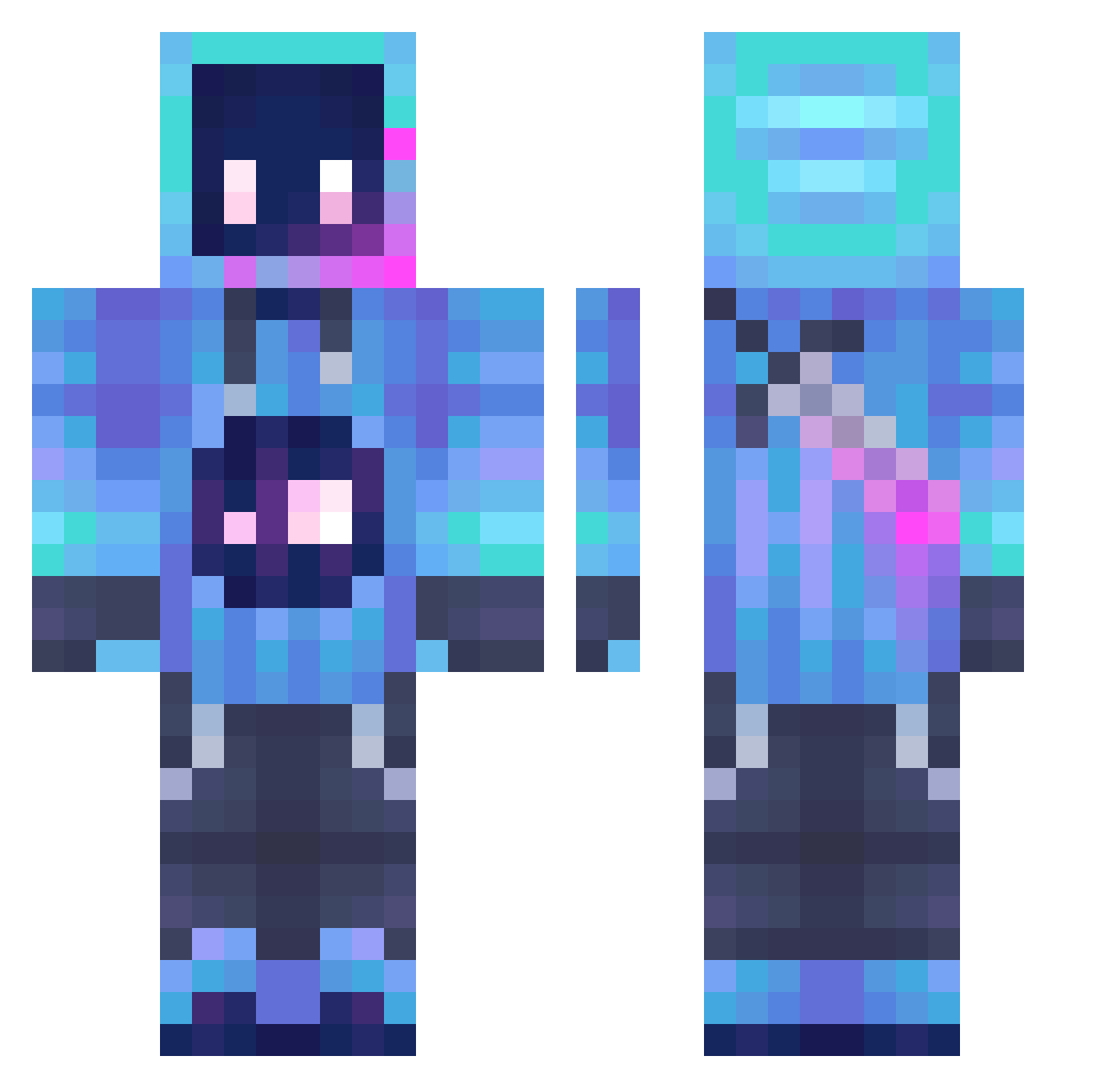
Other players with this skin (1292)
TheRatUnderUrBed was the 253rd player we have seen with this skin, first spotted on 14.08.2026. The same skin was seen on these players. Open a nickname to see their current skin and skin history.
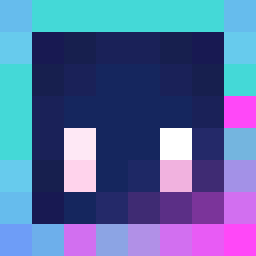 SkyriderTeam Tiger33213 _Tatsukl_ _Narco MAXsayhello annalane1941 Stephen_F AaronK101 Galreung Chimee123 Offbeats06 Evsee Louischaap LeftWenis Finger_Up ColbyM256 Billful NewtPlayZ_MC MangooMania BleedingVox RazyFear ZanderNoel123 Lemmondaddy
 CodeFox_ALT sms_119 Sugar_55 JesuMa_ BlueTeamOfficial Wjlgy
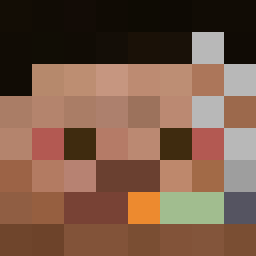 noiet YAMADA77 xDarkDragon CommonShriuhmp fatalite28 LEC_10 JoshengL N0L1NK XxReversexX21 arrowdream UknowingHydra3 cryo_conjurer
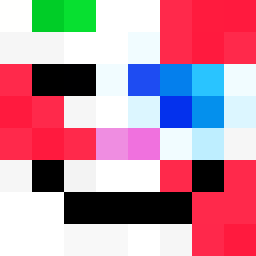 DCSIROM
 EquilCraftTV TetraKota Anxiaoxi progamer110 Davinci_L icaruswalks Jeromik737 MockItAble oppystack Asherin12 TheKP10 MORAN_HZ DUBZYBOI12 Rayuwu7 spookygamer994 LittleU666 BT7274pilot Da_zz_
More Sword Minecraft skins
How to install the TheRatUnderUrBed skin
- Press the Download button above to save the skin as a PNG file.
- Minecraft: Bedrock Edition (PE): open the Dressing Room from the main menu (or tap your character → Edit Character), go to Classic Skins → Owned, press the + (new skin) button, choose the downloaded PNG and pick the Classic (Steve) model. Works on PC and mobile; consoles cannot import custom skins.
- Minecraft: Java Edition: open the Minecraft Launcher, go to the Skins tab, click New Skin, load the PNG, pick the Classic (Steve) model and press Save & Use. You can also upload it at minecraft.net → Profile → Change Skin.
The skin does not show up after import - what should I do?
Restart Minecraft and open the Dressing Room again - imported skins sometimes appear only after a restart. Also make sure you selected the imported skin and picked the Classic (Steve) model.
Which model should I choose, Classic or Slim?
This skin is designed for the Classic (Steve) model. If you pick the wrong model, the arms of the skin will look stretched or squeezed.
Is the skin of TheRatUnderUrBed free to download?
Yes. Press Download, save the PNG file and use it in Minecraft: Bedrock Edition or Java Edition - no payment or registration needed. The skin also works on multiplayer servers and Realms.
More skins
Looking for more? Go back to all Minecraft skins and check the top skins of the week, month and all time, or find any player's skin by nickname.