
TheLisan - Minecraft Skins & Skin History
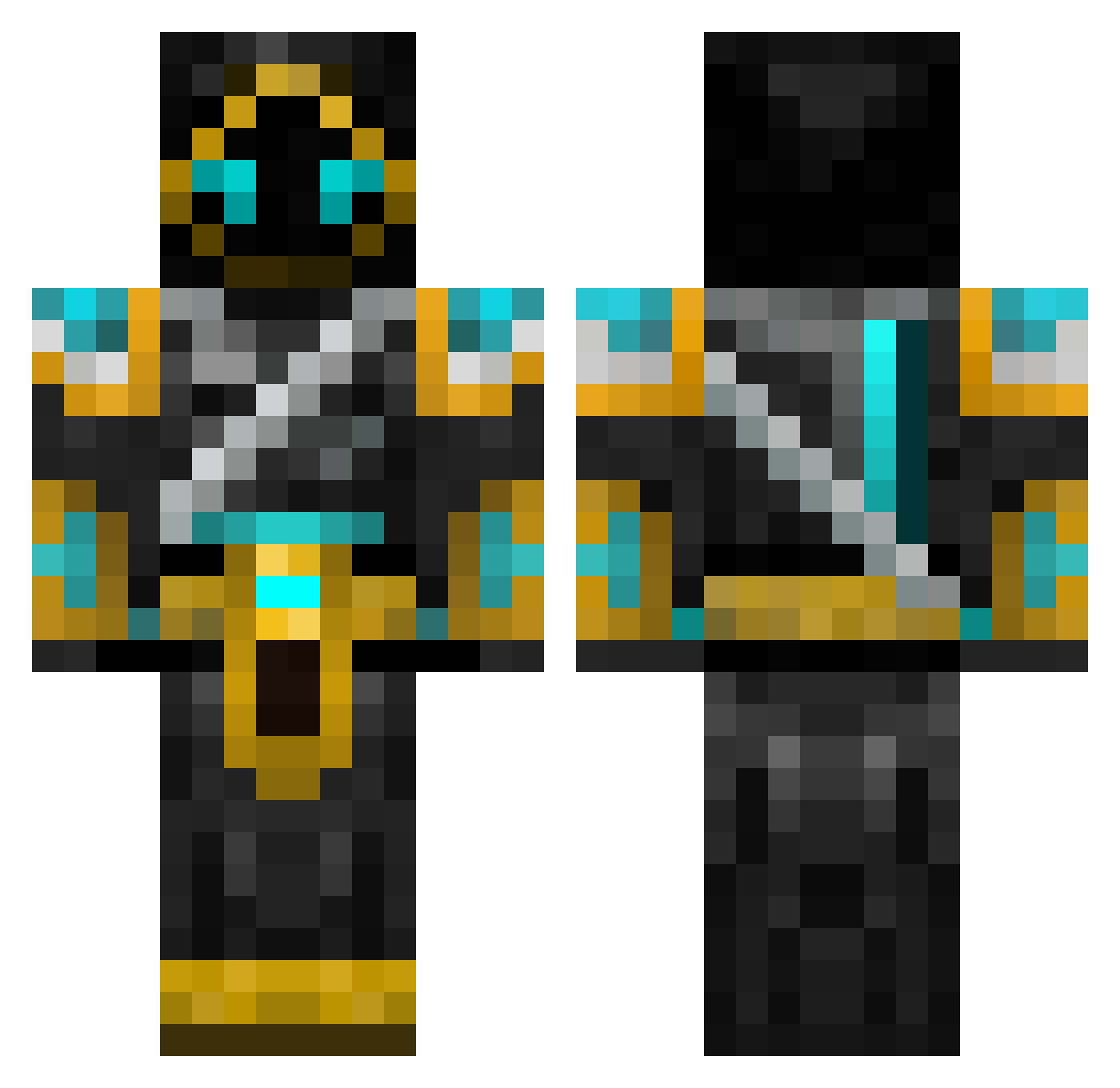
Current Minecraft skin of the player TheLisan, loaded from the official Mojang API. Rotate the 3D model with your mouse or finger, then download the skin as a PNG file and use it in Minecraft: Bedrock Edition or Java Edition for free. When TheLisan changes their skin, this page updates automatically and the old skin stays in the history below.
Other players with this skin (701)
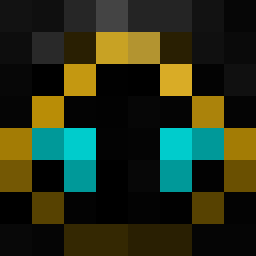
TheLisan was the 281st player we have seen with this skin, first spotted on 09.09.2026. The same skin was seen on these players. Open a nickname to see their current skin and skin history.
 FunkyCamal HOLE_SHOT tennissand Gingeneer25 josefclaesson Liebre18 Krellenos thedarkshodaow Archrune Luxwind den3301 DrSnaggels Buvoll lordofheaven1 Kushiro200 NewEnglandBros Wolfsbaine Dragon_Warrior5 lspsurfer JigglyPuff5000 GiacomoMiana CornMuffins Aeneron kinhoki Elvini25 DvD1995 deconfrosty leifdude xSolara Techno103 Ontrevant Jlough88 Tempusgod tomatto Terazzil n00bkiller007 mwd8910 Otupa Nemis007 Budder_master367 snoopyc15 GG_Galaxy Safarikrafter TryHardzzGSomke Copperfield0820 Stimpylonghorn JHL100 OsirianBlade madhsky Keliasak ringo42 icedragon107 Nuklearbomber39 Ronin_108 Ms_Little_Panda Shadess astr0nauta skateboarddude PainImpact delicious_souls
More Hooded Warrior Minecraft skins
See all 49 Hooded Warrior skins
How to install the TheLisan skin
- Press the Download button above to save the skin as a PNG file.
- Minecraft: Bedrock Edition (PE): open the Dressing Room from the main menu (or tap your character → Edit Character), go to Classic Skins → Owned, press the + (new skin) button, choose the downloaded PNG and pick the Classic (Steve) model. Works on PC and mobile; consoles cannot import custom skins.
- Minecraft: Java Edition: open the Minecraft Launcher, go to the Skins tab, click New Skin, load the PNG, pick the Classic (Steve) model and press Save & Use. You can also upload it at minecraft.net → Profile → Change Skin.
The skin does not show up after import - what should I do?
Restart Minecraft and open the Dressing Room again - imported skins sometimes appear only after a restart. Also make sure you selected the imported skin and picked the Classic (Steve) model.
Which model should I choose, Classic or Slim?
This skin is designed for the Classic (Steve) model. If you pick the wrong model, the arms of the skin will look stretched or squeezed.
Is the skin of TheLisan free to download?
Yes. Press Download, save the PNG file and use it in Minecraft: Bedrock Edition or Java Edition - no payment or registration needed. The skin also works on multiplayer servers and Realms.
More skins
Looking for more? Go back to all Minecraft skins and check the top skins of the week, month and all time, or find any player's skin by nickname.