
Targets - Minecraft Skins & Skin History
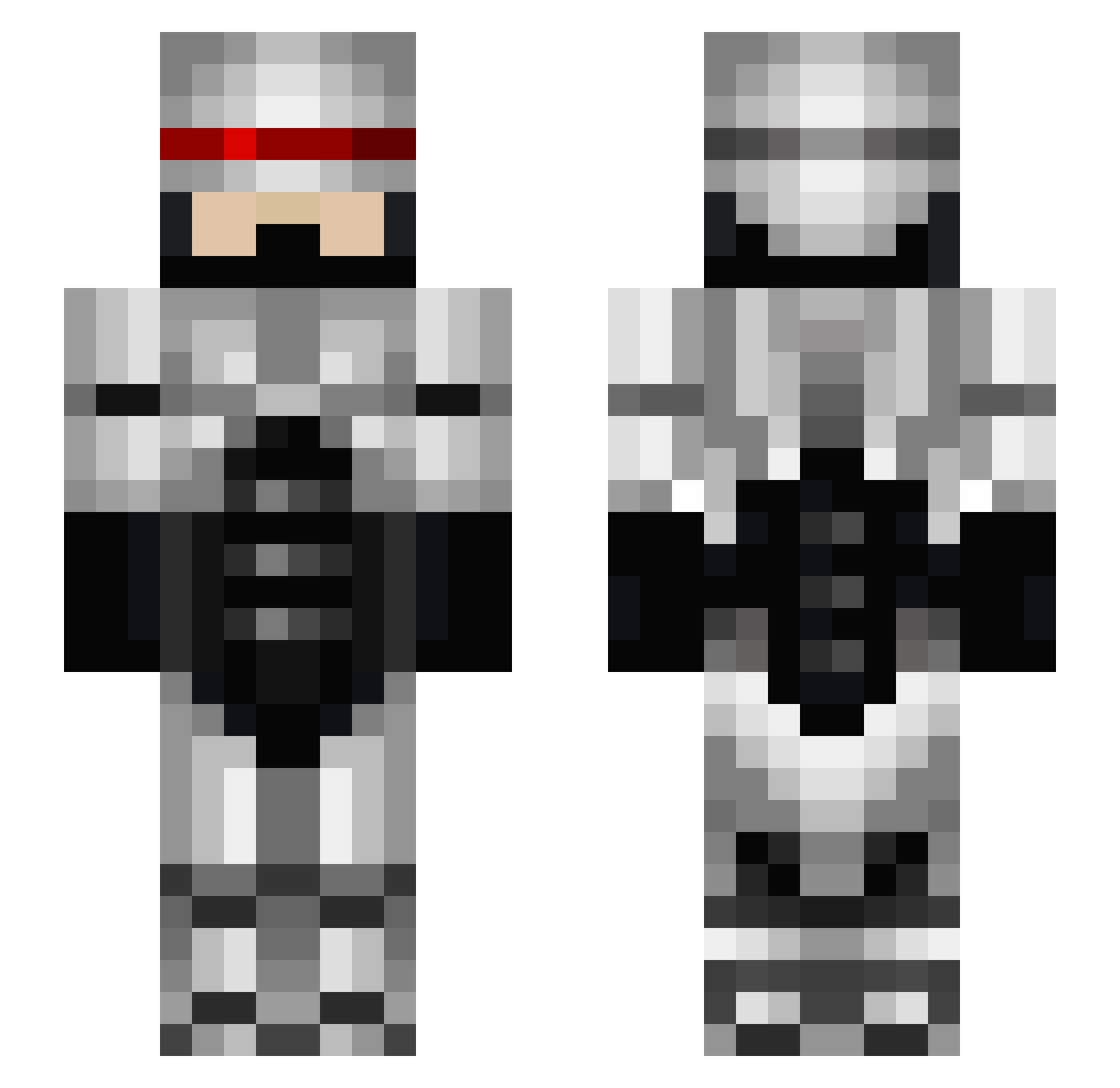
Current Minecraft skin of the player Targets, loaded from the official Mojang API. Rotate the 3D model with your mouse or finger, then download the skin as a PNG file and use it in Minecraft: Bedrock Edition or Java Edition for free. When Targets changes their skin, this page updates automatically and the old skin stays in the history below.
Other players with this skin (673)
Targets was the 430th player we have seen with this skin, first spotted on 07.10.2026. The same skin was seen on these players. Open a nickname to see their current skin and skin history.
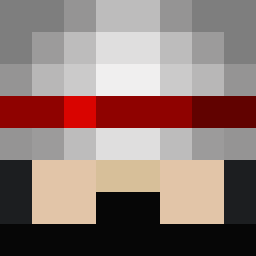 screamer123 TreyIsNotOnFire MaxyouHD HoneyDew31113 TheSilentChief larsortiz10 MrMonkeyMatt JerkStore1 gwt10 KELLERMAC kidcreeper Mr_Inferno1 MrMartinii Lpapi1 Ghostrider_18 sugarbean111 jsenior2004 nisop Slonion estelsmith Heavyarms2064 Anderotus TOBYHD3 OscarT117 iltonito CG_Monkey tinklebunny anesfattal skipi4 Enavil Mexican_Radio mazzz79 gerard616 Xionbuster28 Jaimorrass_YT hehuho ivanruiz817 BarnesProxy kaodayo johnneh81 Thisuck JokerJacob12 StormyDaniels boron82 damole lukemc9 snackmasterp TheOath Konie2020 AJFlow Mustang654 harbinger942 scorillow Frend SonnyBono Browntownous wigger666 ChiffonBore ElRoro78 MrCoinOp
More Robocop Minecraft skins
How to install the Targets skin
- Press the Download button above to save the skin as a PNG file.
- Minecraft: Bedrock Edition (PE): open the Dressing Room from the main menu (or tap your character → Edit Character), go to Classic Skins → Owned, press the + (new skin) button, choose the downloaded PNG and pick the Slim (Alex) model. Works on PC and mobile; consoles cannot import custom skins.
- Minecraft: Java Edition: open the Minecraft Launcher, go to the Skins tab, click New Skin, load the PNG, pick the Slim (Alex) model and press Save & Use. You can also upload it at minecraft.net → Profile → Change Skin.
The skin does not show up after import - what should I do?
Restart Minecraft and open the Dressing Room again - imported skins sometimes appear only after a restart. Also make sure you selected the imported skin and picked the Slim (Alex) model.
Which model should I choose, Classic or Slim?
This skin is designed for the Slim (Alex) model. If you pick the wrong model, the arms of the skin will look stretched or squeezed.
Is the skin of Targets free to download?
Yes. Press Download, save the PNG file and use it in Minecraft: Bedrock Edition or Java Edition - no payment or registration needed. The skin also works on multiplayer servers and Realms.
More skins
Looking for more? Go back to all Minecraft skins and check the top skins of the week, month and all time, or find any player's skin by nickname.