
Tac_Viking - Minecraft Skins & Skin History
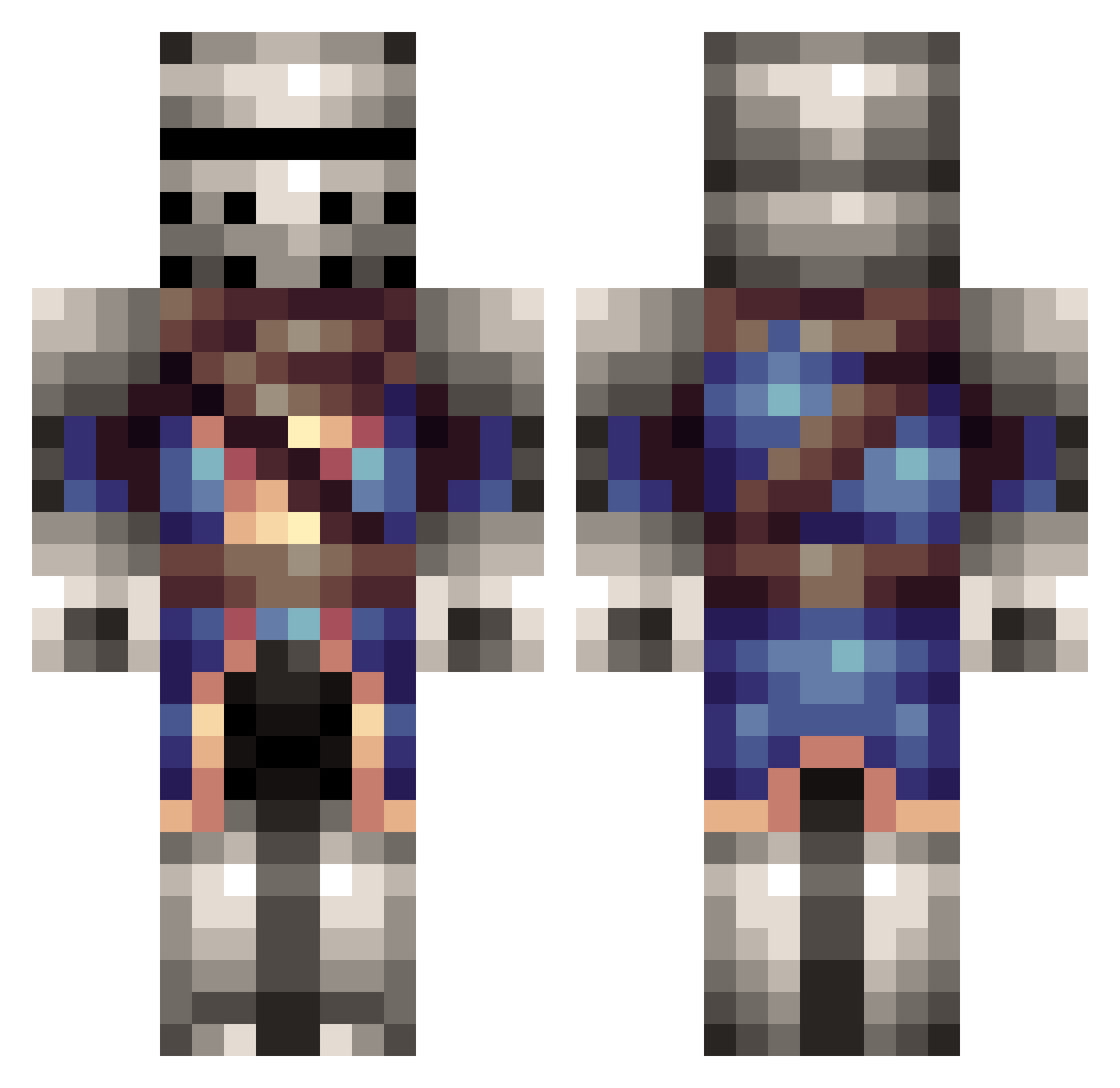
Current Minecraft skin of the player Tac_Viking, loaded from the official Mojang API. Rotate the 3D model with your mouse or finger, then download the skin as a PNG file and use it in Minecraft: Bedrock Edition or Java Edition for free. When Tac_Viking changes their skin, this page updates automatically and the old skin stays in the history below.
Other players with this skin (216)
Tac_Viking was the 172nd player we have seen with this skin, first spotted on 29.10.2026. The same skin was seen on these players. Open a nickname to see their current skin and skin history.
 Heedlesss Riftz9367 zachattack879 Zz_KniGhT Stevens6666 RastaMerc Dusk404 Bbart2434 Sarefus erikmn ziwaixian Cm_Lucas the_tonkery he_ryman TheMasterRonin KingK44 BlackBerry2k20 The_Bas SirLobo Der_Kaempfer PKritch CptBadger InhumanOwl36680 MoktaineX Darkeye94 Yons58 Verilemmikki NotDan2044 BigDan1997 Cosmic_Goose Manibuser7 Landonh19 Godly_Gawain Unnamed_User_301 xSL49 ZikkyCZE Christodius StarSteele Phoenix334 DEadMan10sds Gameknight126 Death_Of_The_Rs Ethedric TheJadedSilver alexpander HollowDrone Zigggy__Stardust TheBandedBandit schythe1 HeathBlizzard Wontolla08 Rahvin_Bloodgod nukefist666 AngryHades Hockeygirl098 Pienat Dragoon3322 Moleman26 Teod0r1500 The_Teewurst
More Medieval Minecraft skins
How to install the Tac_Viking skin
- Press the Download button above to save the skin as a PNG file.
- Minecraft: Bedrock Edition (PE): open the Dressing Room from the main menu (or tap your character → Edit Character), go to Classic Skins → Owned, press the + (new skin) button, choose the downloaded PNG and pick the Classic (Steve) model. Works on PC and mobile; consoles cannot import custom skins.
- Minecraft: Java Edition: open the Minecraft Launcher, go to the Skins tab, click New Skin, load the PNG, pick the Classic (Steve) model and press Save & Use. You can also upload it at minecraft.net → Profile → Change Skin.
The skin does not show up after import - what should I do?
Restart Minecraft and open the Dressing Room again - imported skins sometimes appear only after a restart. Also make sure you selected the imported skin and picked the Classic (Steve) model.
Which model should I choose, Classic or Slim?
This skin is designed for the Classic (Steve) model. If you pick the wrong model, the arms of the skin will look stretched or squeezed.
Is the skin of Tac_Viking free to download?
Yes. Press Download, save the PNG file and use it in Minecraft: Bedrock Edition or Java Edition - no payment or registration needed. The skin also works on multiplayer servers and Realms.
More skins
Looking for more? Go back to all Minecraft skins and check the top skins of the week, month and all time, or find any player's skin by nickname.