
T4int - Minecraft Skins & Skin History
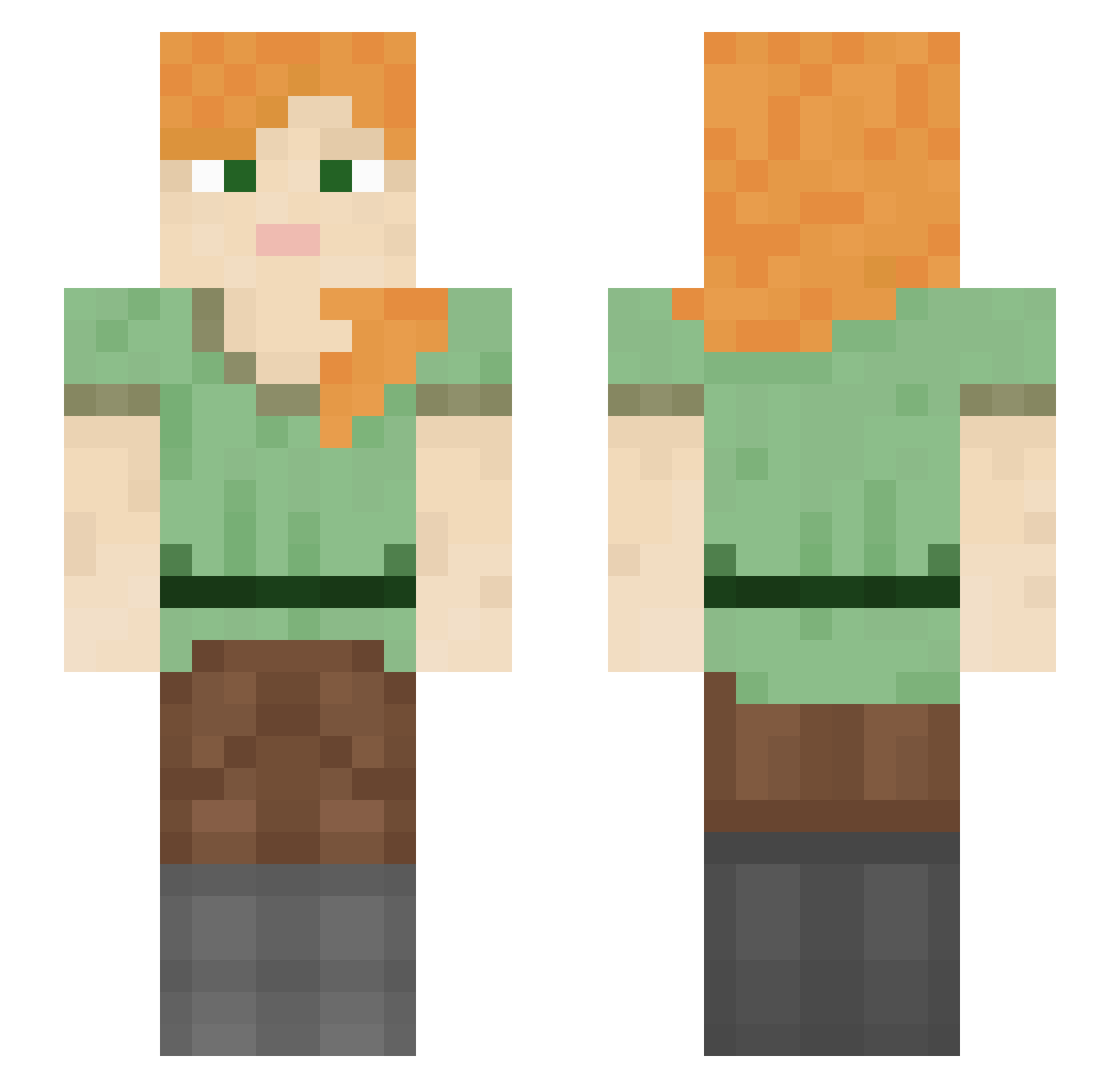
Current Minecraft skin of the player T4int, loaded from the official Mojang API. Rotate the 3D model with your mouse or finger, then download the skin as a PNG file and use it in Minecraft: Bedrock Edition or Java Edition for free. When T4int changes their skin, this page updates automatically and the old skin stays in the history below.
Other players with this skin (1260)
T4int was the 516th player we have seen with this skin, first spotted on 11.09.2026. The same skin was seen on these players. Open a nickname to see their current skin and skin history.
 NikkiB1999 speakerspeakin Knvies FlexDeineExWeg Kompis12 elated Neitro87 rappelling milkmilktea petiteblackguy Roland__ ikhebaleenvriend InterPhone CED10 sjtkoala KPKate CheeseWhizzle akira2049 Cocozelle overloadedthekid agenting thdwlgn Muihay thubert Zaddeh Tarkoff GoonMaster04 DevilDrip Wyweeboi PhuongTrinh184 jwwwe11 yoyoshin1 DonutlordJr fenestration Viral_Filth maych cachua goldbugs Lautanen FeyFrost Phecda DaddyCordonn Lebanna_1709 Z18Aplha BowenArrow MrNoTalent Lil_Dwarf GuustManBro Doc_Fungi Discommodity spookythomas hornie LittleMissPriss
 Quacked___ mrzedster HallowHitboxer dangles207 LipeGames sujeb6506 Goorman
How to install the T4int skin
- Press the Download button above to save the skin as a PNG file.
- Minecraft: Bedrock Edition (PE): open the Dressing Room from the main menu (or tap your character → Edit Character), go to Classic Skins → Owned, press the + (new skin) button, choose the downloaded PNG and pick the Slim (Alex) model. Works on PC and mobile; consoles cannot import custom skins.
- Minecraft: Java Edition: open the Minecraft Launcher, go to the Skins tab, click New Skin, load the PNG, pick the Slim (Alex) model and press Save & Use. You can also upload it at minecraft.net → Profile → Change Skin.
The skin does not show up after import - what should I do?
Restart Minecraft and open the Dressing Room again - imported skins sometimes appear only after a restart. Also make sure you selected the imported skin and picked the Slim (Alex) model.
Which model should I choose, Classic or Slim?
This skin is designed for the Slim (Alex) model. If you pick the wrong model, the arms of the skin will look stretched or squeezed.
Is the skin of T4int free to download?
Yes. Press Download, save the PNG file and use it in Minecraft: Bedrock Edition or Java Edition - no payment or registration needed. The skin also works on multiplayer servers and Realms.
More skins
Looking for more? Go back to all Minecraft skins and check the top skins of the week, month and all time, or find any player's skin by nickname.