
T1Mete0r - Minecraft Skins & Skin History
Current Minecraft skin of the player T1Mete0r, loaded from the official Mojang API. Rotate the 3D model with your mouse or finger, then download the skin as a PNG file and use it in Minecraft: Bedrock Edition or Java Edition for free. When T1Mete0r changes their skin, this page updates automatically and the old skin stays in the history below.
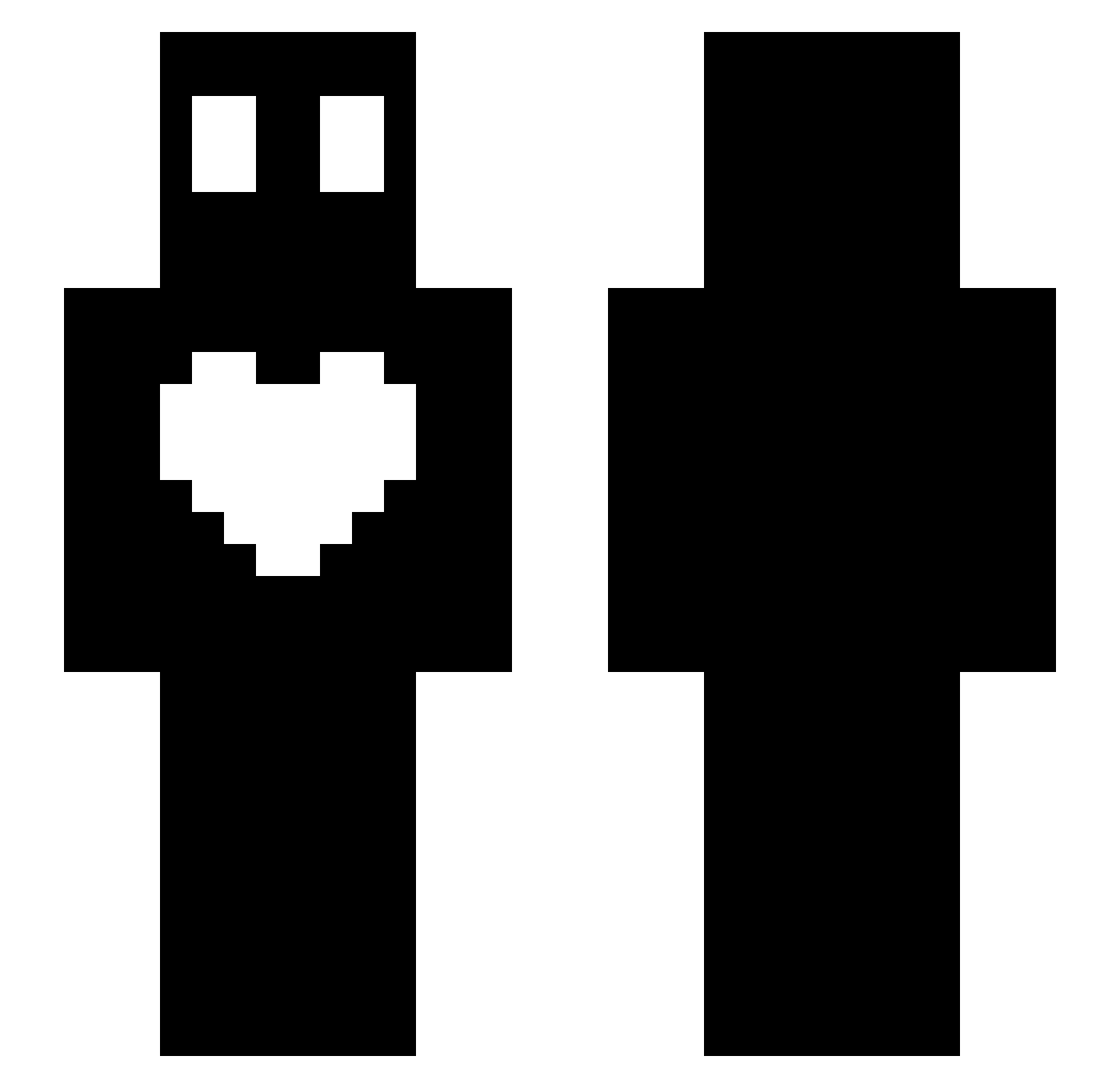
Other players with this skin (62)
T1Mete0r was the 26th player we have seen with this skin, first spotted on 03.09.2026. The same skin was seen on these players. Open a nickname to see their current skin and skin history.
 Chocolattey wj110325 ekavm 950406 chotera kdy7
 pixsss_0101 ddr55 kimjihwan1105 ilovejunseo icaim chaeyoon8737 mlikoy _apd_ Leeshin338 skywals233 charicon sjrnfaos MunekPoTripie mealch1212 2Omin_ hans1215 asdasd2334 kkjun1103 MaDoli122 jy3154 Jettuy gjdld vundcras goretan Gear0815 sun12345
 OLIVE1004
 Milikoy open79 milkoy12 princJihoon 333_3333 punglak osso11a _Euker_ Shev_y wltjq0413 aksen0497 dduuu123 hys551 hrdsuyh CuteJunsoo1118 DN_XH DaquavisMc__ onhoosea Inujjang kihyuho lemon_1972 siwan110511 Xx_milkoy_xX Xanvlrt08 Green_Master0117 LEGO_STOP milkoy_y
More Heart Minecraft skins
How to install the T1Mete0r skin
- Press the Download button above to save the skin as a PNG file.
- Minecraft: Bedrock Edition (PE): open the Dressing Room from the main menu (or tap your character → Edit Character), go to Classic Skins → Owned, press the + (new skin) button, choose the downloaded PNG and pick the Slim (Alex) model. Works on PC and mobile; consoles cannot import custom skins.
- Minecraft: Java Edition: open the Minecraft Launcher, go to the Skins tab, click New Skin, load the PNG, pick the Slim (Alex) model and press Save & Use. You can also upload it at minecraft.net → Profile → Change Skin.
The skin does not show up after import - what should I do?
Restart Minecraft and open the Dressing Room again - imported skins sometimes appear only after a restart. Also make sure you selected the imported skin and picked the Slim (Alex) model.
Which model should I choose, Classic or Slim?
This skin is designed for the Slim (Alex) model. If you pick the wrong model, the arms of the skin will look stretched or squeezed.
Is the skin of T1Mete0r free to download?
Yes. Press Download, save the PNG file and use it in Minecraft: Bedrock Edition or Java Edition - no payment or registration needed. The skin also works on multiplayer servers and Realms.
More skins
Looking for more? Go back to all Minecraft skins and check the top skins of the week, month and all time, or find any player's skin by nickname.