
SyKoX19 - Minecraft Skins & Skin History
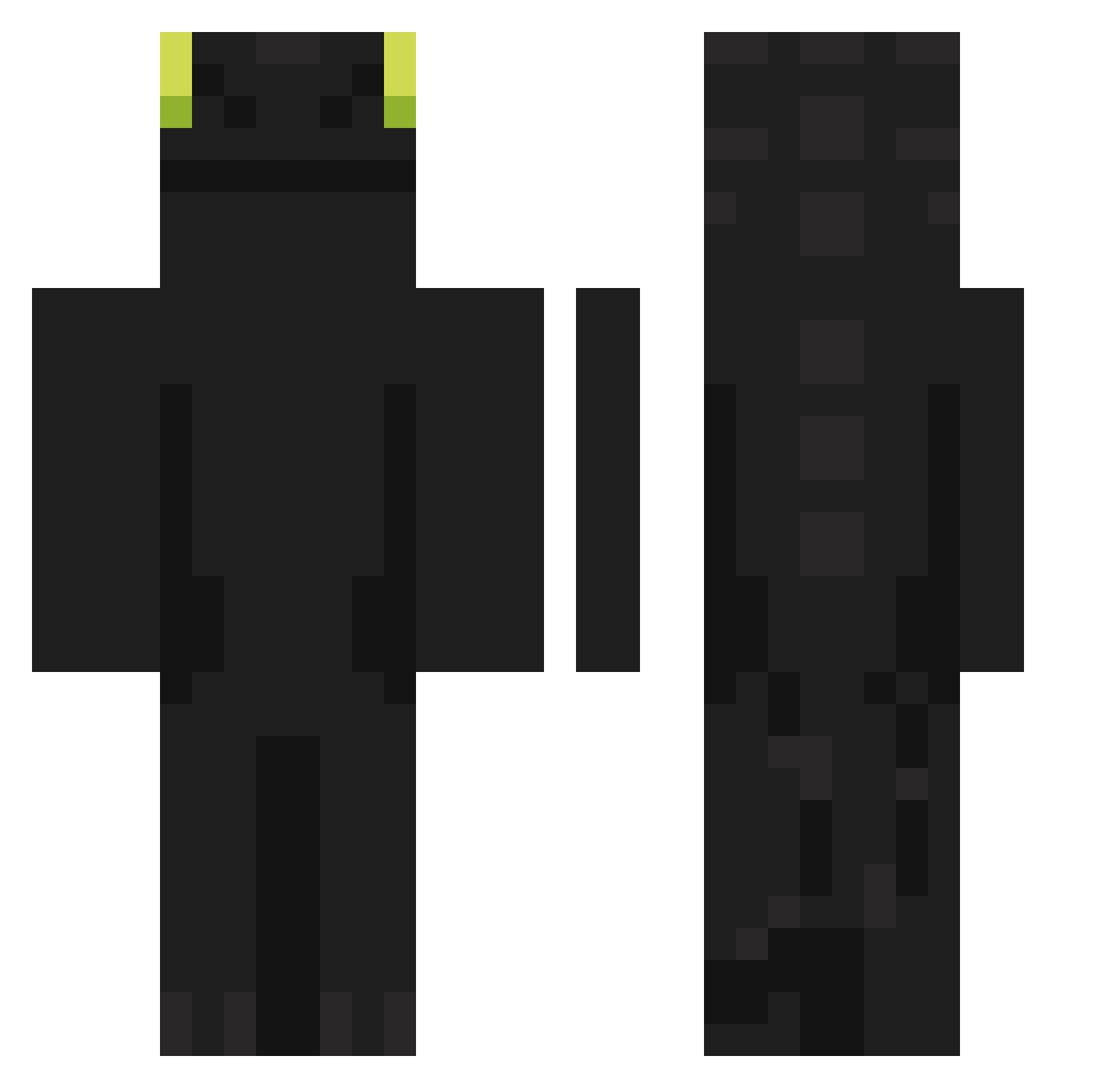
Current Minecraft skin of the player SyKoX19, loaded from the official Mojang API. Rotate the 3D model with your mouse or finger, then download the skin as a PNG file and use it in Minecraft: Bedrock Edition or Java Edition for free. When SyKoX19 changes their skin, this page updates automatically and the old skin stays in the history below.
Other players with this skin (876)
SyKoX19 was the 771st player we have seen with this skin, first spotted on 22.10.2026. The same skin was seen on these players. Open a nickname to see their current skin and skin history.
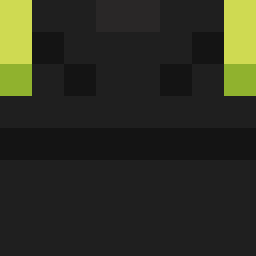 Sykari9282 dersonpvps Probably_Stephen JulezWuz StachuSIgma2137 birosio666 Aditi_ davidone_e khc090503 Antonnyyyy LYE95 GreatMud vickzada KKKK_comix Ssquint_ SlapJelly jiwoo120223 Dragon3427 DuranCR23 bokettobi taewoong1031 RestlessGoat Under_King AZERMOND UD_POMIDORCHIK CEKRE Pondyu01 STYO1023 Madness092 HyenaXman chacha__u Fox_0110 jiwoo047 albatroz9970 Whakatipu squuty Aksakall 6daledoback9 JordyTheMaster HiloNNN qtpsycho97 Dragon417012 capyxaxa BS1G Chennann Naivedoughnut11 Musicos mynameispenman rafinhareido6969 zdima adamons PapaNoob xOGT92x FaezBot angrygami GANGSTER_REAL Spyridorm googoo101 provokacia LavaTrap
More Night Fury Minecraft skins
How to install the SyKoX19 skin
- Press the Download button above to save the skin as a PNG file.
- Minecraft: Bedrock Edition (PE): open the Dressing Room from the main menu (or tap your character → Edit Character), go to Classic Skins → Owned, press the + (new skin) button, choose the downloaded PNG and pick the Classic (Steve) model. Works on PC and mobile; consoles cannot import custom skins.
- Minecraft: Java Edition: open the Minecraft Launcher, go to the Skins tab, click New Skin, load the PNG, pick the Classic (Steve) model and press Save & Use. You can also upload it at minecraft.net → Profile → Change Skin.
The skin does not show up after import - what should I do?
Restart Minecraft and open the Dressing Room again - imported skins sometimes appear only after a restart. Also make sure you selected the imported skin and picked the Classic (Steve) model.
Which model should I choose, Classic or Slim?
This skin is designed for the Classic (Steve) model. If you pick the wrong model, the arms of the skin will look stretched or squeezed.
Is the skin of SyKoX19 free to download?
Yes. Press Download, save the PNG file and use it in Minecraft: Bedrock Edition or Java Edition - no payment or registration needed. The skin also works on multiplayer servers and Realms.
More skins
Looking for more? Go back to all Minecraft skins and check the top skins of the week, month and all time, or find any player's skin by nickname.