
SwordXR - Minecraft Skins & Skin History
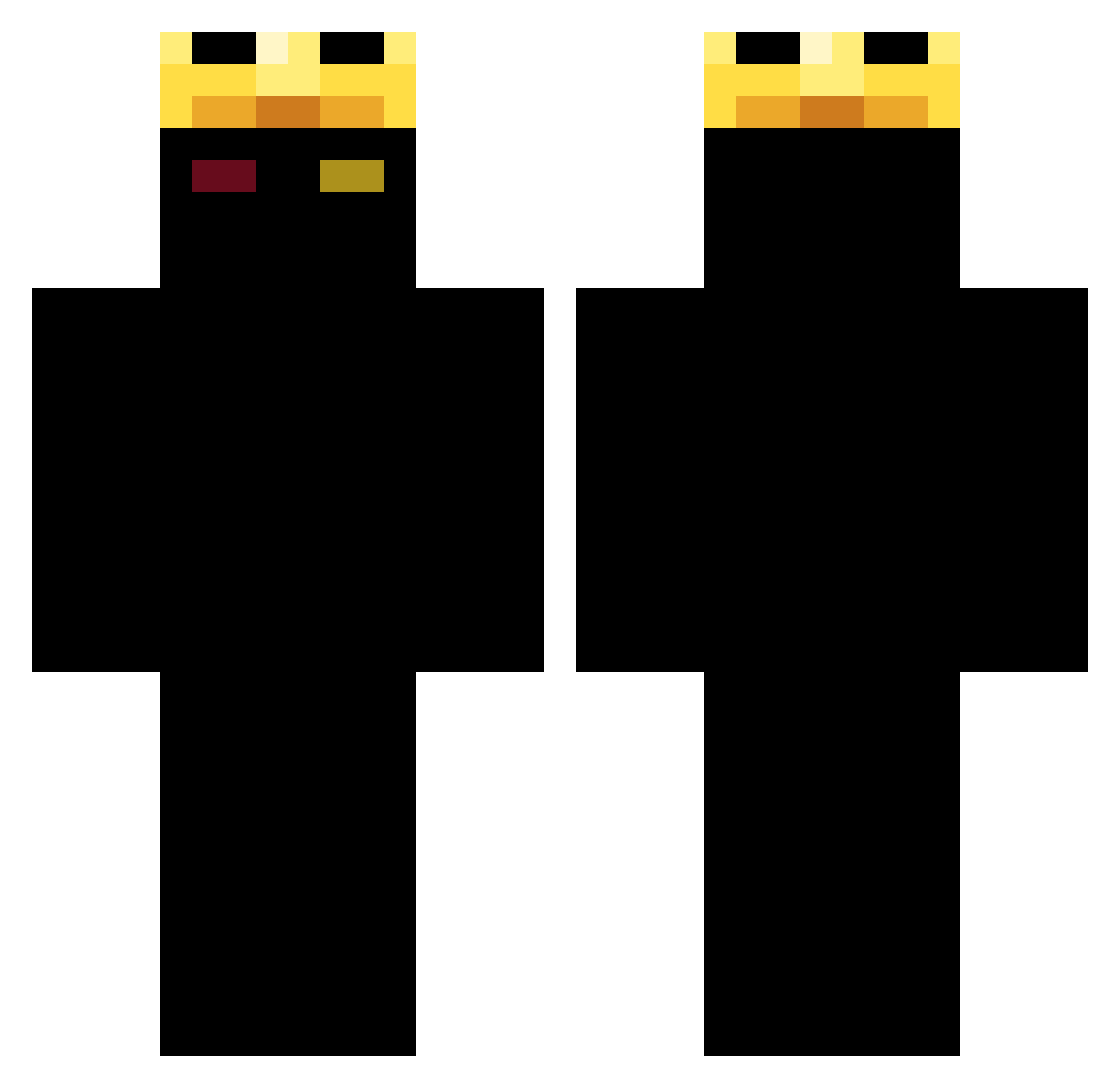
Current Minecraft skin of the player SwordXR, loaded from the official Mojang API. Rotate the 3D model with your mouse or finger, then download the skin as a PNG file and use it in Minecraft: Bedrock Edition or Java Edition for free. When SwordXR changes their skin, this page updates automatically and the old skin stays in the history below.
Other players with this skin (395)
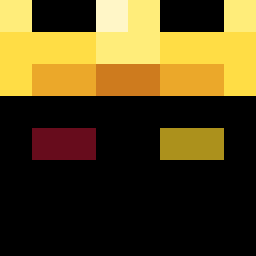
SwordXR was the 221st player we have seen with this skin, first spotted on 28.09.2026. The same skin was seen on these players. Open a nickname to see their current skin and skin history.
 AutoRobot33231 Flo_XD_08 drankaddict UmReese Marsfarn23 kaiser_jamify TStarbender guk90 commonr Luizinn2012 MinecraftsOwners RubiRose_ MomoXL RenRen_2014 fuzzy0106 Ptiripou11 Dsgusting rockeroom daniela_gamer form1ca FA_Hatred WeakMindz LoganCuz1 xVishyy gbyyy LagMcQueen nolvx12 WolfBoack05 mfye wdeaths provenedd GT34 EclipseCeleste_ nomany12 Lite00 Night_1069 Jaxlol44 MiisTyK_ Jezfrmda GamerTrue_ Ronimx diewithASM carvscool Caststarfish714 Dlt_return Iv_Esp Spy696 IUIDXNAF kevin453 moraik53446 TLG_YT_3 Psychadelicist MrStealYoHo lubiemc791 QTz1 zakx37x JebaqFilipaBurak Juehuo_hz Marlie711 lebduch
More Ranboo Minecraft skins
How to install the SwordXR skin
- Press the Download button above to save the skin as a PNG file.
- Minecraft: Bedrock Edition (PE): open the Dressing Room from the main menu (or tap your character → Edit Character), go to Classic Skins → Owned, press the + (new skin) button, choose the downloaded PNG and pick the Classic (Steve) model. Works on PC and mobile; consoles cannot import custom skins.
- Minecraft: Java Edition: open the Minecraft Launcher, go to the Skins tab, click New Skin, load the PNG, pick the Classic (Steve) model and press Save & Use. You can also upload it at minecraft.net → Profile → Change Skin.
The skin does not show up after import - what should I do?
Restart Minecraft and open the Dressing Room again - imported skins sometimes appear only after a restart. Also make sure you selected the imported skin and picked the Classic (Steve) model.
Which model should I choose, Classic or Slim?
This skin is designed for the Classic (Steve) model. If you pick the wrong model, the arms of the skin will look stretched or squeezed.
Is the skin of SwordXR free to download?
Yes. Press Download, save the PNG file and use it in Minecraft: Bedrock Edition or Java Edition - no payment or registration needed. The skin also works on multiplayer servers and Realms.
More skins
Looking for more? Go back to all Minecraft skins and check the top skins of the week, month and all time, or find any player's skin by nickname.