
Sunaebo - Minecraft Skins & Skin History
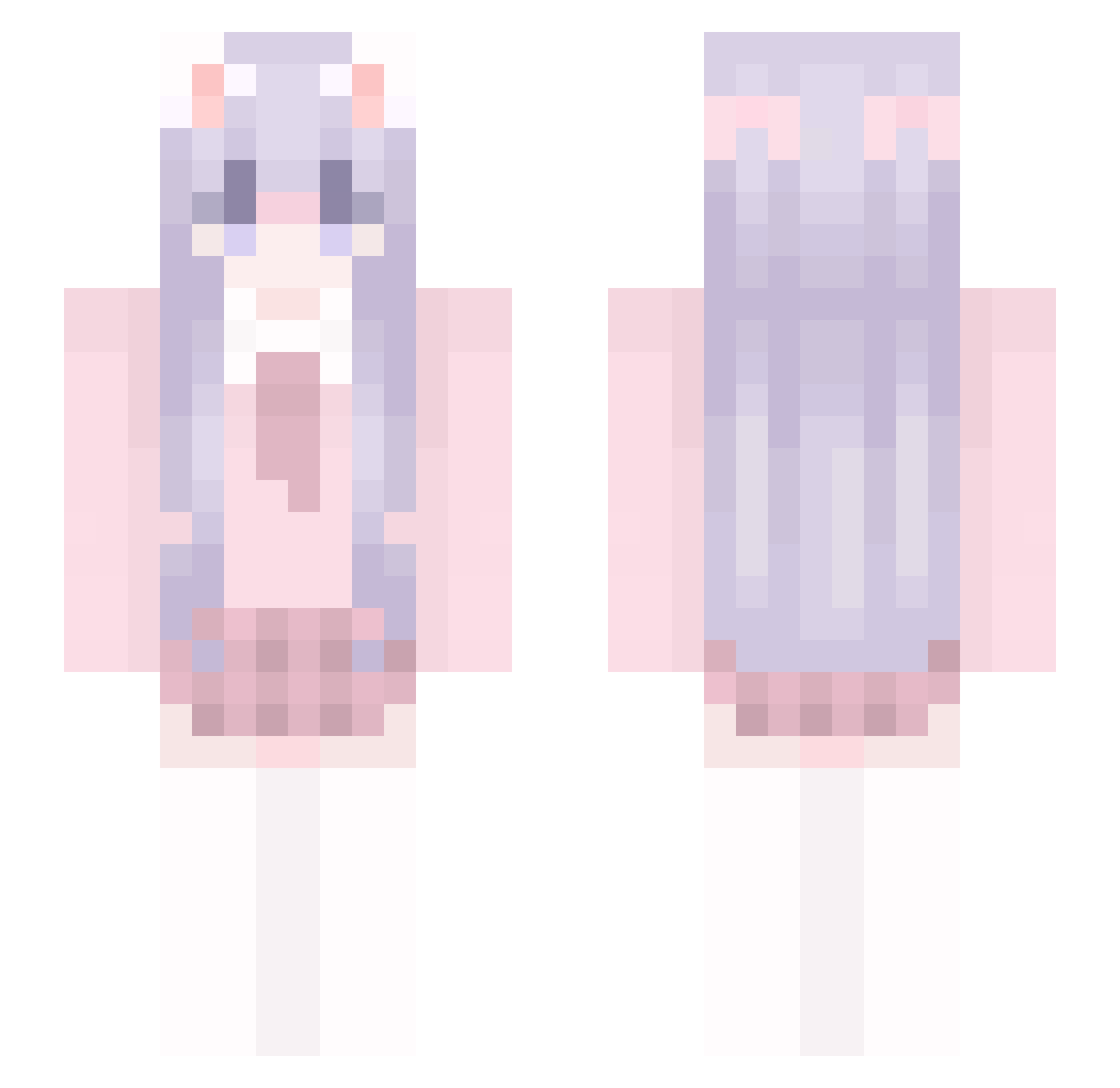
Current Minecraft skin of the player Sunaebo, loaded from the official Mojang API. Rotate the 3D model with your mouse or finger, then download the skin as a PNG file and use it in Minecraft: Bedrock Edition or Java Edition for free. When Sunaebo changes their skin, this page updates automatically and the old skin stays in the history below.
Other players with this skin (40)
Sunaebo was the 8th player we have seen with this skin, first spotted on 12.08.2026. The same skin was seen on these players. Open a nickname to see their current skin and skin history.
 Dlive_sun chenxihepan Hgezi sk6666 YuNaDthw LingXianYue sh1na0326 rourou_ai YGdreamy LSuz Ling0_0 Dianasilly
 xiao_nan_niang19 LoneWalker123 kepeitou Shi_Qi503 Sola_Nya THERESAQWQ KitasanChenhuiJi sun3552 Zh_Three LSqiyu Car1lyn Wzp_ H_MUMIAN AichiJ13 Theocracy_GodDog xenopeltid DEVILRaTnT yi_zhi_lan_gou FxcQoQ Donuts_rua zhanyeQaQ Selena__ Han_miao_ _HanHan0v0 Peachcat_OuO Florian__cloud Lone_cting Frozenzz_
More School Uniform Minecraft skins
See all 6965 School Uniform skins
How to install the Sunaebo skin
- Press the Download button above to save the skin as a PNG file.
- Minecraft: Bedrock Edition (PE): open the Dressing Room from the main menu (or tap your character → Edit Character), go to Classic Skins → Owned, press the + (new skin) button, choose the downloaded PNG and pick the Slim (Alex) model. Works on PC and mobile; consoles cannot import custom skins.
- Minecraft: Java Edition: open the Minecraft Launcher, go to the Skins tab, click New Skin, load the PNG, pick the Slim (Alex) model and press Save & Use. You can also upload it at minecraft.net → Profile → Change Skin.
The skin does not show up after import - what should I do?
Restart Minecraft and open the Dressing Room again - imported skins sometimes appear only after a restart. Also make sure you selected the imported skin and picked the Slim (Alex) model.
Which model should I choose, Classic or Slim?
This skin is designed for the Slim (Alex) model. If you pick the wrong model, the arms of the skin will look stretched or squeezed.
Is the skin of Sunaebo free to download?
Yes. Press Download, save the PNG file and use it in Minecraft: Bedrock Edition or Java Edition - no payment or registration needed. The skin also works on multiplayer servers and Realms.
More skins
Looking for more? Go back to all Minecraft skins and check the top skins of the week, month and all time, or find any player's skin by nickname.