
SpeedyArs3nal - Minecraft Skins & Skin History
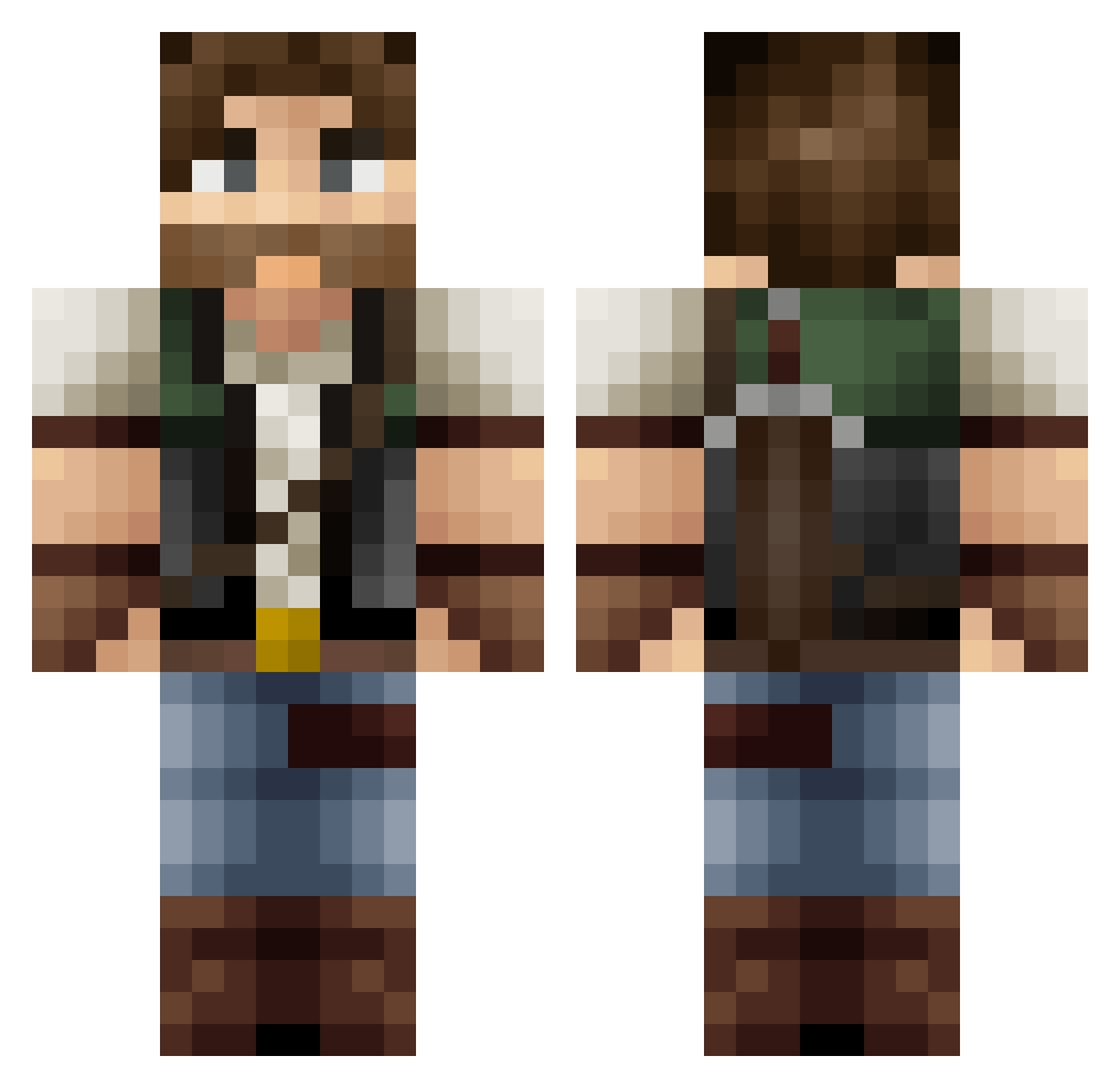
Current Minecraft skin of the player SpeedyArs3nal, loaded from the official Mojang API. Rotate the 3D model with your mouse or finger, then download the skin as a PNG file and use it in Minecraft: Bedrock Edition or Java Edition for free. When SpeedyArs3nal changes their skin, this page updates automatically and the old skin stays in the history below.
Other players with this skin (382)
SpeedyArs3nal was the 129th player we have seen with this skin, first spotted on 01.09.2026. The same skin was seen on these players. Open a nickname to see their current skin and skin history.
 kennet566 destroyer201z ya95605 pierregb29 Westard Semivdvelden zzxgp_ydTpmXaU yelloxx Tybou_ Chrestos majg__ Jeranomo88 Vokoli ha_rang25 NativeEmpire Marco642 ptahuelo titusadam Risen_Lux monkeybombblues DarthSebas17 Slumenace DangerDav Skalanio Schleichfuss Mikr0b exbadis Swoxy08 TheSirMika AtomDel Ol3ctr0nic 591221 Thorgor Elardod Dormanshow Vertgous1 sumoner Jinwa2Go jts7890 _waphles Speed416_ Polocraft566 T33T33 RAYLIGEN Memrego JFGallon Peuenrick Ozma_TW FuerstBlatt jbarker116 LupoGrigio89 Darkpeddel Noskhar mirror57 Dragonfist07 Mr_Potatoes_fr BootySeeker kkonie MrTheSnig michaelb152
More Hunter Minecraft skins
How to install the SpeedyArs3nal skin
- Press the Download button above to save the skin as a PNG file.
- Minecraft: Bedrock Edition (PE): open the Dressing Room from the main menu (or tap your character → Edit Character), go to Classic Skins → Owned, press the + (new skin) button, choose the downloaded PNG and pick the Classic (Steve) model. Works on PC and mobile; consoles cannot import custom skins.
- Minecraft: Java Edition: open the Minecraft Launcher, go to the Skins tab, click New Skin, load the PNG, pick the Classic (Steve) model and press Save & Use. You can also upload it at minecraft.net → Profile → Change Skin.
The skin does not show up after import - what should I do?
Restart Minecraft and open the Dressing Room again - imported skins sometimes appear only after a restart. Also make sure you selected the imported skin and picked the Classic (Steve) model.
Which model should I choose, Classic or Slim?
This skin is designed for the Classic (Steve) model. If you pick the wrong model, the arms of the skin will look stretched or squeezed.
Is the skin of SpeedyArs3nal free to download?
Yes. Press Download, save the PNG file and use it in Minecraft: Bedrock Edition or Java Edition - no payment or registration needed. The skin also works on multiplayer servers and Realms.
More skins
Looking for more? Go back to all Minecraft skins and check the top skins of the week, month and all time, or find any player's skin by nickname.