
SirSpoods - Minecraft Skins & Skin History
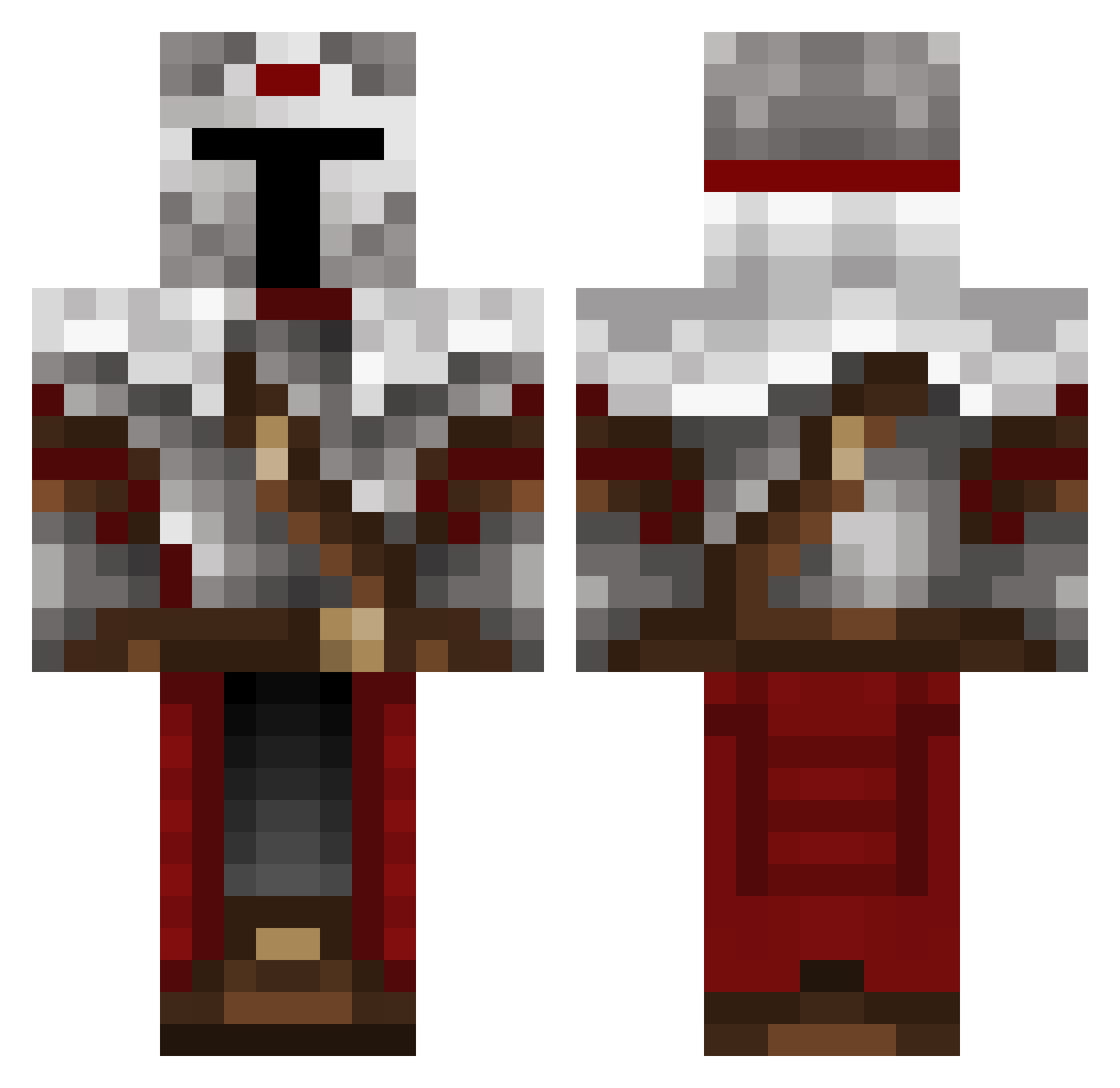
Current Minecraft skin of the player SirSpoods, loaded from the official Mojang API. Rotate the 3D model with your mouse or finger, then download the skin as a PNG file and use it in Minecraft: Bedrock Edition or Java Edition for free. When SirSpoods changes their skin, this page updates automatically and the old skin stays in the history below.
Other players with this skin (489)
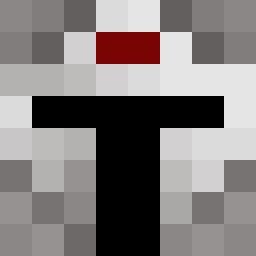
SirSpoods was the 210th player we have seen with this skin, first spotted on 08.09.2026. The same skin was seen on these players. Open a nickname to see their current skin and skin history.
 Ad_Lucem__ Notronpro salami_clone TDLRevan Sam_Kays05 creatie LuisGuzman Aehrenbruder luigibears 1amShady XxLobotronxX NetRonin190 Ezard Lord_in_Black squirrelbait9119 RetiredJam3 MarszalekPolski VaIkorion r14Ghost14 Patrio_Ta defendergreen12 Cutch1121 Ploppaq Chimp_Simp CrusaderWaffles Dr_Aardvark Human_Guardian Rainbowduck9189 Johnson0807 maxpower151 MaskedCynic ZeTTaWaTTs Flury77 D4rkRZ Auditoore Sol_Cat Archangel915 bowl331 Privatepetey TheLesserof2Evil TheJanitor420 Moloc9 Xc4liber squakbox117 Corvus1337 kungfuhunter Dovahdes MoDja captain_mosmaker Scorpiin Valkorion6002 Leafstorm28 Maxlnt AR13M JalapenoOnAStick Kieliaro JLowe17 MyNameIsDanne Lopiz_Medusia vasco51
More Mandalorian Minecraft skins
How to install the SirSpoods skin
- Press the Download button above to save the skin as a PNG file.
- Minecraft: Bedrock Edition (PE): open the Dressing Room from the main menu (or tap your character → Edit Character), go to Classic Skins → Owned, press the + (new skin) button, choose the downloaded PNG and pick the Classic (Steve) model. Works on PC and mobile; consoles cannot import custom skins.
- Minecraft: Java Edition: open the Minecraft Launcher, go to the Skins tab, click New Skin, load the PNG, pick the Classic (Steve) model and press Save & Use. You can also upload it at minecraft.net → Profile → Change Skin.
The skin does not show up after import - what should I do?
Restart Minecraft and open the Dressing Room again - imported skins sometimes appear only after a restart. Also make sure you selected the imported skin and picked the Classic (Steve) model.
Which model should I choose, Classic or Slim?
This skin is designed for the Classic (Steve) model. If you pick the wrong model, the arms of the skin will look stretched or squeezed.
Is the skin of SirSpoods free to download?
Yes. Press Download, save the PNG file and use it in Minecraft: Bedrock Edition or Java Edition - no payment or registration needed. The skin also works on multiplayer servers and Realms.
More skins
Looking for more? Go back to all Minecraft skins and check the top skins of the week, month and all time, or find any player's skin by nickname.