
SirKingsley99 - Minecraft Skins & Skin History
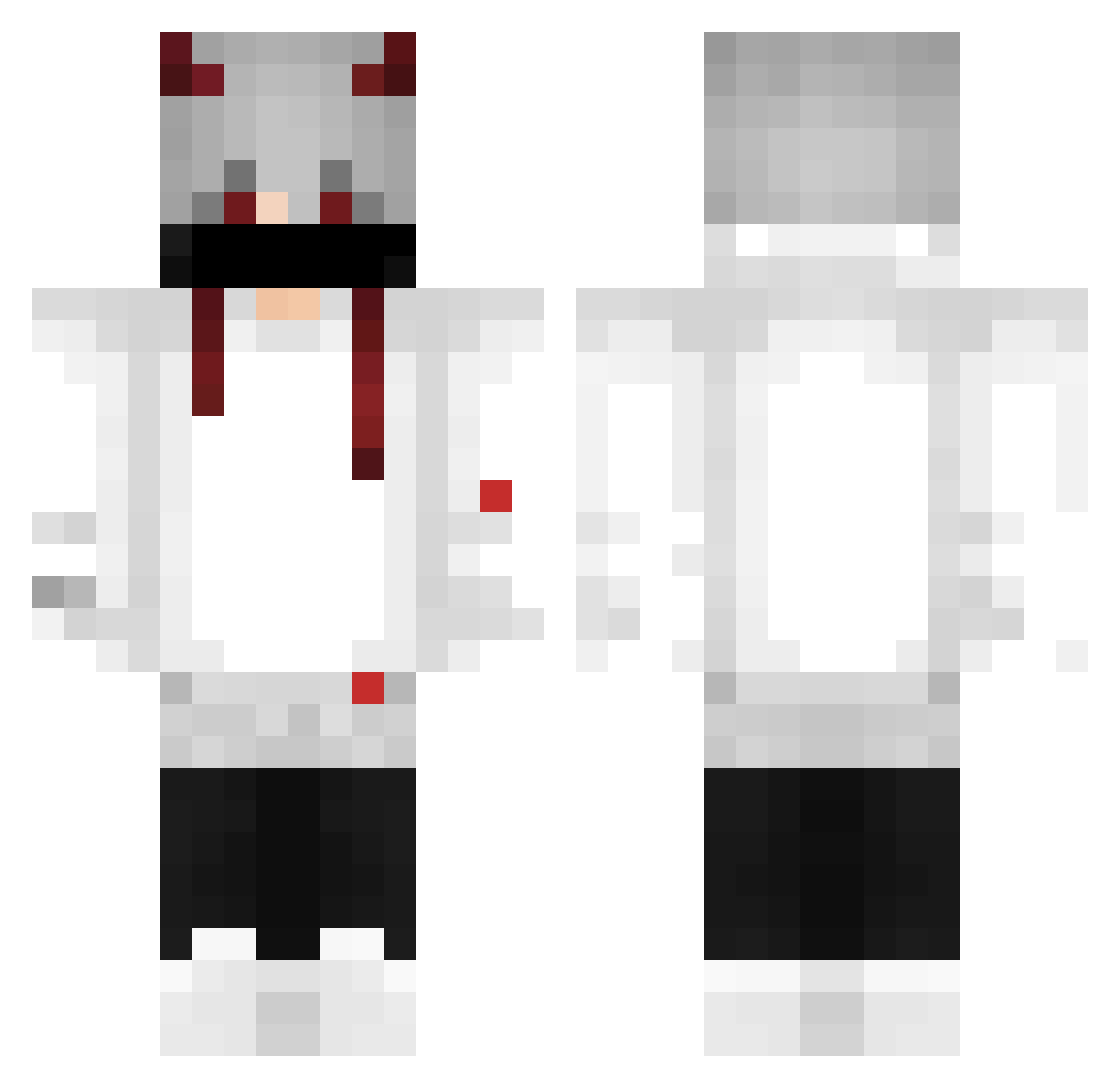
Current Minecraft skin of the player SirKingsley99, loaded from the official Mojang API. Rotate the 3D model with your mouse or finger, then download the skin as a PNG file and use it in Minecraft: Bedrock Edition or Java Edition for free. When SirKingsley99 changes their skin, this page updates automatically and the old skin stays in the history below.
Other players with this skin (378)
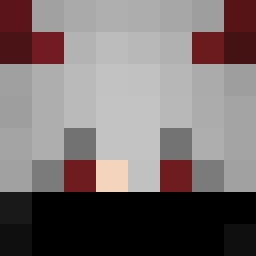
SirKingsley99 was the 353rd player we have seen with this skin, first spotted on 17.10.2026. The same skin was seen on these players. Open a nickname to see their current skin and skin history.
 Juan_sykes VietDungBK v_vidx pseu125 Reashu JAP0 ariq_177 poopismyfavorite iisalma WeskerRin NeuralGnat75897 C0nnan_ KingKik01 luiz_speed SenpaiIjiranaide KyaniteHunter robins240 BAKA07GD Darw1ns alex127440467 Diamondd12 Finozada LuphyTM adon176 Bl4sck_GG plex_max Shakenllama xXGoblinXx joao_player86 PrimePointt G0udx RainnmtBR NerdG SB_FRzPu4 matheus7696 MR_UNKNOWNz menojota Kisumate EBDARK antonio_ntt0 WalensBs MrGMead hy1092 abilioff Loc3x NTXBah Zoudinho Ray_Liquid GreedQ Wither_under64 sixplay2004 JPlny7 Younes_Dz_YT aki_Kobayashi playnuty Chacho1584 HeyYuki AltLuki XLED_ zDockaa
More Demon Horns Minecraft skins
How to install the SirKingsley99 skin
- Press the Download button above to save the skin as a PNG file.
- Minecraft: Bedrock Edition (PE): open the Dressing Room from the main menu (or tap your character → Edit Character), go to Classic Skins → Owned, press the + (new skin) button, choose the downloaded PNG and pick the Classic (Steve) model. Works on PC and mobile; consoles cannot import custom skins.
- Minecraft: Java Edition: open the Minecraft Launcher, go to the Skins tab, click New Skin, load the PNG, pick the Classic (Steve) model and press Save & Use. You can also upload it at minecraft.net → Profile → Change Skin.
The skin does not show up after import - what should I do?
Restart Minecraft and open the Dressing Room again - imported skins sometimes appear only after a restart. Also make sure you selected the imported skin and picked the Classic (Steve) model.
Which model should I choose, Classic or Slim?
This skin is designed for the Classic (Steve) model. If you pick the wrong model, the arms of the skin will look stretched or squeezed.
Is the skin of SirKingsley99 free to download?
Yes. Press Download, save the PNG file and use it in Minecraft: Bedrock Edition or Java Edition - no payment or registration needed. The skin also works on multiplayer servers and Realms.
More skins
Looking for more? Go back to all Minecraft skins and check the top skins of the week, month and all time, or find any player's skin by nickname.