
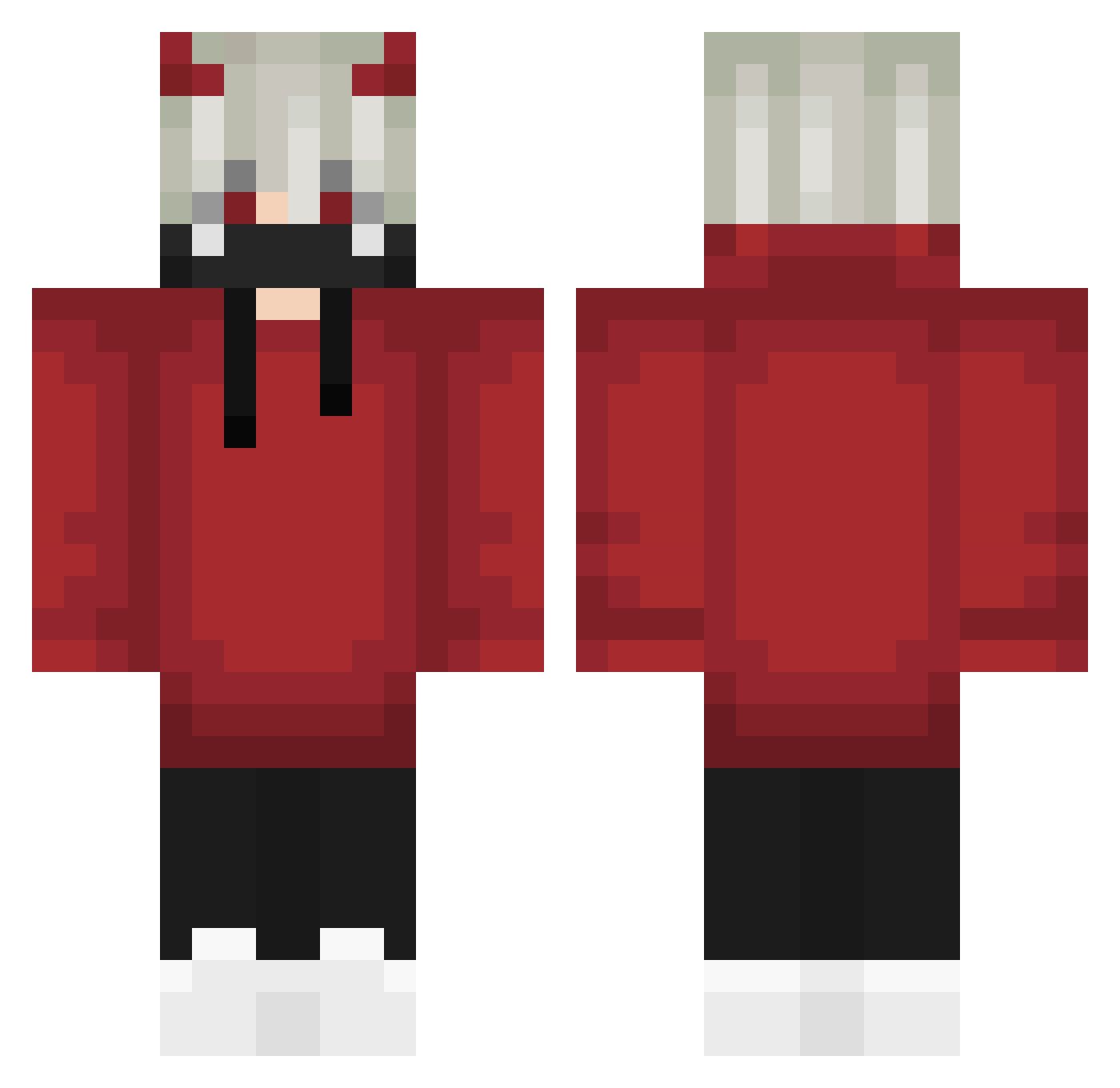
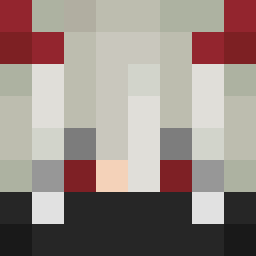
Current Minecraft skin of the player Shinjiko, loaded from the official Mojang API. Rotate the 3D model with your mouse or finger, then download the skin as a PNG file and use it in Minecraft: Bedrock Edition or Java Edition for free. When Shinjiko changes their skin, this page updates automatically and the old skin stays in the history below.
Other players with this skin (571)
Shinjiko was the 123rd player we have seen with this skin, first spotted on 14.08.2026. The same skin was seen on these players. Open a nickname to see their current skin and skin history.
 Kubadopalacz OfficialBAM Shadow_0716 Dragonz21 Kir0j __PVILLA__ lilmetooo Akrhs_Rieban KaiGuyGD DAANN_50 credit6769 NightmareVoid11 Jancio__YT Xiao_xiao_tu IONanOI ILYANBG IM_JuST_ZeYaD DEADxDRAG0Nx Hellsaiber caduedu312 LaudaSol Ruslashkaa stong2525 Diablolo DoomBow GlyfiksYT Words123 JoshuaRS5 mali_noyan kimihito4 Hz_my NathanDrake01 Itz_no1zzzz Anonymous_Bear ogters 0hKozzox Arian9Star CruxOG ItzKaruna Toxiccrow38 r1nnegan RhaastEh Fushion2501 Askalonik yellowbrother wuhq _xAloneDarkx SpringPeace ReallyEz MER_BRENIK Gh0sTTx1 honor_6146 Im_Nightmvre MalikTheBabo Meowo1023 NyokoXIV _L2a vS3eD HaiseSama pomeranc333
More Demon Horns Minecraft skins
How to install the Shinjiko skin
- Press the Download button above to save the skin as a PNG file.
- Minecraft: Bedrock Edition (PE): open the Dressing Room from the main menu (or tap your character → Edit Character), go to Classic Skins → Owned, press the + (new skin) button, choose the downloaded PNG and pick the Classic (Steve) model. Works on PC and mobile; consoles cannot import custom skins.
- Minecraft: Java Edition: open the Minecraft Launcher, go to the Skins tab, click New Skin, load the PNG, pick the Classic (Steve) model and press Save & Use. You can also upload it at minecraft.net → Profile → Change Skin.
The skin does not show up after import - what should I do?
Restart Minecraft and open the Dressing Room again - imported skins sometimes appear only after a restart. Also make sure you selected the imported skin and picked the Classic (Steve) model.
Which model should I choose, Classic or Slim?
This skin is designed for the Classic (Steve) model. If you pick the wrong model, the arms of the skin will look stretched or squeezed.
Is the skin of Shinjiko free to download?
Yes. Press Download, save the PNG file and use it in Minecraft: Bedrock Edition or Java Edition - no payment or registration needed. The skin also works on multiplayer servers and Realms.
More skins
Looking for more? Go back to all Minecraft skins and check the top skins of the week, month and all time, or find any player's skin by nickname.