
Shekgi - Minecraft Skins & Skin History
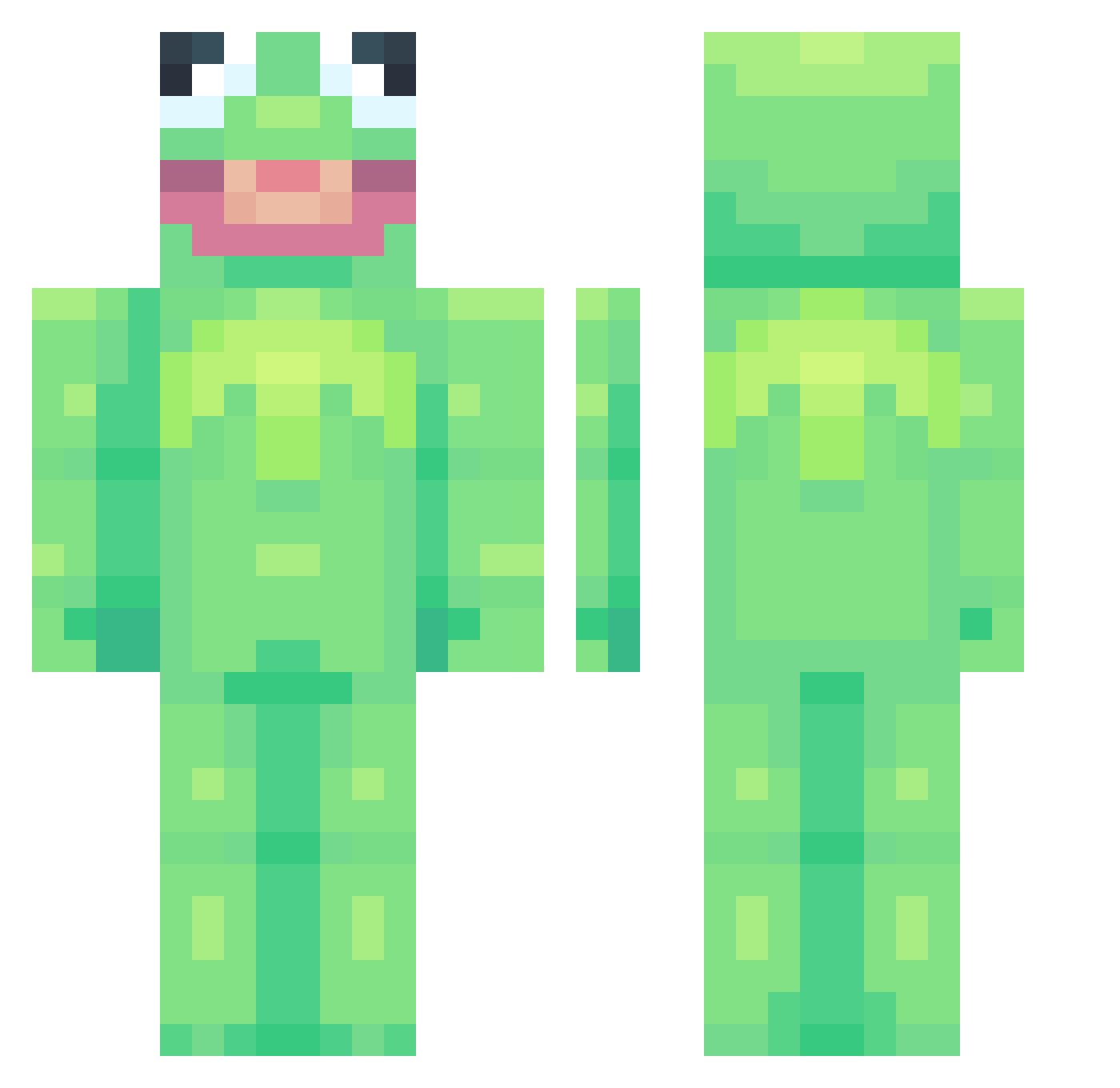
Current Minecraft skin of the player Shekgi, loaded from the official Mojang API. Rotate the 3D model with your mouse or finger, then download the skin as a PNG file and use it in Minecraft: Bedrock Edition or Java Edition for free. When Shekgi changes their skin, this page updates automatically and the old skin stays in the history below.
Other players with this skin (912)
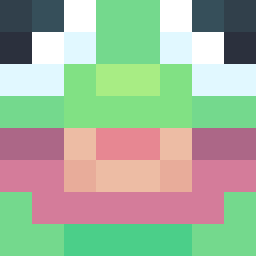
Shekgi was the 728th player we have seen with this skin, first spotted on 28.10.2026. The same skin was seen on these players. Open a nickname to see their current skin and skin history.
 YeetBiggly maggievangogh Lienorin S4CCER BlockBuzzters dixiedameilo ItsLuc1fer tahweeya Haji_00 namesmike luminxoff CryptoCuz uwu0119 PePsIMaX0 seanfs774 triskit0413 AidanClo denfi__ SenorBrownCow blockslayer2010 McByte kelowe saltymello xanduba bruno_pug18 syuaday MineTeseo BigCIive CreeperPasSympa_ iitsKylo VolsFan1313 SturmUser paco5630 Liquid_Ice23 MONZIC BestNarwhal JamalBukera _polichinelle Jasonchou12 Aragacki xXtoxicbeansXx K3rmit_The_Frawg SirDandelion Vyoalet NiceGuyAyden Jayywise PeachSprouts Hamiico Herffmen tyspi1410 Siccness831 kierstenkier _AlmondMilk AFU_Man UnPetitCaillou bgizm ppfunny22 TomTomatenmark lillebroliworli Papi_Chulo1999
More Kermit The Frog Minecraft skins
See all 472 Kermit The Frog skins
How to install the Shekgi skin
- Press the Download button above to save the skin as a PNG file.
- Minecraft: Bedrock Edition (PE): open the Dressing Room from the main menu (or tap your character → Edit Character), go to Classic Skins → Owned, press the + (new skin) button, choose the downloaded PNG and pick the Classic (Steve) model. Works on PC and mobile; consoles cannot import custom skins.
- Minecraft: Java Edition: open the Minecraft Launcher, go to the Skins tab, click New Skin, load the PNG, pick the Classic (Steve) model and press Save & Use. You can also upload it at minecraft.net → Profile → Change Skin.
The skin does not show up after import - what should I do?
Restart Minecraft and open the Dressing Room again - imported skins sometimes appear only after a restart. Also make sure you selected the imported skin and picked the Classic (Steve) model.
Which model should I choose, Classic or Slim?
This skin is designed for the Classic (Steve) model. If you pick the wrong model, the arms of the skin will look stretched or squeezed.
Is the skin of Shekgi free to download?
Yes. Press Download, save the PNG file and use it in Minecraft: Bedrock Edition or Java Edition - no payment or registration needed. The skin also works on multiplayer servers and Realms.
More skins
Looking for more? Go back to all Minecraft skins and check the top skins of the week, month and all time, or find any player's skin by nickname.