
Shaelz - Minecraft Skins & Skin History
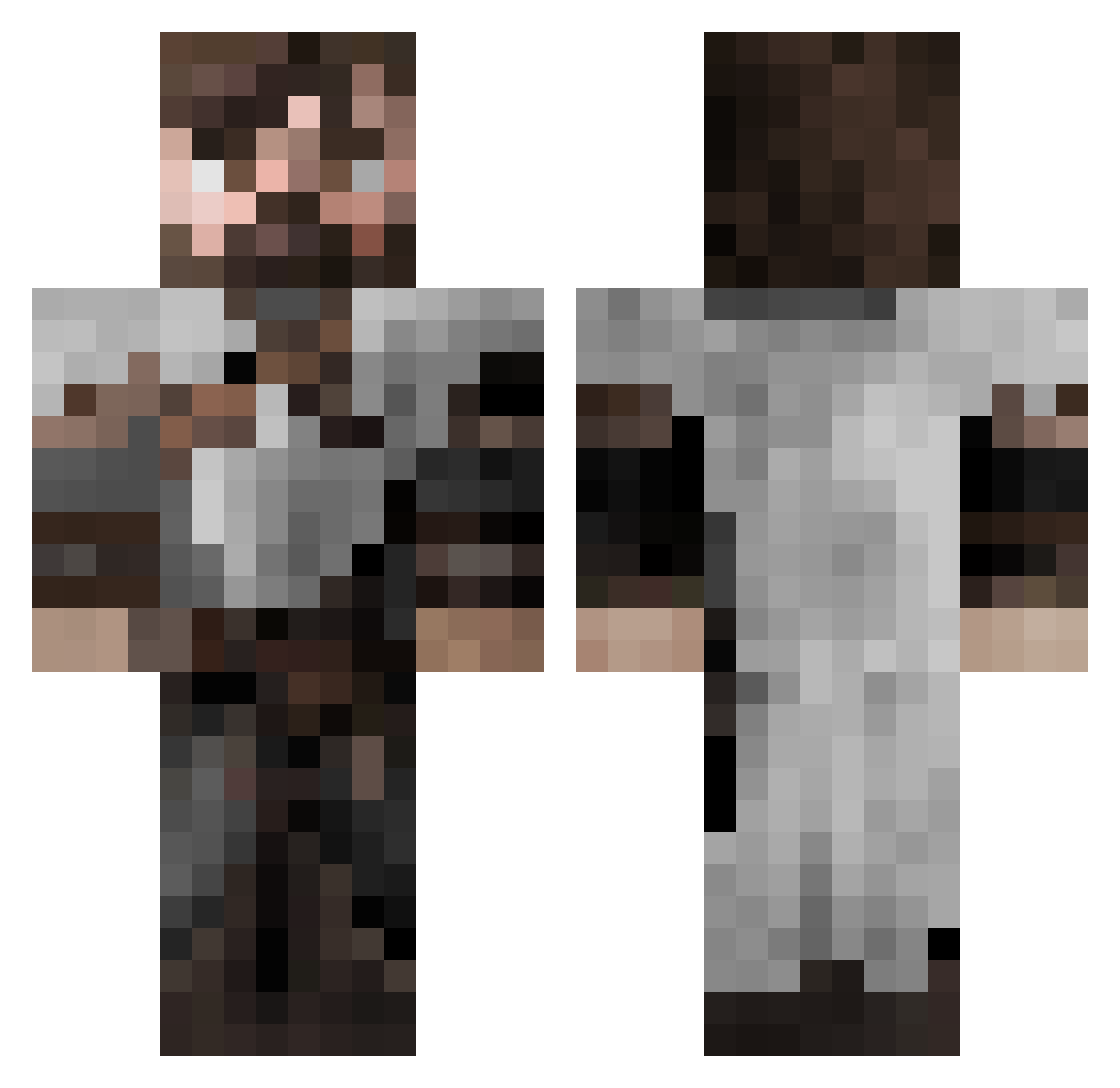
Current Minecraft skin of the player Shaelz, loaded from the official Mojang API. Rotate the 3D model with your mouse or finger, then download the skin as a PNG file and use it in Minecraft: Bedrock Edition or Java Edition for free. When Shaelz changes their skin, this page updates automatically and the old skin stays in the history below.
Other players with this skin (553)
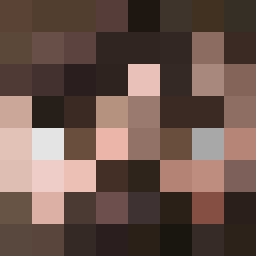
Shaelz was the 472nd player we have seen with this skin, first spotted on 19.10.2026. The same skin was seen on these players. Open a nickname to see their current skin and skin history.
 ArtOfWar24 BarefootDan Doctor_Ryot bardo7216 jll3w 0h666 llafif Watorse LenniLokki Sebas104 RealGranularBulb Heloknight1 crispr313 mistborn4 North005 Noblefox3 menace51101 BubiHolzer Sascha_99 Dorisaur BlackPaladin24 diddlyboi99 jcoop202 Fauxhades GrinchForever Loladin R0maris Basemant_jesus t0bivan GrimmLogic Croeric Sluperdduper Gr33nex NightLlama64917 Kaihn LeBombJames21 abbytron SinisterNova15 ama_00 GoIceWolf LesWorth1982 Texx_321 AFRICANole _Magz BarrettParrot Sigfriedson Therminion Neonoryx juannose Rusty0o0 AdaptingMinds Crossbreed8714 J0ker812 milko_kalaidjiev Nexulius bodgejob44 Jack79584 Lyptix BaiMitio ItsRaka
More Crusader Minecraft skins
How to install the Shaelz skin
- Press the Download button above to save the skin as a PNG file.
- Minecraft: Bedrock Edition (PE): open the Dressing Room from the main menu (or tap your character → Edit Character), go to Classic Skins → Owned, press the + (new skin) button, choose the downloaded PNG and pick the Classic (Steve) model. Works on PC and mobile; consoles cannot import custom skins.
- Minecraft: Java Edition: open the Minecraft Launcher, go to the Skins tab, click New Skin, load the PNG, pick the Classic (Steve) model and press Save & Use. You can also upload it at minecraft.net → Profile → Change Skin.
The skin does not show up after import - what should I do?
Restart Minecraft and open the Dressing Room again - imported skins sometimes appear only after a restart. Also make sure you selected the imported skin and picked the Classic (Steve) model.
Which model should I choose, Classic or Slim?
This skin is designed for the Classic (Steve) model. If you pick the wrong model, the arms of the skin will look stretched or squeezed.
Is the skin of Shaelz free to download?
Yes. Press Download, save the PNG file and use it in Minecraft: Bedrock Edition or Java Edition - no payment or registration needed. The skin also works on multiplayer servers and Realms.
More skins
Looking for more? Go back to all Minecraft skins and check the top skins of the week, month and all time, or find any player's skin by nickname.