
Sgabox - Minecraft Skins & Skin History
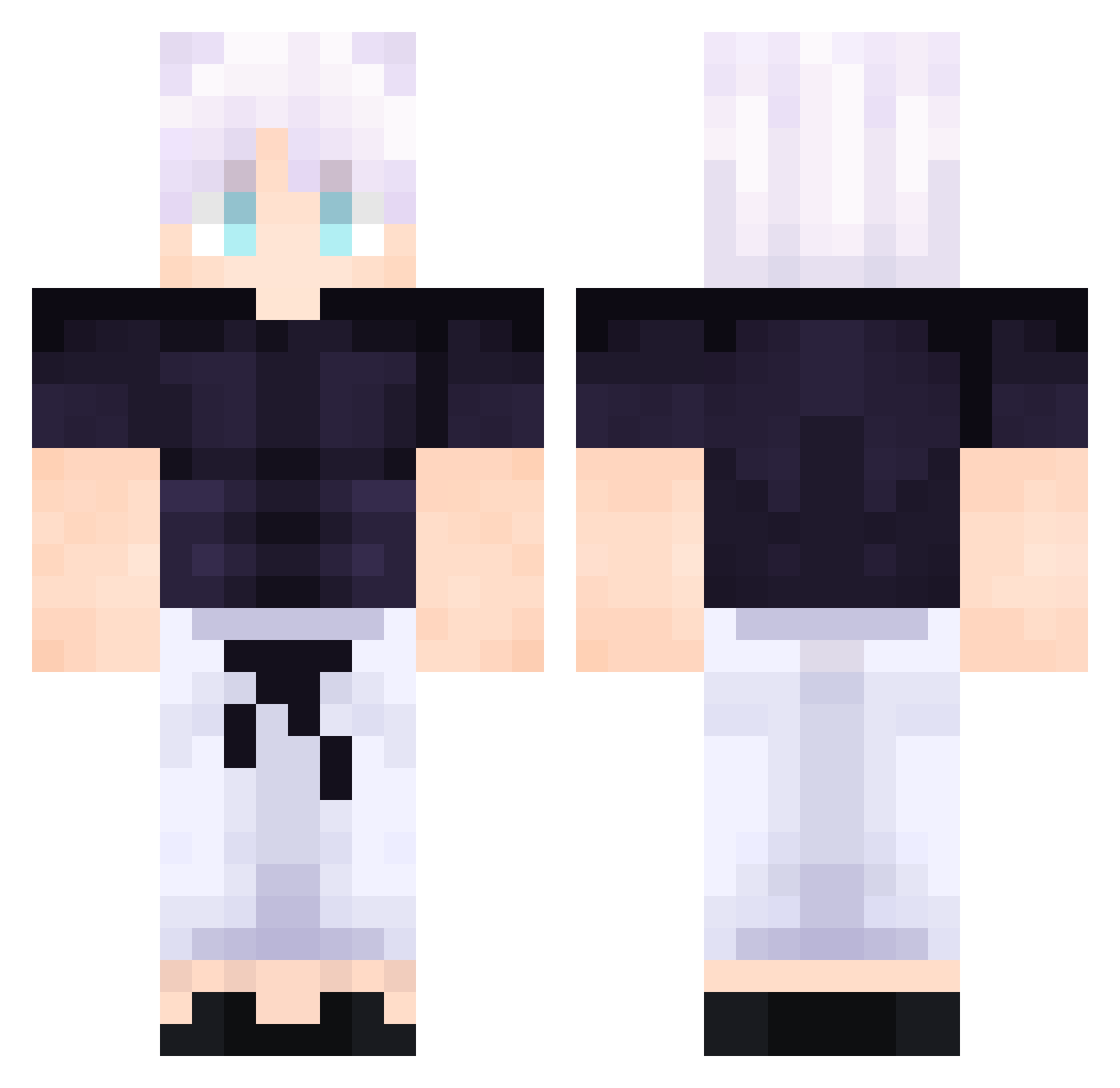
Current Minecraft skin of the player Sgabox, loaded from the official Mojang API. Rotate the 3D model with your mouse or finger, then download the skin as a PNG file and use it in Minecraft: Bedrock Edition or Java Edition for free. When Sgabox changes their skin, this page updates automatically and the old skin stays in the history below.
Other players with this skin (510)
Sgabox was the 283rd player we have seen with this skin, first spotted on 22.09.2026. The same skin was seen on these players. Open a nickname to see their current skin and skin history.
 TopherHasashi Edo089 GrandmaHatesMe ZeroRose03 B1KALS_Gun Raffaello13 Perez_z__ NemoAU Astral_Zero 21J3 Cieraaas Cooldudejerry Guerreriito alexo1786 Shadowolf0403 ERRORSANSE8 shjwll PrattGotNoRizz suginooo Diegorl_6 GOJOSE7 Jules_levoyouuu TomThomas123 Boballl Mikour Geckodile Sethakopia Sokaine Prismspear EciakPeciak 3ggy69 NOO4H Belle9789 SaynS01 Cholent Dymxn jdmmclovin Gentrid06 itsilvyr ICEXFIRE_172 Lil_Jeepers RaidenGod17 SASAMISE SKNinjaSK Hair2311 DooSir Torocel Christsaurus Monkey08dup Dioskriller BEAGLESS jowun00 whyUbullyMe12345 UltimateGojan Nekotinna atedesanima Tundoura MarcoPoioXD lukemagnuss KingClaudio5283
More Satoru Gojo Minecraft skins
See all 1319 Satoru Gojo skins
How to install the Sgabox skin
- Press the Download button above to save the skin as a PNG file.
- Minecraft: Bedrock Edition (PE): open the Dressing Room from the main menu (or tap your character → Edit Character), go to Classic Skins → Owned, press the + (new skin) button, choose the downloaded PNG and pick the Classic (Steve) model. Works on PC and mobile; consoles cannot import custom skins.
- Minecraft: Java Edition: open the Minecraft Launcher, go to the Skins tab, click New Skin, load the PNG, pick the Classic (Steve) model and press Save & Use. You can also upload it at minecraft.net → Profile → Change Skin.
The skin does not show up after import - what should I do?
Restart Minecraft and open the Dressing Room again - imported skins sometimes appear only after a restart. Also make sure you selected the imported skin and picked the Classic (Steve) model.
Which model should I choose, Classic or Slim?
This skin is designed for the Classic (Steve) model. If you pick the wrong model, the arms of the skin will look stretched or squeezed.
Is the skin of Sgabox free to download?
Yes. Press Download, save the PNG file and use it in Minecraft: Bedrock Edition or Java Edition - no payment or registration needed. The skin also works on multiplayer servers and Realms.
More skins
Looking for more? Go back to all Minecraft skins and check the top skins of the week, month and all time, or find any player's skin by nickname.