
Sezemi - Minecraft Skins & Skin History
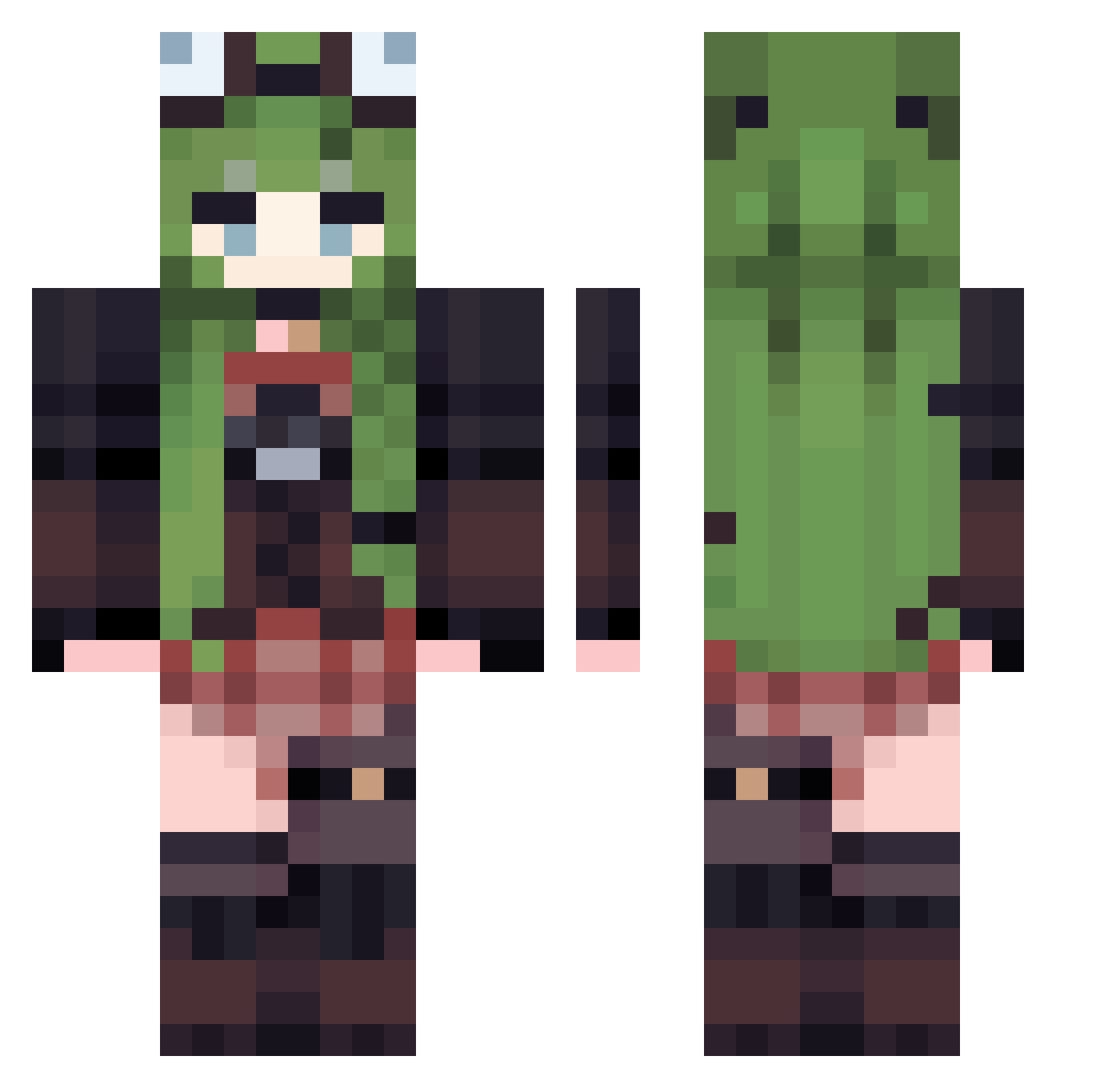
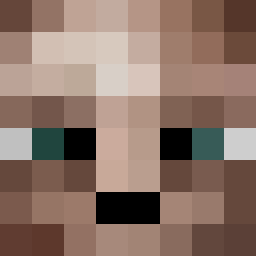
Current Minecraft skin of the player Sezemi, loaded from the official Mojang API. Rotate the 3D model with your mouse or finger, then download the skin as a PNG file and use it in Minecraft: Bedrock Edition or Java Edition for free. When Sezemi changes their skin, this page updates automatically and the old skin stays in the history below.
Other players with this skin (529)
Sezemi was the 68th player we have seen with this skin, first spotted on 10.08.2026. The same skin was seen on these players. Open a nickname to see their current skin and skin history.
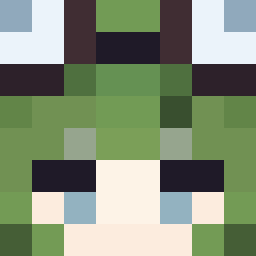 926903 MINED29 Jyizzzl ZHAN0010 BYDPK ssdd810 fzooy __Kittyblanket__ Slay0929 Exelion120 0_blackout_0 Vixahn
 laikathejester Muyunzhi MoriMoriTears Nourhene AndyMcNab dumpyumby Hildas_ notkarel lingyou06 HPU_NO1 MissGenesis deplasper AliceGreirat Baaki90 casspaslatete PICMYO AG99899 FerrArIICE real_adekk Moblind IMBA250 Ephemeral_moment SedatedMunchkinX CARcauazin ajisang
 Soda_White qaq0011 Rapid_Rearm Tracer1110 FunnyFinlyn Plant_Mecha Umbrellya Radbaan Ratunzel
 Miiiiiiiimolette Beetlebum50 YuttoWasTaken XDChewbaccaXD DegTheDog Oummy Magnusthecool asfasfsfa Myfri SaraCoolx mavcx ASPIRINEET aspirin1051 snakelike001
More Frog Hat Minecraft skins
How to install the Sezemi skin
- Press the Download button above to save the skin as a PNG file.
- Minecraft: Bedrock Edition (PE): open the Dressing Room from the main menu (or tap your character → Edit Character), go to Classic Skins → Owned, press the + (new skin) button, choose the downloaded PNG and pick the Classic (Steve) model. Works on PC and mobile; consoles cannot import custom skins.
- Minecraft: Java Edition: open the Minecraft Launcher, go to the Skins tab, click New Skin, load the PNG, pick the Classic (Steve) model and press Save & Use. You can also upload it at minecraft.net → Profile → Change Skin.
The skin does not show up after import - what should I do?
Restart Minecraft and open the Dressing Room again - imported skins sometimes appear only after a restart. Also make sure you selected the imported skin and picked the Classic (Steve) model.
Which model should I choose, Classic or Slim?
This skin is designed for the Classic (Steve) model. If you pick the wrong model, the arms of the skin will look stretched or squeezed.
Is the skin of Sezemi free to download?
Yes. Press Download, save the PNG file and use it in Minecraft: Bedrock Edition or Java Edition - no payment or registration needed. The skin also works on multiplayer servers and Realms.
More skins
Looking for more? Go back to all Minecraft skins and check the top skins of the week, month and all time, or find any player's skin by nickname.