
Sensations24 - Minecraft Skins & Skin History
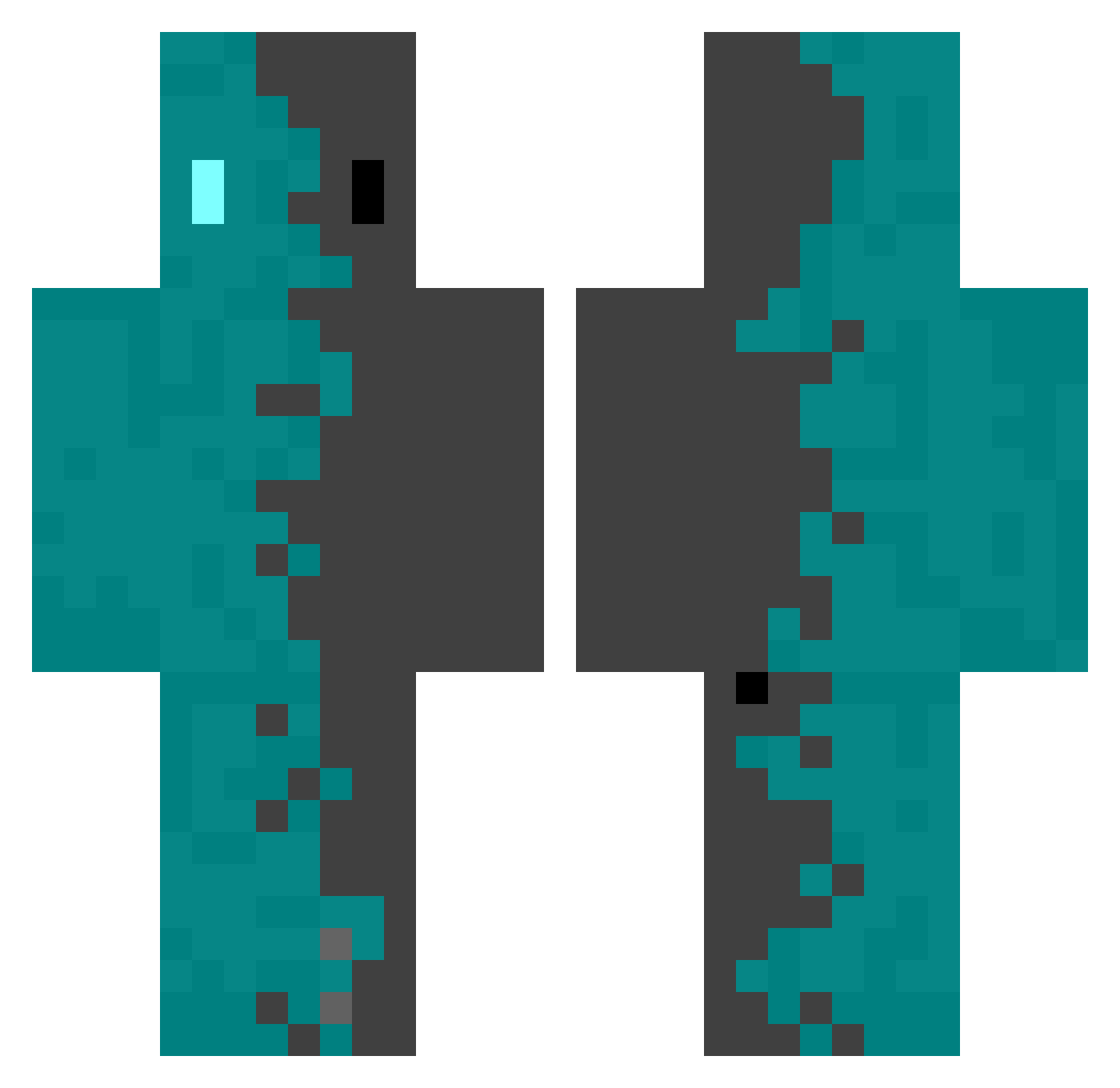
Current Minecraft skin of the player Sensations24, loaded from the official Mojang API. Rotate the 3D model with your mouse or finger, then download the skin as a PNG file and use it in Minecraft: Bedrock Edition or Java Edition for free. When Sensations24 changes their skin, this page updates automatically and the old skin stays in the history below.
Other players with this skin (552)
Sensations24 was the 230th player we have seen with this skin, first spotted on 13.09.2026. The same skin was seen on these players. Open a nickname to see their current skin and skin history.
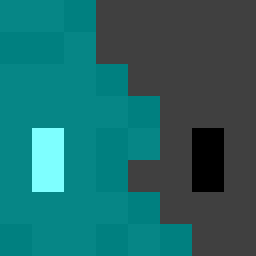 SammySwitch BloodySins JaLuMaAl Mister_NuGeTs Val_1997 I3IOH4ZARD quickdiamond some546_ Morchel2007 Fog233 Leike667 dud2011 cookingcook Remco078 prodbycaiden Ahsend haru150 Tolumo Rambo3454 Weezorn ChankYEAH Luyran RNLBCK oka2222 Dreeziin Reonan happy000x Coldestrainy ewruih mob0123 asd109345 Adam__BR ZAM0202 zassyu369 notty1126fake HyuKi_0 Kangpando kobel9 THENOWTHERE_KING skippy2776 Mitsuki_Zeh_69 KINICK1 8_Sakura_8 Penguini__ CharlieConrad Sakui0375 M0M1G Noutrox Foxiled FabianJ21 __bEan_ kp_12 GeQun Sleirbag _XYG Manik_191 ganjamn420 Yannick3550 zhuorui Kayr0Xx
How to install the Sensations24 skin
- Press the Download button above to save the skin as a PNG file.
- Minecraft: Bedrock Edition (PE): open the Dressing Room from the main menu (or tap your character → Edit Character), go to Classic Skins → Owned, press the + (new skin) button, choose the downloaded PNG and pick the Classic (Steve) model. Works on PC and mobile; consoles cannot import custom skins.
- Minecraft: Java Edition: open the Minecraft Launcher, go to the Skins tab, click New Skin, load the PNG, pick the Classic (Steve) model and press Save & Use. You can also upload it at minecraft.net → Profile → Change Skin.
The skin does not show up after import - what should I do?
Restart Minecraft and open the Dressing Room again - imported skins sometimes appear only after a restart. Also make sure you selected the imported skin and picked the Classic (Steve) model.
Which model should I choose, Classic or Slim?
This skin is designed for the Classic (Steve) model. If you pick the wrong model, the arms of the skin will look stretched or squeezed.
Is the skin of Sensations24 free to download?
Yes. Press Download, save the PNG file and use it in Minecraft: Bedrock Edition or Java Edition - no payment or registration needed. The skin also works on multiplayer servers and Realms.
More skins
Looking for more? Go back to all Minecraft skins and check the top skins of the week, month and all time, or find any player's skin by nickname.