
 Phzinx62 EdCHZ EchosOfMania M7MDZ05 konn90 badmood0 Bagayalow LHR_GAT Matriox77 dygkscsn LilBootyJudy Danish_ SpeedUp2 Slashei PUPURUPUPU NobleGaz kxrlxrd LILshnack Symhow Hiraeth404 mateoandre MozChen Dragon316 lowkeynewo Eragon_277 zJxllY LanMaoQAQ Tonton_Sheep allenwar CorporalSledge wesdraww DavidMiranda1023 Luoyu_zhensen Oterott TheMightyNapstor 4zulay Flo7344 lLovel peter_GGININDER MJSeaf02 ODESS4 Kitsuze Drazxyss Selever_FNF Radosh823 OptimalMATRIX Rush__19 HarlekinSL xuean1 PhantomPouet Silence0110 TUCAAASA Floomah why1047 CottonPickles Admirali Gailfreeze Ricyn2 Brandinator Aidux
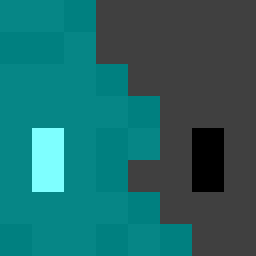
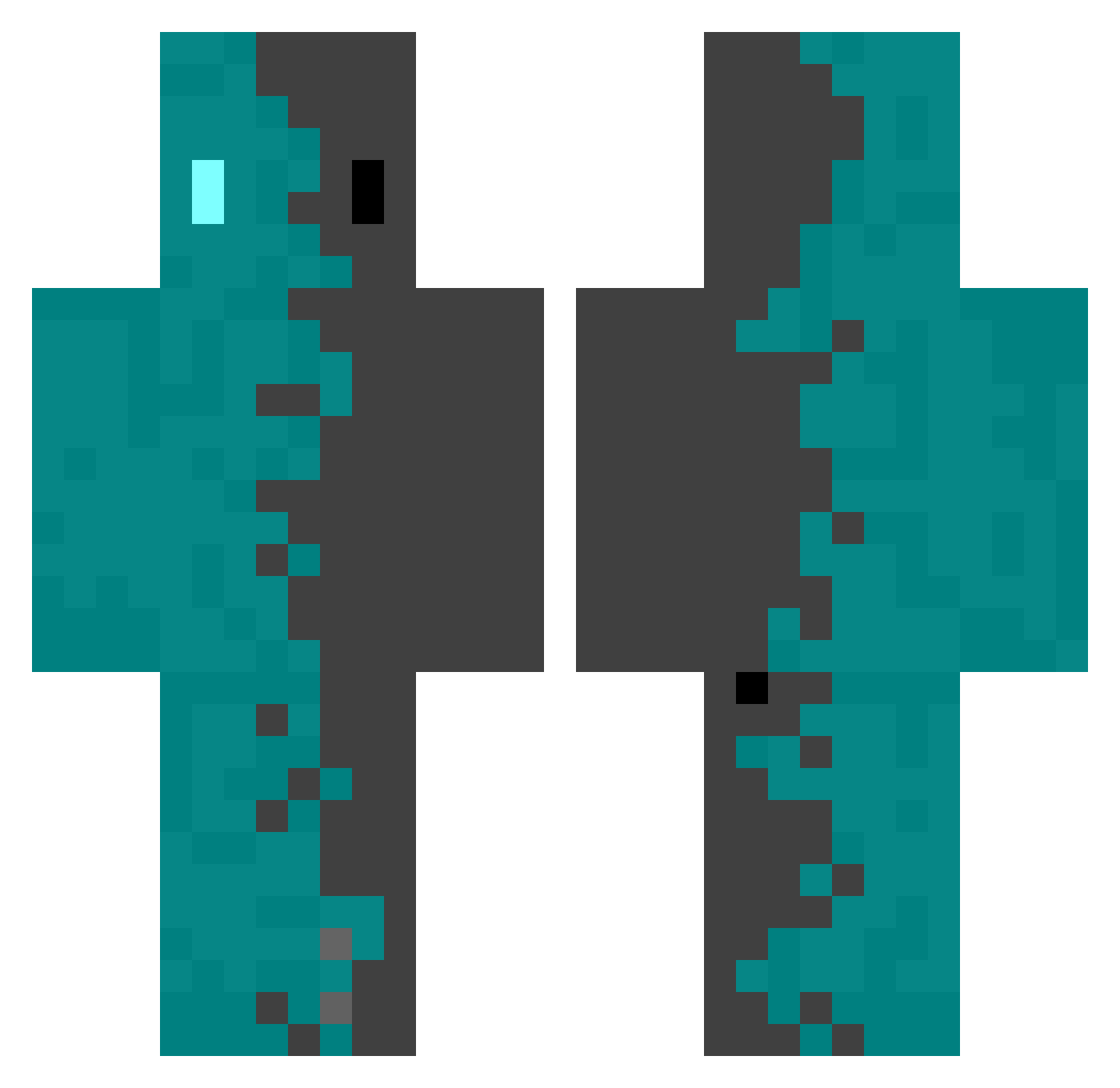
Minecraft skin of BLu3eXe. Rotate the 3D model with your mouse or finger to view the skin from every angle, then download it as a PNG file and use it in Minecraft: Bedrock Edition or Java Edition for free. Rate the skin with stars to help other players find the best skins in our collection.
How to install the BLu3eXe skin
- Press the Download button above to save the skin as a PNG file.
- Minecraft: Bedrock Edition (PE): open the Dressing Room from the main menu (or tap your character → Edit Character), go to Classic Skins → Owned, press the + (new skin) button, choose the downloaded PNG and pick the Classic (Steve) model. Works on PC and mobile; consoles cannot import custom skins.
- Minecraft: Java Edition: open the Minecraft Launcher, go to the Skins tab, click New Skin, load the PNG, pick the Classic (Steve) model and press Save & Use. You can also upload it at minecraft.net → Profile → Change Skin.
The skin does not show up after import - what should I do?
Restart Minecraft and open the Dressing Room again - imported skins sometimes appear only after a restart. Also make sure you selected the imported skin and picked the Classic (Steve) model.
Which model should I choose, Classic or Slim?
This skin is designed for the Classic (Steve) model. If you pick the wrong model, the arms of the skin will look stretched or squeezed.
Is this skin free to use?
Yes. Press Download, save the PNG file and use it in Minecraft: Bedrock Edition or Java Edition - no payment or registration needed. The skin also works on multiplayer servers and Realms.
More skins
Looking for more? Go back to all Minecraft skins and check the top skins of the week, month and all time, or find any player's skin by nickname.