
SarahMinnette - Minecraft Skins & Skin History
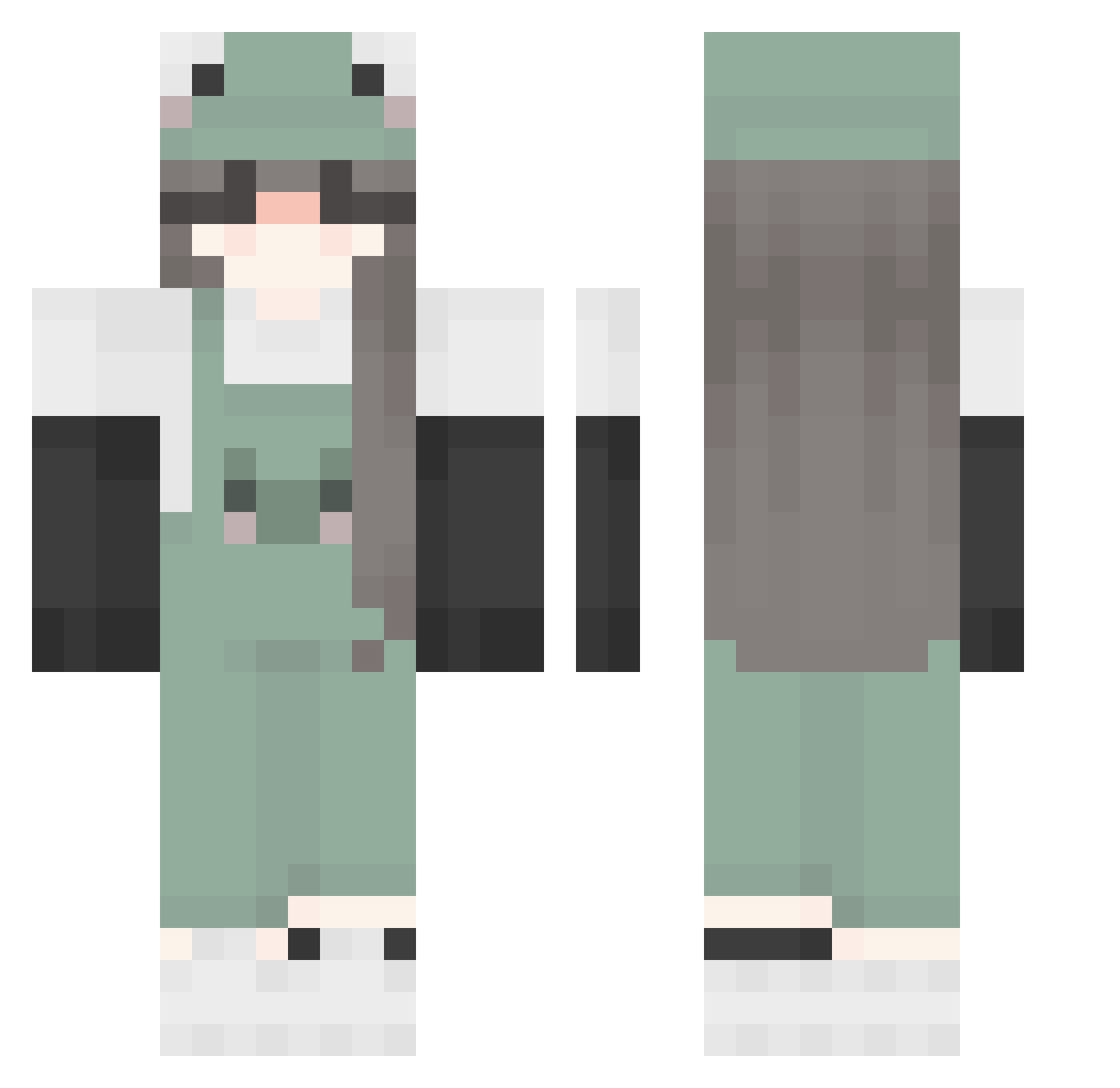
Current Minecraft skin of the player SarahMinnette, loaded from the official Mojang API. Rotate the 3D model with your mouse or finger, then download the skin as a PNG file and use it in Minecraft: Bedrock Edition or Java Edition for free. When SarahMinnette changes their skin, this page updates automatically and the old skin stays in the history below.
Other players with this skin (230)
SarahMinnette was the 67th player we have seen with this skin, first spotted on 28.08.2026. The same skin was seen on these players. Open a nickname to see their current skin and skin history.
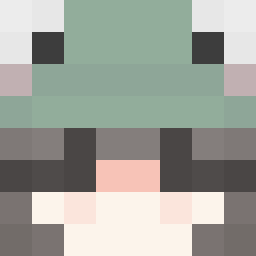 Desmaiziite iquxx marcelpancito strawberrysyrian TheBean2553 SilentJana Engel64 SofuTofu4 anixiac MisterMeow123 chrixssl SweetEden CorkyScroll boat5153 Paulinciakk ell45 TayTayG Ecochii DragonGrinch HeyItzAdi NIMSAJ11 clarete Riziks marimo4dinner Hoffmine Rosierose1238533 puccarae limon0jhon cutiedaisy lilyyy999 vimki josieisverycool Piggyzo Lillywhat lifeofjewel lenii__ IStorrm millamolla7908 Mr_Ha vancried albinonat IsaSMD NotNecessarily Haerinn Jolieex profecjj11 thols_tm Lauty23 yasminopino dinosaur567804 suzi__ Maartenken BeckyBear4 shilachili billythefrogggg Forg_1 delxr _DeepX_ Aninas2 ChloeRenee12
More Frog Hat Minecraft skins
How to install the SarahMinnette skin
- Press the Download button above to save the skin as a PNG file.
- Minecraft: Bedrock Edition (PE): open the Dressing Room from the main menu (or tap your character → Edit Character), go to Classic Skins → Owned, press the + (new skin) button, choose the downloaded PNG and pick the Classic (Steve) model. Works on PC and mobile; consoles cannot import custom skins.
- Minecraft: Java Edition: open the Minecraft Launcher, go to the Skins tab, click New Skin, load the PNG, pick the Classic (Steve) model and press Save & Use. You can also upload it at minecraft.net → Profile → Change Skin.
The skin does not show up after import - what should I do?
Restart Minecraft and open the Dressing Room again - imported skins sometimes appear only after a restart. Also make sure you selected the imported skin and picked the Classic (Steve) model.
Which model should I choose, Classic or Slim?
This skin is designed for the Classic (Steve) model. If you pick the wrong model, the arms of the skin will look stretched or squeezed.
Is the skin of SarahMinnette free to download?
Yes. Press Download, save the PNG file and use it in Minecraft: Bedrock Edition or Java Edition - no payment or registration needed. The skin also works on multiplayer servers and Realms.
More skins
Looking for more? Go back to all Minecraft skins and check the top skins of the week, month and all time, or find any player's skin by nickname.