
Sapphire174 - Minecraft Skins & Skin History
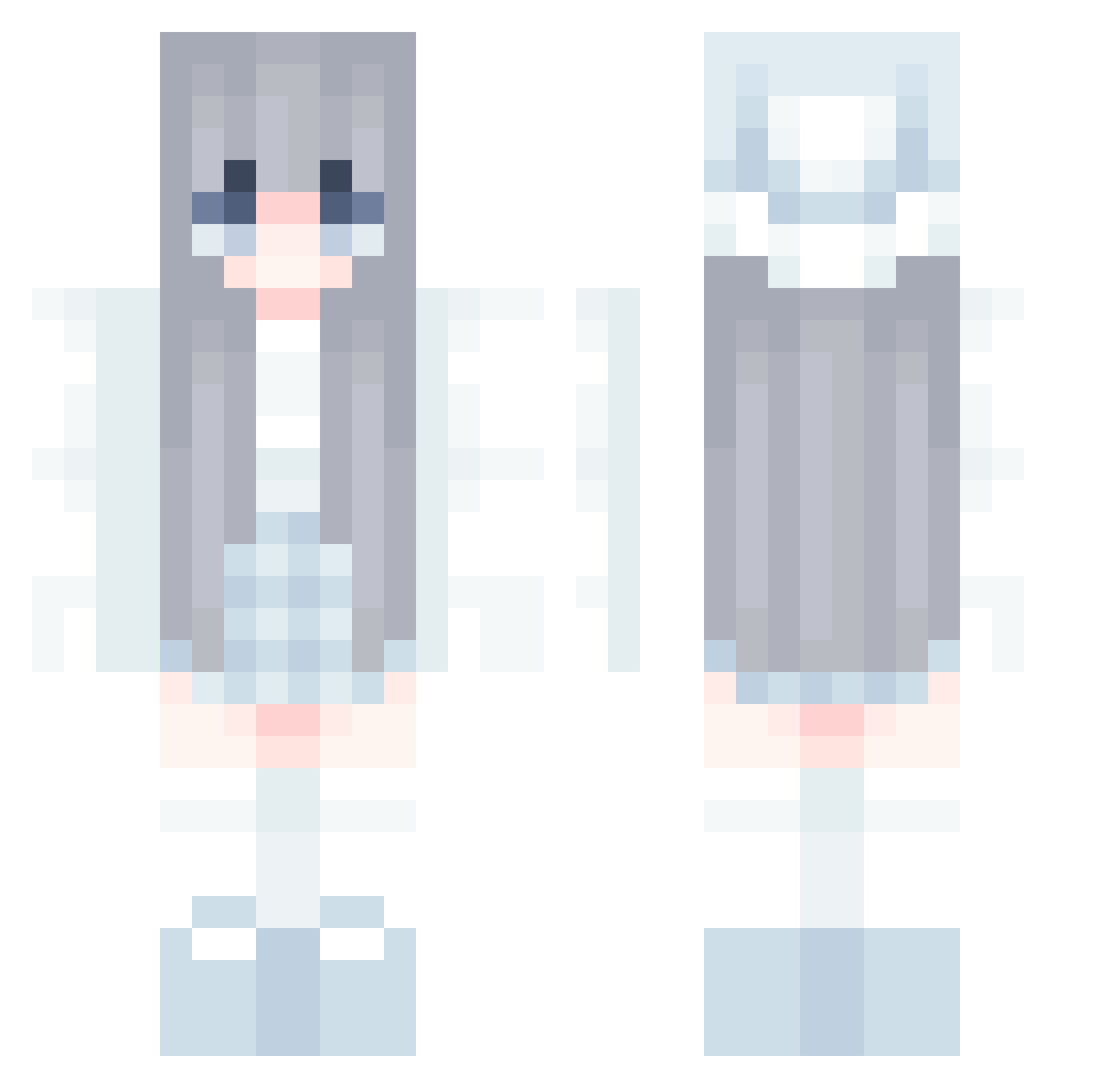
Current Minecraft skin of the player Sapphire174, loaded from the official Mojang API. Rotate the 3D model with your mouse or finger, then download the skin as a PNG file and use it in Minecraft: Bedrock Edition or Java Edition for free. When Sapphire174 changes their skin, this page updates automatically and the old skin stays in the history below.
Other players with this skin (581)
Sapphire174 was the 440th player we have seen with this skin, first spotted on 12.10.2026. The same skin was seen on these players. Open a nickname to see their current skin and skin history.
 Asuka_106 Lucasunny1 yjp090909 kou731 Lagoon85 Emma_1212 Mavisclub isolant Wataneko2 Funi_Channel jeff_the1kill21 danmuji7941 TakanashiAKO Luzi0702 roamelia UmbrellaElfy Jamking3729 KinGhong3 Achan23 veronika12353 Efreet011 suna_rin Viper00000 SHIYIQW marramiu loui0811 PrayerDP Pumpekin usel348 xXcharlotte Str5y Ricky30721 NallaRuby S_poo_kyy Phantom7274 Duartess NellaOnyx KingDaddyPig nanachi_x_x anxjzfng_ bGerdrad Hannah425 WaterFish597 K0alaYT magiskaZ maruneko_1220 eventidetime Milly_Star iampktw joliee_ lemonkoi betto41 screampai hjos OGTenshi XING369 Fastmax2010 littletori25 Adorablebubu Ibacat
More Winter Minecraft skins
How to install the Sapphire174 skin
- Press the Download button above to save the skin as a PNG file.
- Minecraft: Bedrock Edition (PE): open the Dressing Room from the main menu (or tap your character → Edit Character), go to Classic Skins → Owned, press the + (new skin) button, choose the downloaded PNG and pick the Classic (Steve) model. Works on PC and mobile; consoles cannot import custom skins.
- Minecraft: Java Edition: open the Minecraft Launcher, go to the Skins tab, click New Skin, load the PNG, pick the Classic (Steve) model and press Save & Use. You can also upload it at minecraft.net → Profile → Change Skin.
The skin does not show up after import - what should I do?
Restart Minecraft and open the Dressing Room again - imported skins sometimes appear only after a restart. Also make sure you selected the imported skin and picked the Classic (Steve) model.
Which model should I choose, Classic or Slim?
This skin is designed for the Classic (Steve) model. If you pick the wrong model, the arms of the skin will look stretched or squeezed.
Is the skin of Sapphire174 free to download?
Yes. Press Download, save the PNG file and use it in Minecraft: Bedrock Edition or Java Edition - no payment or registration needed. The skin also works on multiplayer servers and Realms.
More skins
Looking for more? Go back to all Minecraft skins and check the top skins of the week, month and all time, or find any player's skin by nickname.