
SWRILEY - Minecraft Skins & Skin History
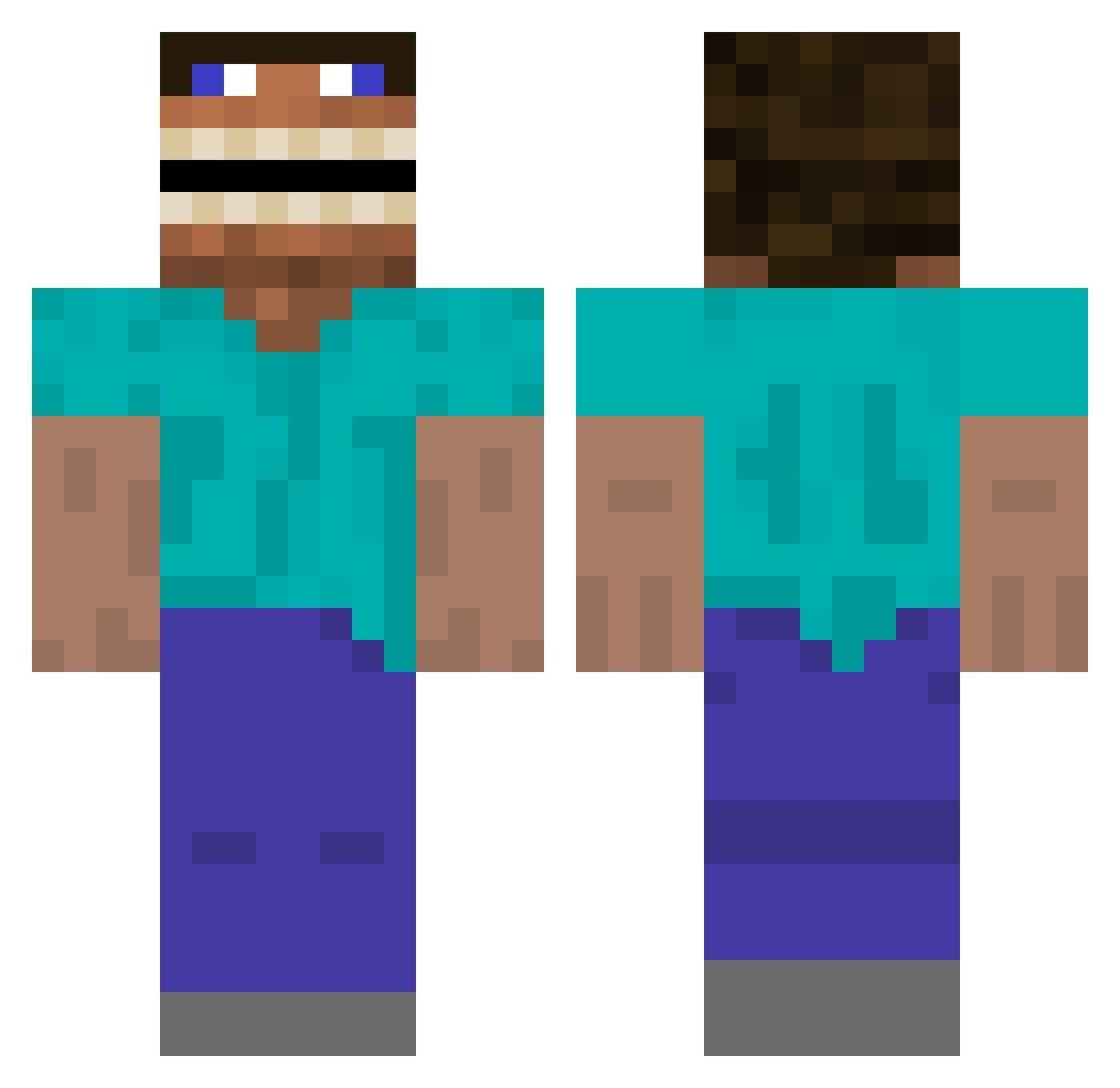
Current Minecraft skin of the player SWRILEY, loaded from the official Mojang API. Rotate the 3D model with your mouse or finger, then download the skin as a PNG file and use it in Minecraft: Bedrock Edition or Java Edition for free. When SWRILEY changes their skin, this page updates automatically and the old skin stays in the history below.
Other players with this skin (393)
SWRILEY was the 153rd player we have seen with this skin, first spotted on 04.09.2026. The same skin was seen on these players. Open a nickname to see their current skin and skin history.
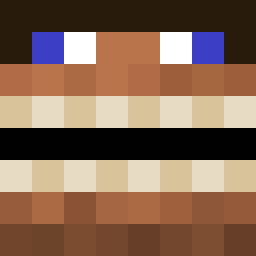 Andrize PeelsGood
 Vexter101 MysteriousBH7777 lmao24 Xyzwarrior21
 EmperorZurg77 MrMalachi2005 tipss69 THEBACON2407 Kalaschnico
 Pochitadaran farfames elliwhut americangirl3 dunkydurr aaing_YCH JAZZARRR agathokakologicl GerbilReaper Wacking Szmerkens JuicyWater3390 GangreneGargle rpx33 ODAHVIING112 Whiplash83
 joeydacat S1renAzuma Spaced98 WarVet69 Goonkus TintinOVO pil0tosjr BurstInject0r minecraft0151 xxdanman15xx BingBongBimblton Matjas__ cyokobo666 Bookwyrm9791 illest3529 Light2NightUA bsidesIII ChronicFrizz frog_2011 ctrlnl RandomErter arefinns MrLusive Saddam_Hucheyne TheGentleman996 MightyAgentA AcidTab0 txm870 AndrejsL UglyCrossaint Alexei_Navaliniy Lord_Davablaas Framerr
More Funny Minecraft skins
How to install the SWRILEY skin
- Press the Download button above to save the skin as a PNG file.
- Minecraft: Bedrock Edition (PE): open the Dressing Room from the main menu (or tap your character → Edit Character), go to Classic Skins → Owned, press the + (new skin) button, choose the downloaded PNG and pick the Classic (Steve) model. Works on PC and mobile; consoles cannot import custom skins.
- Minecraft: Java Edition: open the Minecraft Launcher, go to the Skins tab, click New Skin, load the PNG, pick the Classic (Steve) model and press Save & Use. You can also upload it at minecraft.net → Profile → Change Skin.
The skin does not show up after import - what should I do?
Restart Minecraft and open the Dressing Room again - imported skins sometimes appear only after a restart. Also make sure you selected the imported skin and picked the Classic (Steve) model.
Which model should I choose, Classic or Slim?
This skin is designed for the Classic (Steve) model. If you pick the wrong model, the arms of the skin will look stretched or squeezed.
Is the skin of SWRILEY free to download?
Yes. Press Download, save the PNG file and use it in Minecraft: Bedrock Edition or Java Edition - no payment or registration needed. The skin also works on multiplayer servers and Realms.
More skins
Looking for more? Go back to all Minecraft skins and check the top skins of the week, month and all time, or find any player's skin by nickname.