
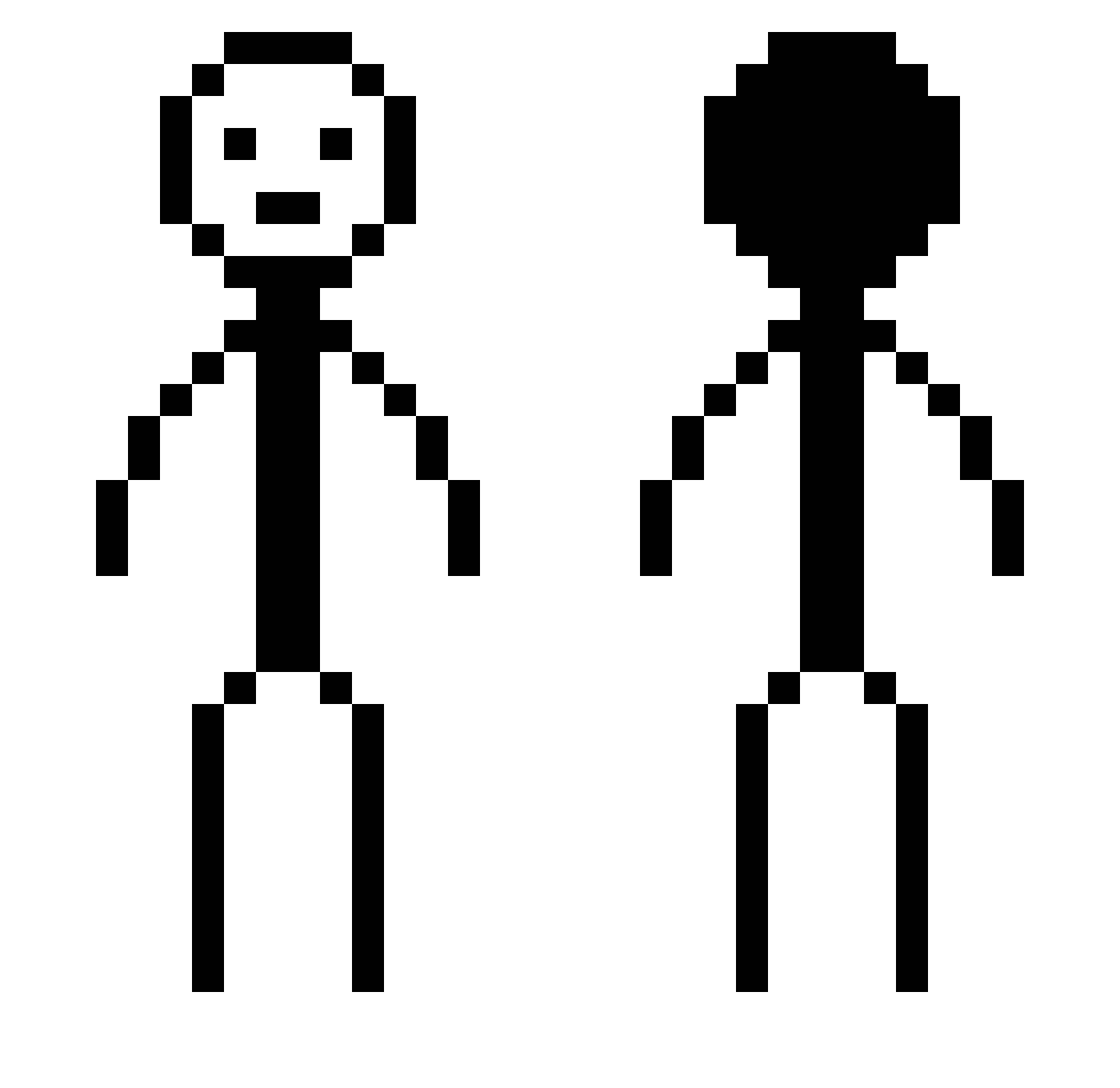
Current Minecraft skin of the player STISR_, loaded from the official Mojang API. Rotate the 3D model with your mouse or finger, then download the skin as a PNG file and use it in Minecraft: Bedrock Edition or Java Edition for free. When STISR_ changes their skin, this page updates automatically and the old skin stays in the history below.
Other players with this skin (284)
STISR_ was the 138th player we have seen with this skin, first spotted on 02.09.2026. The same skin was seen on these players. Open a nickname to see their current skin and skin history.
 GPGPgpGPGP VLucianV fishMan1o3 Simple_Simon66 Terrrrance Slientongaboga Z1RO0 Hyoenseong Larvonon Sagaos08 hidari218 cottonator Assessed8771 ministrikezilla shiner2022 bash_0 Btcc7 Zakeyo23 SoySauceSaw
 Stefan206 sharnk Pink_Saiyan Thegoosygamer MythicJuice jeybarbar DeadlyNinja9622 Vlaco By0o0 qinzhengwei Galeanthropy 1WilliTheKing Fred3456 DankWoodz RemeskoDEV GeckoForever710 NeedyMussels6130 PedroMilani1 dennishlol noturbz ZolaMan2000 Vrp3R OG_DeNNy Bioheart1 cierna_opica JIIIIIIIIF jifm UltraBlaster milkedCowzz hompolol Sambodi BobbeeLee Lovely_Vodka Saso1597 Antarticzx
 ArZ_Dako KeltonzZ renzo13508 david7575h OBAMA10017 kck390
More Stick Figure Minecraft skins
How to install the STISR_ skin
- Press the Download button above to save the skin as a PNG file.
- Minecraft: Bedrock Edition (PE): open the Dressing Room from the main menu (or tap your character → Edit Character), go to Classic Skins → Owned, press the + (new skin) button, choose the downloaded PNG and pick the Classic (Steve) model. Works on PC and mobile; consoles cannot import custom skins.
- Minecraft: Java Edition: open the Minecraft Launcher, go to the Skins tab, click New Skin, load the PNG, pick the Classic (Steve) model and press Save & Use. You can also upload it at minecraft.net → Profile → Change Skin.
The skin does not show up after import - what should I do?
Restart Minecraft and open the Dressing Room again - imported skins sometimes appear only after a restart. Also make sure you selected the imported skin and picked the Classic (Steve) model.
Which model should I choose, Classic or Slim?
This skin is designed for the Classic (Steve) model. If you pick the wrong model, the arms of the skin will look stretched or squeezed.
Is the skin of STISR_ free to download?
Yes. Press Download, save the PNG file and use it in Minecraft: Bedrock Edition or Java Edition - no payment or registration needed. The skin also works on multiplayer servers and Realms.
More skins
Looking for more? Go back to all Minecraft skins and check the top skins of the week, month and all time, or find any player's skin by nickname.