
Roshounet - Minecraft Skins & Skin History
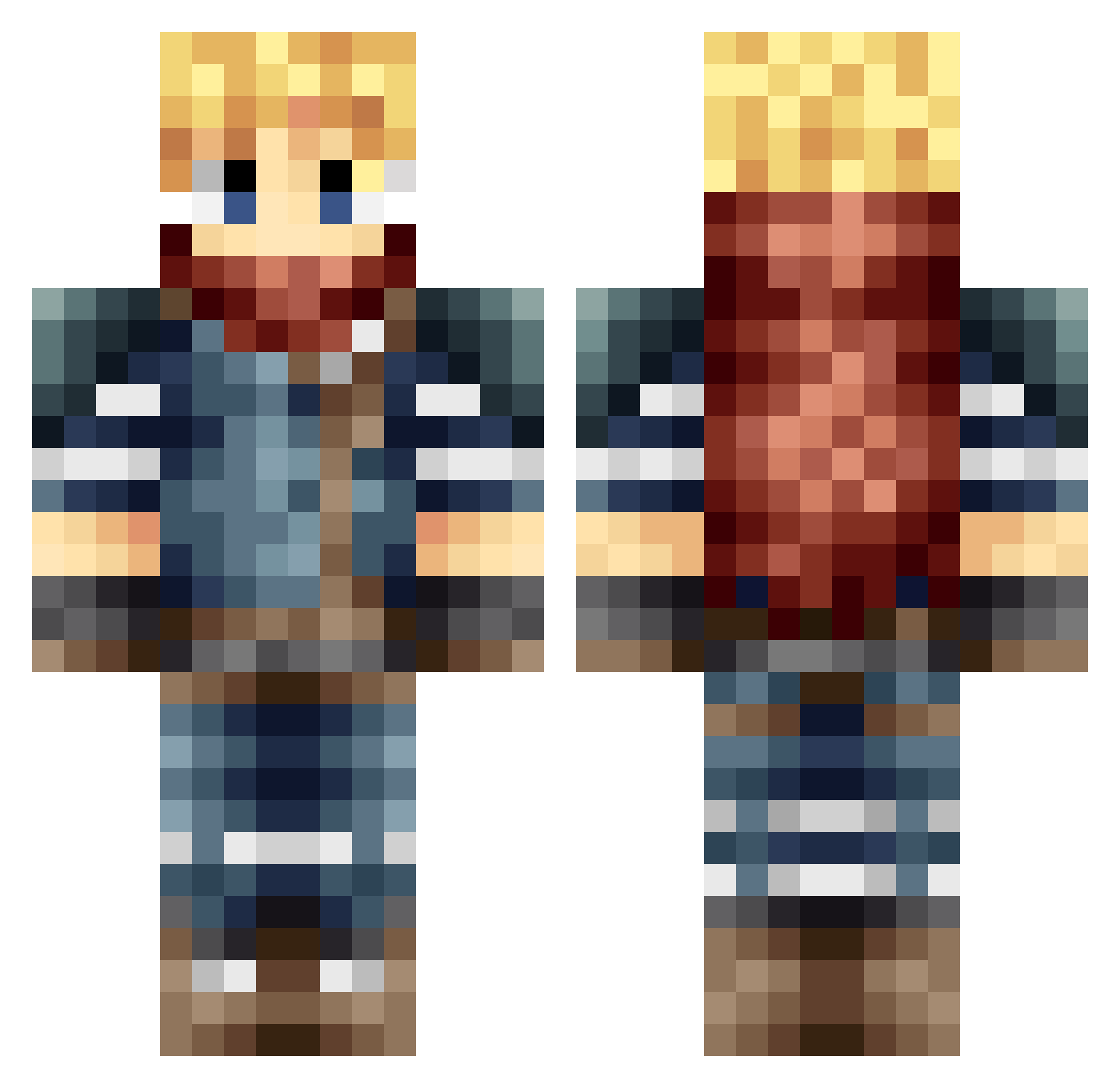
Current Minecraft skin of the player Roshounet, loaded from the official Mojang API. Rotate the 3D model with your mouse or finger, then download the skin as a PNG file and use it in Minecraft: Bedrock Edition or Java Edition for free. When Roshounet changes their skin, this page updates automatically and the old skin stays in the history below.
Other players with this skin (666)
Roshounet was the 413th player we have seen with this skin, first spotted on 02.10.2026. The same skin was seen on these players. Open a nickname to see their current skin and skin history.
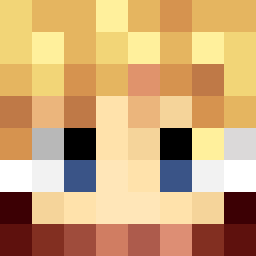 AyatsujiTsukassa Calmdefend NineTailedKing KingJacky23 GiganticSpongebo The_Tiny_Turtle Phasair Tankards Blockstar49 Deathfire240 jaychobi Qgcptghost Angel_OD LaikaMurmel Valle00 Marsuspace Dcvr Swiffer96 SouthernGamer2 Pyroach Culley56 Vegauron s3rialkill3r89 Xcalizorz3 Farr3ll94 Cybhim Blockbok salman113 OniiiChann freedomhe CCS1000 Martiiz_69 Hggh1275 FantasyHearts12 Coolsin12345 adiri Maxgummi Gazinx Dess_Sese Kaharom Moderndaylight Bhasyk BuzzDee20 DemonicWarriorX3 Ignition_17 Mastahman90 Tyrickk Nightlezz iBAquino Rockycp Phygelius CloudAvalanche meven789 DownfallCreek SleepyTalker GeekZoux AbyssWraith06 JuJuSempai Kent_Link_Fanboy KingKR00l
More Adventurer Minecraft skins
How to install the Roshounet skin
- Press the Download button above to save the skin as a PNG file.
- Minecraft: Bedrock Edition (PE): open the Dressing Room from the main menu (or tap your character → Edit Character), go to Classic Skins → Owned, press the + (new skin) button, choose the downloaded PNG and pick the Classic (Steve) model. Works on PC and mobile; consoles cannot import custom skins.
- Minecraft: Java Edition: open the Minecraft Launcher, go to the Skins tab, click New Skin, load the PNG, pick the Classic (Steve) model and press Save & Use. You can also upload it at minecraft.net → Profile → Change Skin.
The skin does not show up after import - what should I do?
Restart Minecraft and open the Dressing Room again - imported skins sometimes appear only after a restart. Also make sure you selected the imported skin and picked the Classic (Steve) model.
Which model should I choose, Classic or Slim?
This skin is designed for the Classic (Steve) model. If you pick the wrong model, the arms of the skin will look stretched or squeezed.
Is the skin of Roshounet free to download?
Yes. Press Download, save the PNG file and use it in Minecraft: Bedrock Edition or Java Edition - no payment or registration needed. The skin also works on multiplayer servers and Realms.
More skins
Looking for more? Go back to all Minecraft skins and check the top skins of the week, month and all time, or find any player's skin by nickname.