
Roongytoongy - Minecraft Skins & Skin History
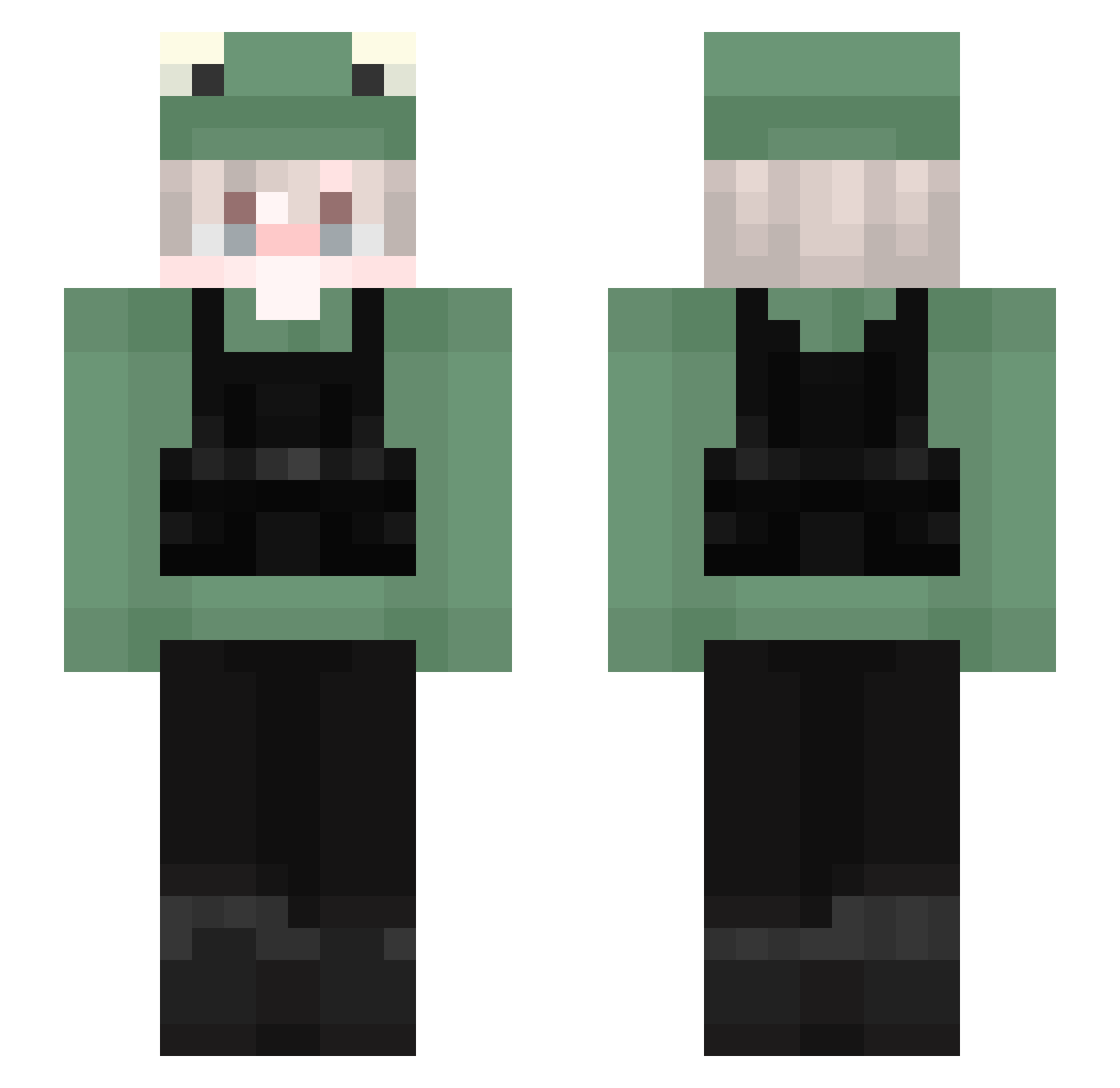
Current Minecraft skin of the player Roongytoongy, loaded from the official Mojang API. Rotate the 3D model with your mouse or finger, then download the skin as a PNG file and use it in Minecraft: Bedrock Edition or Java Edition for free. When Roongytoongy changes their skin, this page updates automatically and the old skin stays in the history below.
Other players with this skin (149)
Roongytoongy was the 25th player we have seen with this skin, first spotted on 14.08.2026. The same skin was seen on these players. Open a nickname to see their current skin and skin history.
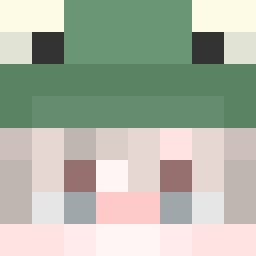 Black_MAI Do_i kgbkau afoss13 Paradox_Husky KatSuKi_py DoheKwai Fr3Sh1553 skarldbs pieshon NemesisEvilGod mintycookie Negatywny_ snim2004 xXSlayerXx2009 EmirrTha_ dermaksii LennyGo FiReSSTiCH Blush_1 gil1021 Zciph manmansiu MamaPOT ZementKartoffel Apscour _SKANDY_ Aikey RagnorKs WhereWhale Tiburoon samiam132 ache27 AndrzejQ kingjanni13
 vitiableshoe48 yuphorias gabitzaza21 Xonilus toothpicks Yali2121 kritischxs SquareLouie pineapplesaiko xMaskPurple_ fxxnvz Aackiiie Spedsalot backscattered ArBr_Mon Gch_19 Nikku7 foryriz4 Huu1234 Toki_Skawngur xDerpyPvPx SupremeJustin noiay Muzza4690 YumisDad
More Frog Hat Minecraft skins
How to install the Roongytoongy skin
- Press the Download button above to save the skin as a PNG file.
- Minecraft: Bedrock Edition (PE): open the Dressing Room from the main menu (or tap your character → Edit Character), go to Classic Skins → Owned, press the + (new skin) button, choose the downloaded PNG and pick the Slim (Alex) model. Works on PC and mobile; consoles cannot import custom skins.
- Minecraft: Java Edition: open the Minecraft Launcher, go to the Skins tab, click New Skin, load the PNG, pick the Slim (Alex) model and press Save & Use. You can also upload it at minecraft.net → Profile → Change Skin.
The skin does not show up after import - what should I do?
Restart Minecraft and open the Dressing Room again - imported skins sometimes appear only after a restart. Also make sure you selected the imported skin and picked the Slim (Alex) model.
Which model should I choose, Classic or Slim?
This skin is designed for the Slim (Alex) model. If you pick the wrong model, the arms of the skin will look stretched or squeezed.
Is the skin of Roongytoongy free to download?
Yes. Press Download, save the PNG file and use it in Minecraft: Bedrock Edition or Java Edition - no payment or registration needed. The skin also works on multiplayer servers and Realms.
More skins
Looking for more? Go back to all Minecraft skins and check the top skins of the week, month and all time, or find any player's skin by nickname.