
Rognogno - Minecraft Skins & Skin History
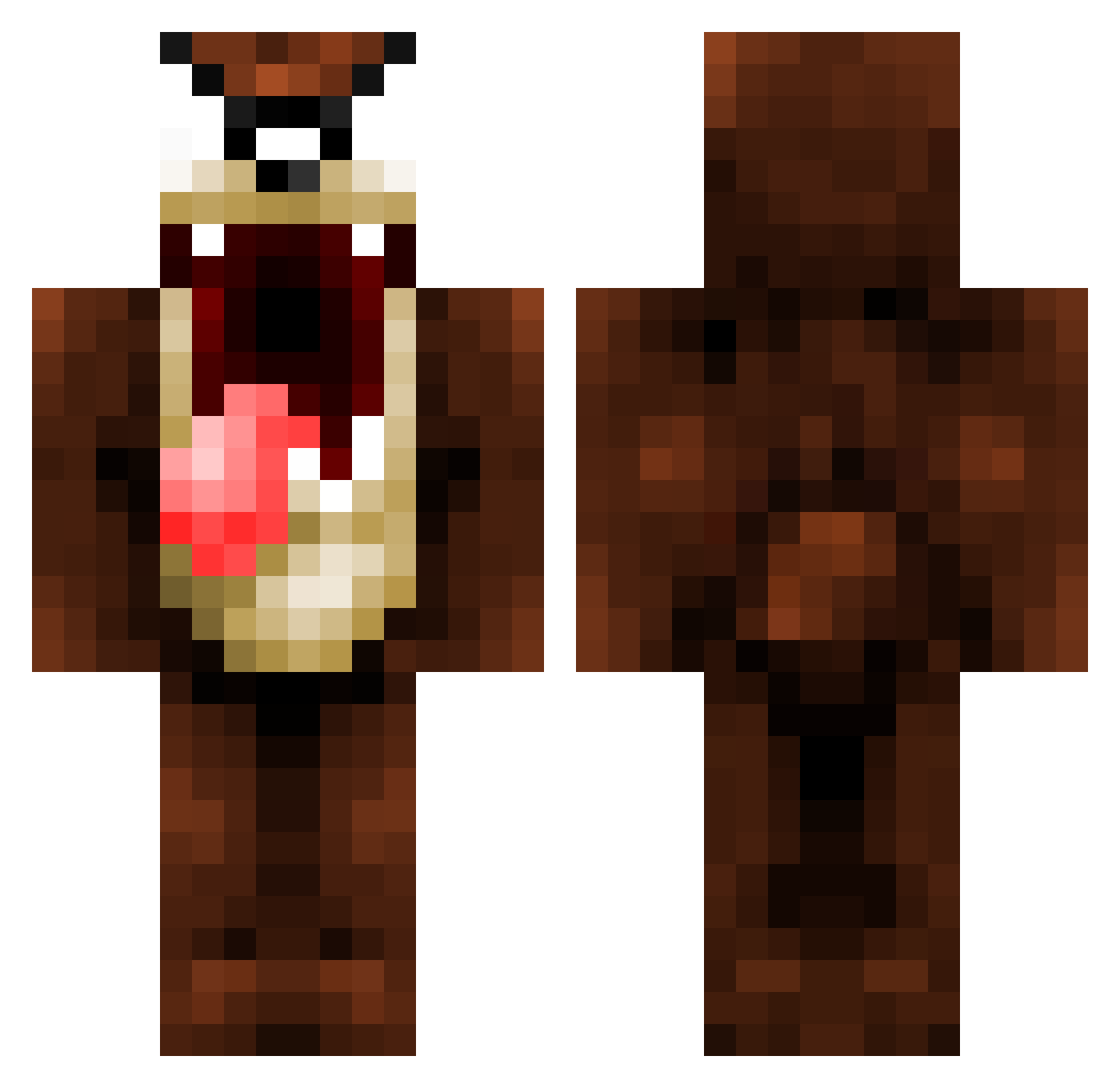
Current Minecraft skin of the player Rognogno, loaded from the official Mojang API. Rotate the 3D model with your mouse or finger, then download the skin as a PNG file and use it in Minecraft: Bedrock Edition or Java Edition for free. When Rognogno changes their skin, this page updates automatically and the old skin stays in the history below.
Other players with this skin (1071)
Rognogno was the 357th player we have seen with this skin, first spotted on 30.08.2026. The same skin was seen on these players. Open a nickname to see their current skin and skin history.
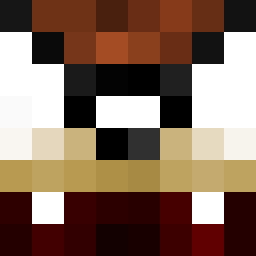 WarTwins Triixster Jetta96 wibawaba tincraft Digital_XTC bommer0501 TasmanDevil scnow FroggyFrosch Velart DOYLUM krutlasse FurryHaggis angusewan BooYoo BK_Dragon dannyjs95 Allin2302 g2z1nh0 Quads54 DownwindPegasus Izacki tboi1999 OwningBanana jgoldbros2 Pjh10 tad1993 qBUBUp chipotle55 Carwichet nerolik New_Coolio greenchicken13 taysnay potitt MrTimHafc BillyBats_91 jonnas75 bone1100 Massacred69 Glaat Nopmot Zenoraa iRoBeRt007 Paulybungu cxtch_526 ETERNOGAMER NinjaNilsson Keycheeze LassePeng thesyxt Prototypek007 rebbuls lemonbassethound Mr_Hollywood69 glovesave121 xXIvanflyXx MisterWoJu TazWaz22
More Taz Minecraft skins
How to install the Rognogno skin
- Press the Download button above to save the skin as a PNG file.
- Minecraft: Bedrock Edition (PE): open the Dressing Room from the main menu (or tap your character → Edit Character), go to Classic Skins → Owned, press the + (new skin) button, choose the downloaded PNG and pick the Classic (Steve) model. Works on PC and mobile; consoles cannot import custom skins.
- Minecraft: Java Edition: open the Minecraft Launcher, go to the Skins tab, click New Skin, load the PNG, pick the Classic (Steve) model and press Save & Use. You can also upload it at minecraft.net → Profile → Change Skin.
The skin does not show up after import - what should I do?
Restart Minecraft and open the Dressing Room again - imported skins sometimes appear only after a restart. Also make sure you selected the imported skin and picked the Classic (Steve) model.
Which model should I choose, Classic or Slim?
This skin is designed for the Classic (Steve) model. If you pick the wrong model, the arms of the skin will look stretched or squeezed.
Is the skin of Rognogno free to download?
Yes. Press Download, save the PNG file and use it in Minecraft: Bedrock Edition or Java Edition - no payment or registration needed. The skin also works on multiplayer servers and Realms.
More skins
Looking for more? Go back to all Minecraft skins and check the top skins of the week, month and all time, or find any player's skin by nickname.