
Roghidas - Minecraft Skins & Skin History
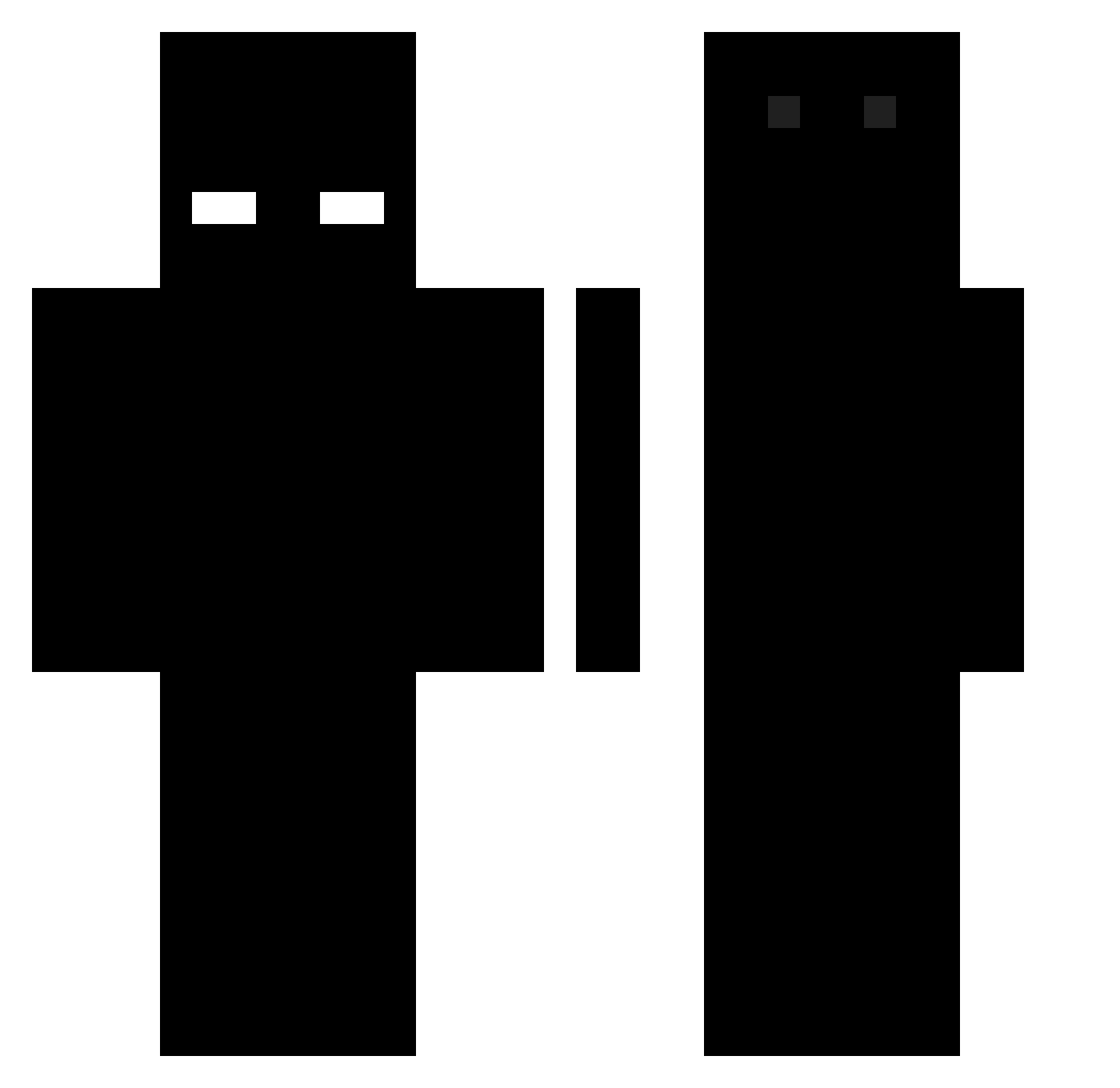
Current Minecraft skin of the player Roghidas, loaded from the official Mojang API. Rotate the 3D model with your mouse or finger, then download the skin as a PNG file and use it in Minecraft: Bedrock Edition or Java Edition for free. When Roghidas changes their skin, this page updates automatically and the old skin stays in the history below.
Other players with this skin (496)
Roghidas was the 172nd player we have seen with this skin, first spotted on 30.08.2026. The same skin was seen on these players. Open a nickname to see their current skin and skin history.
 DESTROY69 envysmh mujjangi capnkit God_user gabey2 Smegpk djawnstlr0915 NonExistent001 flAMENGUISTAAA Shvrk_76 SleekSamurai Marctxx fs_oxy JcEMikJ_ darknga Valentin_pvpzeir SpiderPanda04 bvkus DinoRodi Kojin__ Sleepy_Slothh FemboyMopi DarkCrusader Esek4ntee Disciplinaire Ukn_Droplet 3990x Bodzio37 radiancevoid Marsuzz Chemicxl Lemuel12345 iIITxTIIi Watking25 Joniba LTcoco N0K1ASHAWTYY gilf69_ kvcl hiraimomo_ BORICKYT __strich__ Fadbis Replacedtrain9 sxchad02 cjcr2000 DInaSAk rxrt MaXgSD 1Athus1 AlexanderxdYT SamuelGood_234 Punetrator 8ww8 AkterMode Malfore101 young_12345 Thanos630 Koomu
How to install the Roghidas skin
- Press the Download button above to save the skin as a PNG file.
- Minecraft: Bedrock Edition (PE): open the Dressing Room from the main menu (or tap your character → Edit Character), go to Classic Skins → Owned, press the + (new skin) button, choose the downloaded PNG and pick the Classic (Steve) model. Works on PC and mobile; consoles cannot import custom skins.
- Minecraft: Java Edition: open the Minecraft Launcher, go to the Skins tab, click New Skin, load the PNG, pick the Classic (Steve) model and press Save & Use. You can also upload it at minecraft.net → Profile → Change Skin.
The skin does not show up after import - what should I do?
Restart Minecraft and open the Dressing Room again - imported skins sometimes appear only after a restart. Also make sure you selected the imported skin and picked the Classic (Steve) model.
Which model should I choose, Classic or Slim?
This skin is designed for the Classic (Steve) model. If you pick the wrong model, the arms of the skin will look stretched or squeezed.
Is the skin of Roghidas free to download?
Yes. Press Download, save the PNG file and use it in Minecraft: Bedrock Edition or Java Edition - no payment or registration needed. The skin also works on multiplayer servers and Realms.
More skins
Looking for more? Go back to all Minecraft skins and check the top skins of the week, month and all time, or find any player's skin by nickname.