
Red_Crown_Guy - Minecraft Skins & Skin History
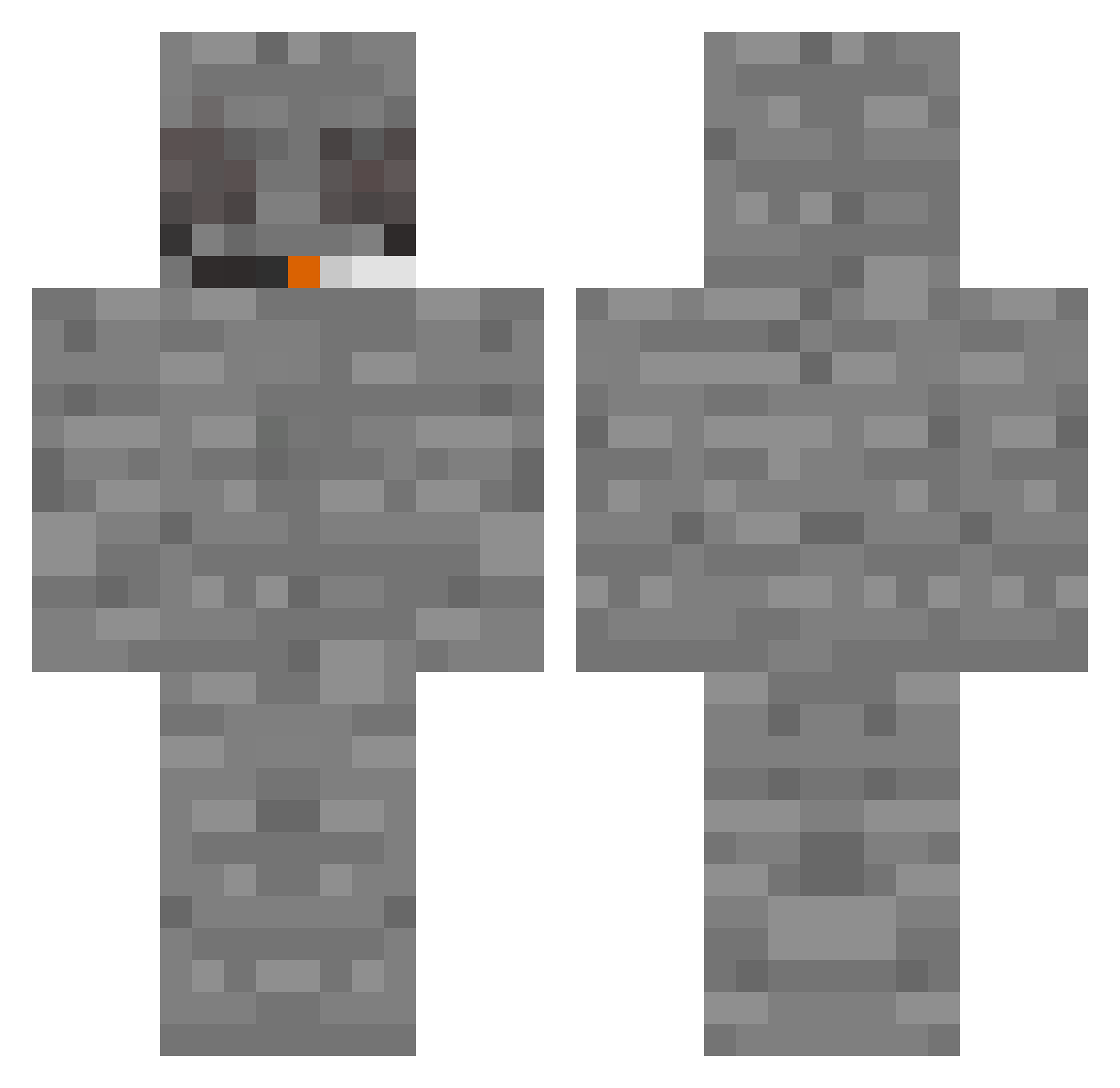
Current Minecraft skin of the player Red_Crown_Guy, loaded from the official Mojang API. Rotate the 3D model with your mouse or finger, then download the skin as a PNG file and use it in Minecraft: Bedrock Edition or Java Edition for free. When Red_Crown_Guy changes their skin, this page updates automatically and the old skin stays in the history below.
Other players with this skin (385)
Red_Crown_Guy was the 361st player we have seen with this skin, first spotted on 13.11.2026. The same skin was seen on these players. Open a nickname to see their current skin and skin history.
 ourks StraitSaucer301 lebrozoe just_a_Canadian1 bobbyheroin T3K9INE Runk3lis Frotschi DwGilly Txmv xiw0Il LisaBlink2411 Metaklefedron Heezu__ ImVenganced TmsEspinozv Eaast Juri1115 Nak3dPotato YannySeth dogLeave jonte457 TrevSnowman TransmissionCig Filip20110516 _SanCas_ szoter HackTheGlitch Neerdiq _wiiko ChipuhaJopi RemyJet45 Sakiwara LegendaryMonke Melun_ SmokeMans mrgeyh Idisbig cupnoodlesx GhostTsuki Leen_69 Arijux Victor_Solyara addiedied Suprematism Mkasiooo TieRope ebknecio VEGAAAAAA Mao_xi MigVenga Chrispinto ShadBiist HalukAliev bogdarn syd68 KOATREE420 Lampshroom bosscow47 Sarrufian
More Rock Minecraft skins
How to install the Red_Crown_Guy skin
- Press the Download button above to save the skin as a PNG file.
- Minecraft: Bedrock Edition (PE): open the Dressing Room from the main menu (or tap your character → Edit Character), go to Classic Skins → Owned, press the + (new skin) button, choose the downloaded PNG and pick the Classic (Steve) model. Works on PC and mobile; consoles cannot import custom skins.
- Minecraft: Java Edition: open the Minecraft Launcher, go to the Skins tab, click New Skin, load the PNG, pick the Classic (Steve) model and press Save & Use. You can also upload it at minecraft.net → Profile → Change Skin.
The skin does not show up after import - what should I do?
Restart Minecraft and open the Dressing Room again - imported skins sometimes appear only after a restart. Also make sure you selected the imported skin and picked the Classic (Steve) model.
Which model should I choose, Classic or Slim?
This skin is designed for the Classic (Steve) model. If you pick the wrong model, the arms of the skin will look stretched or squeezed.
Is the skin of Red_Crown_Guy free to download?
Yes. Press Download, save the PNG file and use it in Minecraft: Bedrock Edition or Java Edition - no payment or registration needed. The skin also works on multiplayer servers and Realms.
More skins
Looking for more? Go back to all Minecraft skins and check the top skins of the week, month and all time, or find any player's skin by nickname.