
Real_Nico20 - Minecraft Skins & Skin History
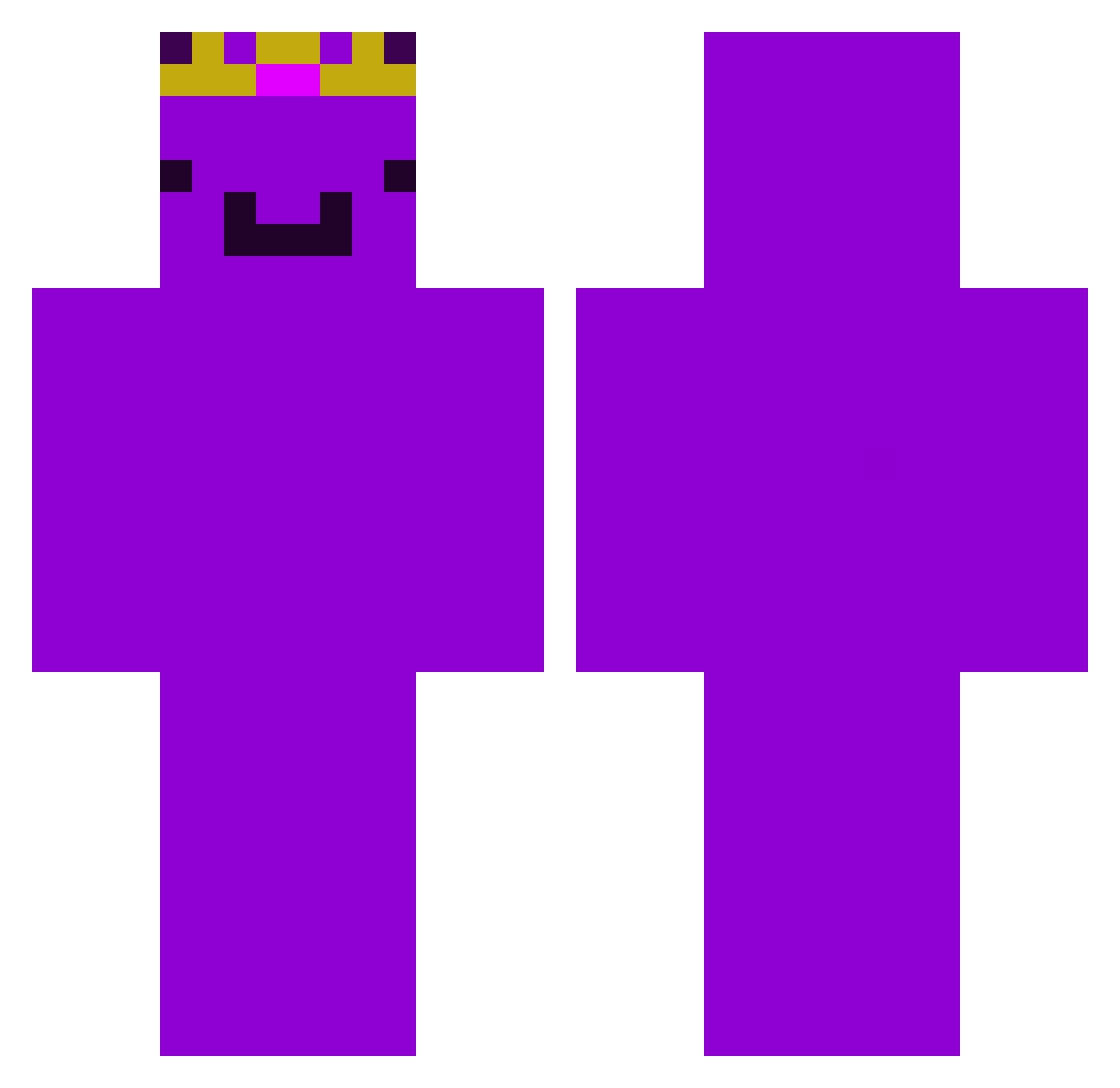
Current Minecraft skin of the player Real_Nico20, loaded from the official Mojang API. Rotate the 3D model with your mouse or finger, then download the skin as a PNG file and use it in Minecraft: Bedrock Edition or Java Edition for free. When Real_Nico20 changes their skin, this page updates automatically and the old skin stays in the history below.
Other players with this skin (455)
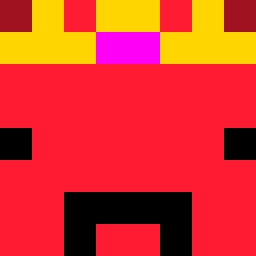
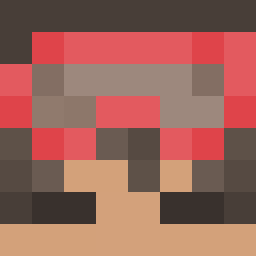
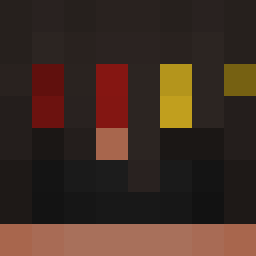
Real_Nico20 was the 136th player we have seen with this skin, first spotted on 25.08.2026. The same skin was seen on these players. Open a nickname to see their current skin and skin history.
 idles9807 NickDeLuXe10 ALANxiHD
 EDIOboroceanu itzCabbageK
 MaxMilan121212
 Utmumm Frizi4_ _48ms OhnePix3l
 ProfElias1907
 degoatednoobZ
 StretFrost apanmanmnananana
 Hugoline95 Gabe42012 jonnpoiss SmellehBoy16 SenSyne Hanzisan
 00F35
00F35 cokieman32
 Heathcliff_WH Flarefr Weeembbuuuu Random_2823
 Kizonicc Thifs 243Francesco cntxll PerLiam14 _kacvee RHX786
 NoliDevesto justcako mus201211 FlamingSpirit59 Cyaphosis rerix111 KrXzy_uk
 DoOgEe645 MeisterMagnum
 Phral00
 Eljazz JohanneManden
 Creativepll
 Xrios_Dtapper
 heyhey1217 1TSM4X_ doblemaxter mummybaby SPIKE6310 VenomGamingYT
 mors103
 MartinMitev Caznn
 RohitisLive
 nadavh parrotf Oliver241212
More Crown Minecraft skins
How to install the Real_Nico20 skin
- Press the Download button above to save the skin as a PNG file.
- Minecraft: Bedrock Edition (PE): open the Dressing Room from the main menu (or tap your character → Edit Character), go to Classic Skins → Owned, press the + (new skin) button, choose the downloaded PNG and pick the Classic (Steve) model. Works on PC and mobile; consoles cannot import custom skins.
- Minecraft: Java Edition: open the Minecraft Launcher, go to the Skins tab, click New Skin, load the PNG, pick the Classic (Steve) model and press Save & Use. You can also upload it at minecraft.net → Profile → Change Skin.
The skin does not show up after import - what should I do?
Restart Minecraft and open the Dressing Room again - imported skins sometimes appear only after a restart. Also make sure you selected the imported skin and picked the Classic (Steve) model.
Which model should I choose, Classic or Slim?
This skin is designed for the Classic (Steve) model. If you pick the wrong model, the arms of the skin will look stretched or squeezed.
Is the skin of Real_Nico20 free to download?
Yes. Press Download, save the PNG file and use it in Minecraft: Bedrock Edition or Java Edition - no payment or registration needed. The skin also works on multiplayer servers and Realms.
More skins
Looking for more? Go back to all Minecraft skins and check the top skins of the week, month and all time, or find any player's skin by nickname.