
RealKasumi - Minecraft Skins & Skin History
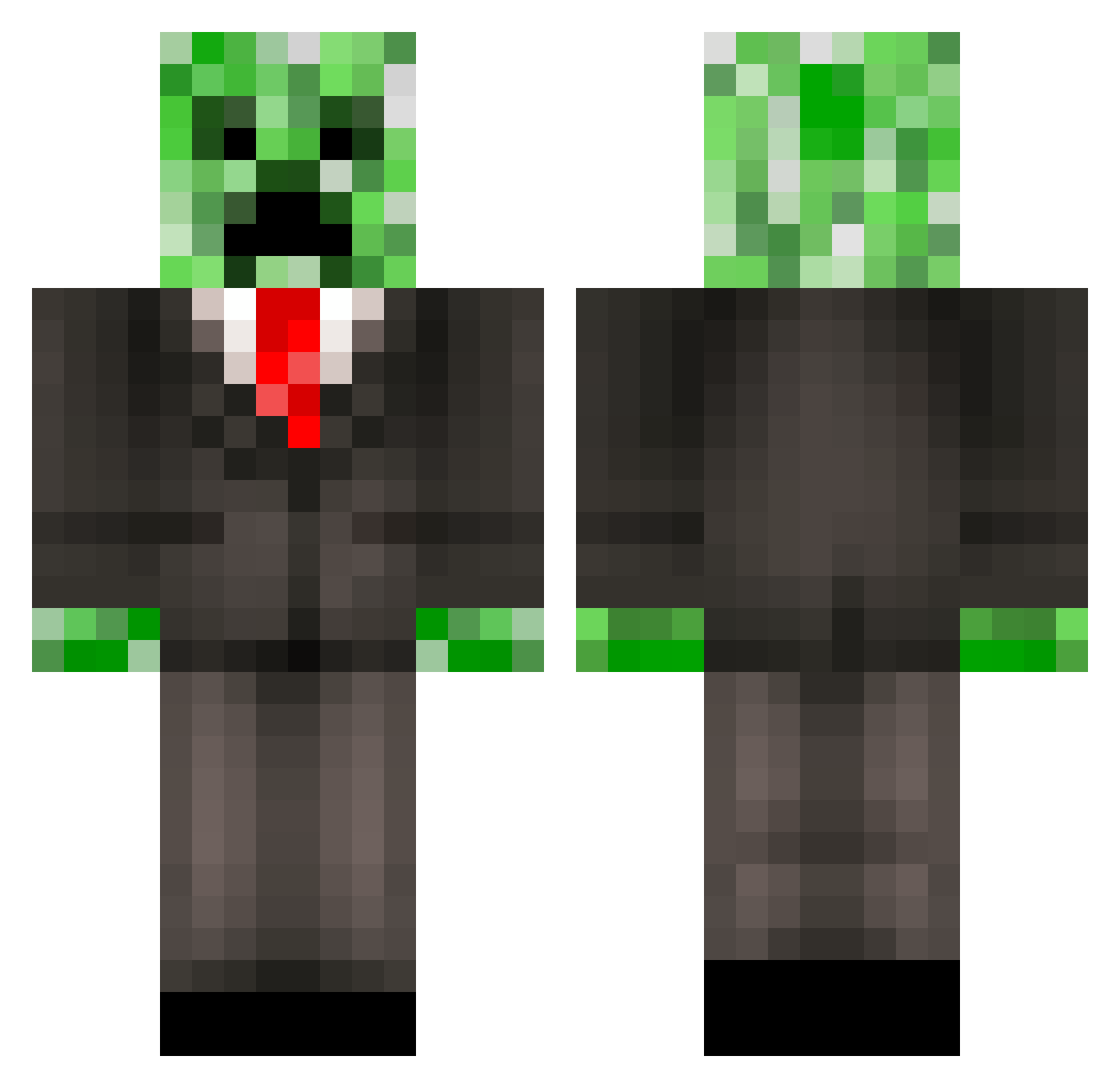
Current Minecraft skin of the player RealKasumi, loaded from the official Mojang API. Rotate the 3D model with your mouse or finger, then download the skin as a PNG file and use it in Minecraft: Bedrock Edition or Java Edition for free. When RealKasumi changes their skin, this page updates automatically and the old skin stays in the history below.
Other players with this skin (102)
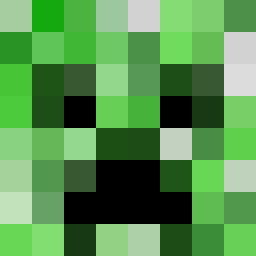
RealKasumi was the 44th player we have seen with this skin, first spotted on 15.09.2026. The same skin was seen on these players. Open a nickname to see their current skin and skin history.
 MRRXXX O1iawesome lOWTIERGODD yeongmin39 TheMightyHead HarDSofT_
 Egippig3 SYITZER LaPataDePierini shadowgundam SoggyBread004 yosshi09 cwlcwlcwl AdeqLrl Zayloak canggianelli MasterChronis _GoHome_ paulinho084 Cheerysama greentea24 the_dill_pickle Silversoldier11 cjdemon SikkiNixxs420 BartWDZ Wend_er Hildigar Taddydoodles Xx_Eloi_xX bj0rnb Sifilis_gamer Adr3nalyn jibo007 Mr_creeper18 MrP0tat0123 kshoapk Charlie183609 SekiroSebastian cainan135 Jamboroo BodyaYC TritonX_100 Sparta13456 Skellapeal Real_Jo DGoPil ADMinistro chrisclark97479 El_Samuelito St4chur5kY__ Macielzera_ konet237 Oznomes Drogho67 tegod77 BaBaChuan ensconced Athl33 SAPRAN_114
More Creeper Minecraft skins
How to install the RealKasumi skin
- Press the Download button above to save the skin as a PNG file.
- Minecraft: Bedrock Edition (PE): open the Dressing Room from the main menu (or tap your character → Edit Character), go to Classic Skins → Owned, press the + (new skin) button, choose the downloaded PNG and pick the Classic (Steve) model. Works on PC and mobile; consoles cannot import custom skins.
- Minecraft: Java Edition: open the Minecraft Launcher, go to the Skins tab, click New Skin, load the PNG, pick the Classic (Steve) model and press Save & Use. You can also upload it at minecraft.net → Profile → Change Skin.
The skin does not show up after import - what should I do?
Restart Minecraft and open the Dressing Room again - imported skins sometimes appear only after a restart. Also make sure you selected the imported skin and picked the Classic (Steve) model.
Which model should I choose, Classic or Slim?
This skin is designed for the Classic (Steve) model. If you pick the wrong model, the arms of the skin will look stretched or squeezed.
Is the skin of RealKasumi free to download?
Yes. Press Download, save the PNG file and use it in Minecraft: Bedrock Edition or Java Edition - no payment or registration needed. The skin also works on multiplayer servers and Realms.
More skins
Looking for more? Go back to all Minecraft skins and check the top skins of the week, month and all time, or find any player's skin by nickname.